[Exposure] and [Focus] are automatically set to [Manual].
[97] How to Use
Menu operations Camera/Mic
Spot Meter
Exposure can be adjusted and set for the selected subject automatically. This function is
useful when there is strong contrast between the subject and the background, such as
subjects in the spotlight on stage.
1. - [Camera/Mic] - [ Manual Settings] - [Spot Meter].
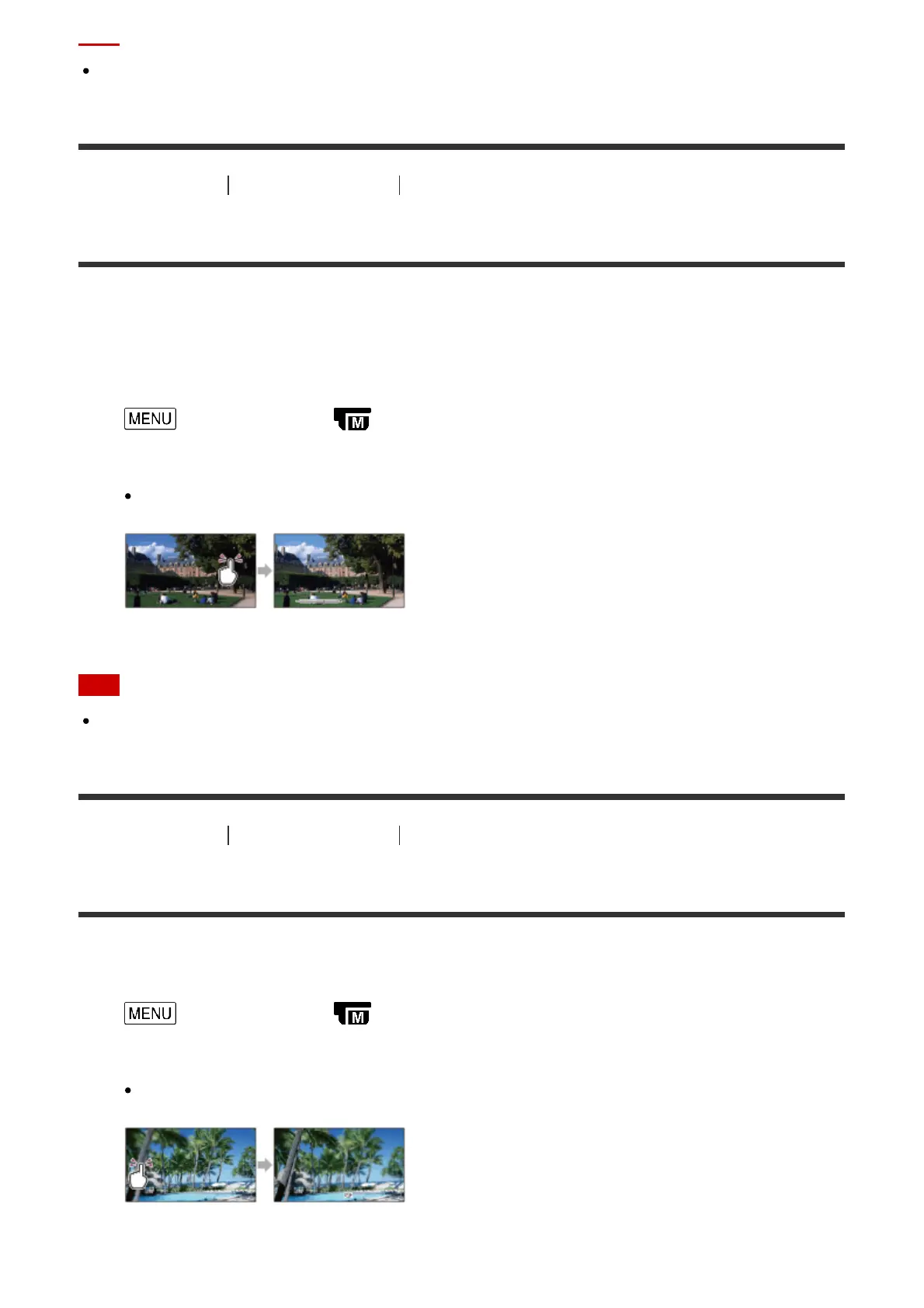
2. Touch the subject which you want to adjust the exposure.
To return the setting to automatic exposure, select [Auto].
Note
[Exposure] is automatically set to [Manual].
[98] How to Use
Menu operations Camera/Mic
Spot Focus
Focus can be adjusted automatically for the subject selected.
1. - [Camera/Mic] - [ Manual Settings] - [Spot Focus].
2. Touch the subject which you want to adjust the focus.
To adjust the focus automatically, select [Auto].



 To Next Page