2. On the LCD monitor of this product, select - [Wireless] - [ Function] - [Ctrl with
Smartphone].
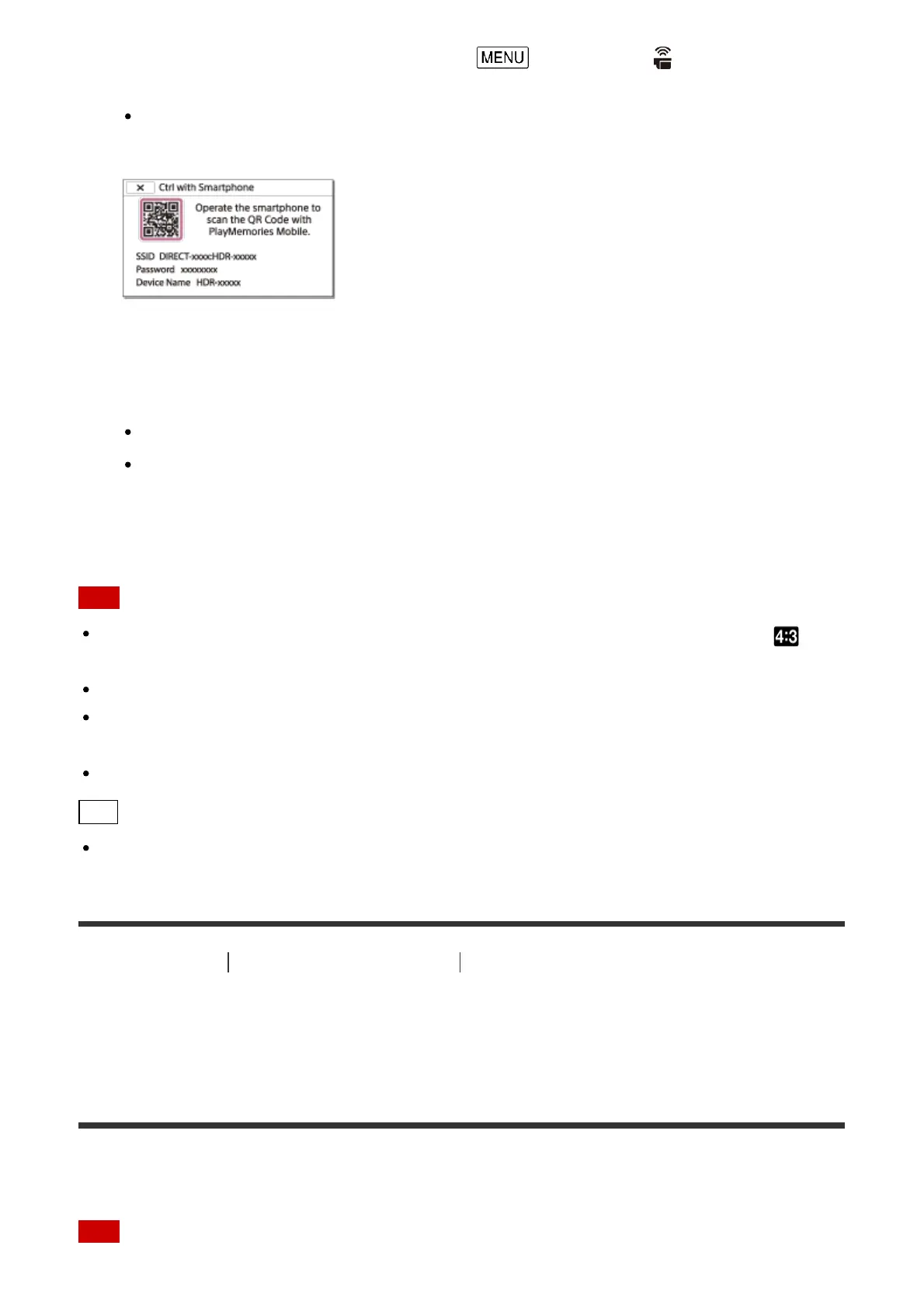
The QR Code, SSID, password and device name are displayed on the LCD monitor
of this product. This product is now ready to be operated using your smartphone.
3. Start PlayMemories Mobile, select [Scan QR Code of the Camera] - [OK] - [OK], then
scan the QR Code displayed on the LCD monitor of this product with your smartphone
or tablet.
Connect to this product using your smartphone.
For details on connecting your smartphone, see “Related Topic.”
4. Operate this product using your smartphone.
Note
The photo size stored on the smartphone is [2M] except when the image size is [ S
(VGA)].
Movies are recorded on this product and are not stored on the smartphone.
The operation methods and display screens for the application are subject to change
without notice by future upgrades.
This application is not guaranteed to work on all smartphones and tablets.
Hint
For the latest supported OS, refer to the download page of PlayMemories Mobile.
[74] How to Use
Using the Wi-Fi function Controlling via a smartphone
Using your smartphone or tablet as a wireless remote
commander using the NFC function (NFC one-touch
remote)
You can operate this product using your NFC-enabled smartphone or tablet as a wireless
remote commander.
Note



 To Next Page