[38] How to Use Playback Editing images from the playback screen
Deleting by date
Select unnecessary images by date of recording and delete them.
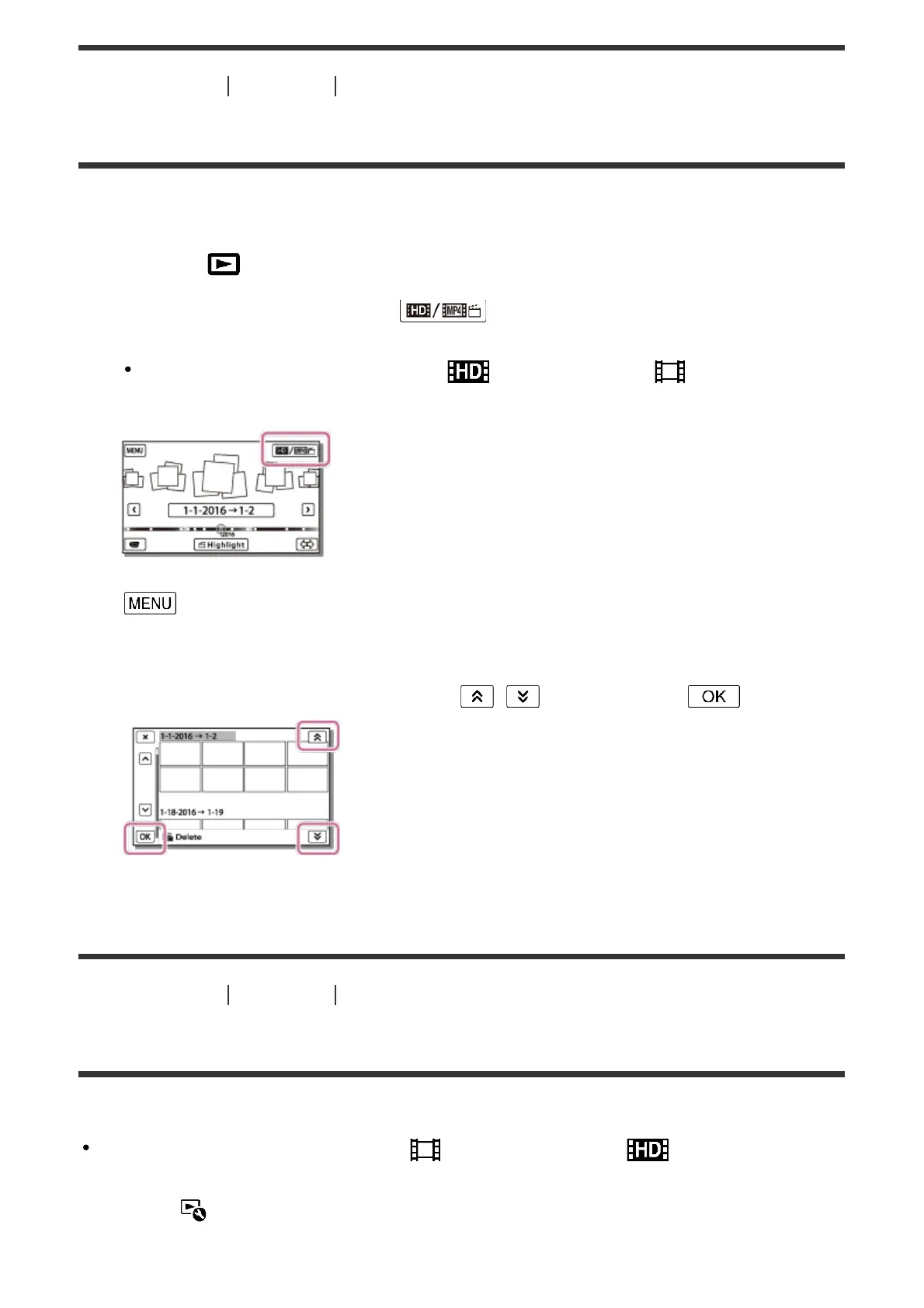
1. Press the button on this product to enter the playback mode.
2. On the Event View screen, select , and then select the movie format you
want to delete.
Another icon may appear instead of depending on the [ File Format]
setting and the movie playback format.
3. - [Edit/Copy] - [Delete].
4. Select [All In Event].
5. Select the date you want to delete using / , and then select .
[39] How to Use Playback Editing images from the playback screen
Dividing a movie
Split a recorded movie at your desired point.
This function is available only when [ File Format] is set to [ AVCHD].
1. Select - [Divide] on the movie playback screen.



 To Next Page