attempt to operate this product for more than about 1 minute ([Power Save]).
[241] Troubleshooting Troubleshooting Monitor
The image in the LCD monitor is not clear.
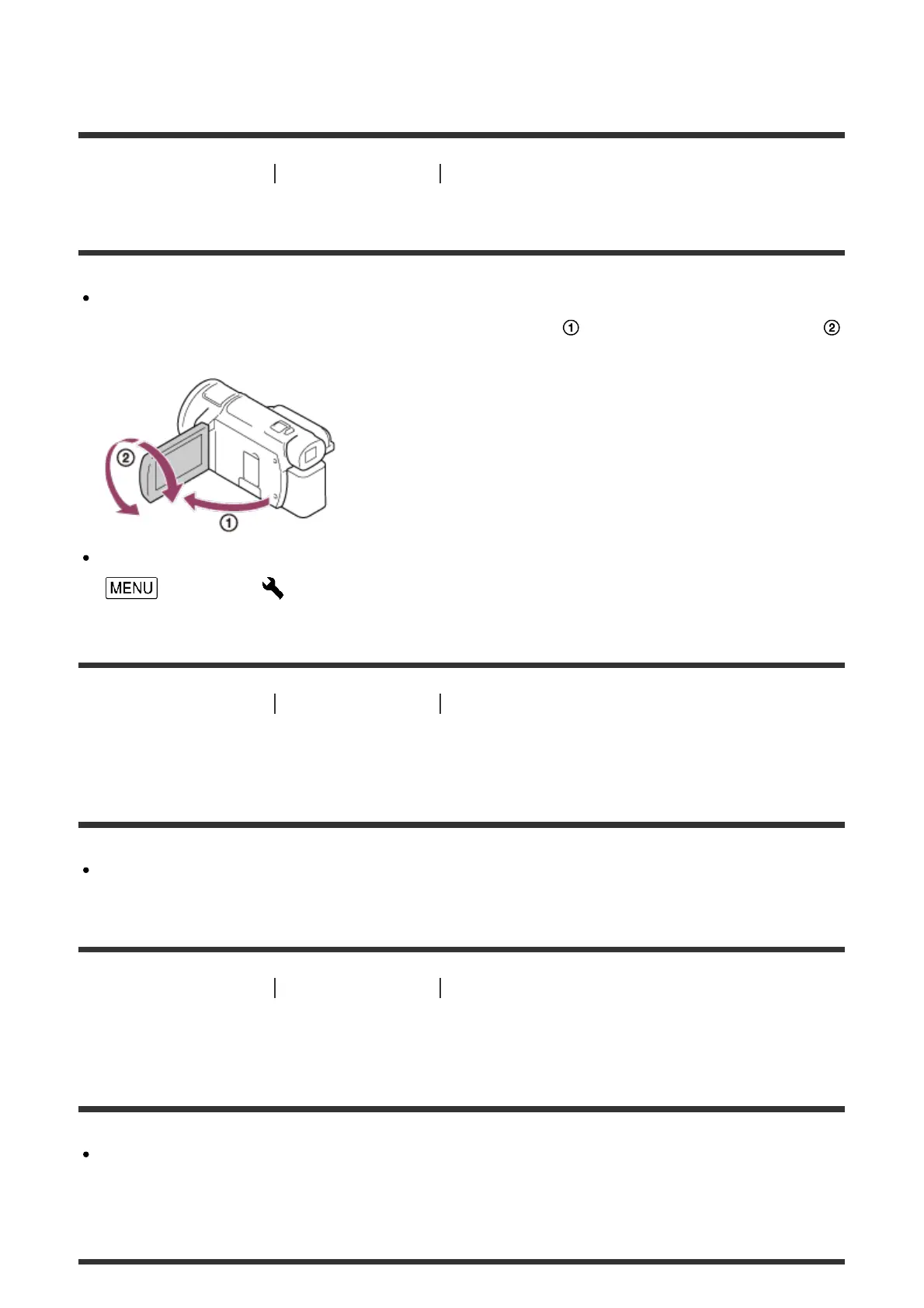
You can adjust the angle of the LCD monitor for easier viewing.
First open the LCD monitor 90 degrees to this product ( ), and then adjust the angle (
).
You can adjust the brightness of the LCD monitor.
- [Setup] - [ General Settings] - [Monitor Brightness] - [Bright].
[242] Troubleshooting Troubleshooting Viewfinder
The image in the viewfinder is not clear (models with the
viewfinder).
Move the viewfinder lens adjustment lever until the image appears clearly.
[243] Troubleshooting Troubleshooting Viewfinder
The image in the viewfinder is no-longer displayed
(models with the viewfinder).
Close the LCD monitor. Even if the viewfinder is pulled out, no image is displayed in the
viewfinder when the LCD monitor is open.



 To Next Page