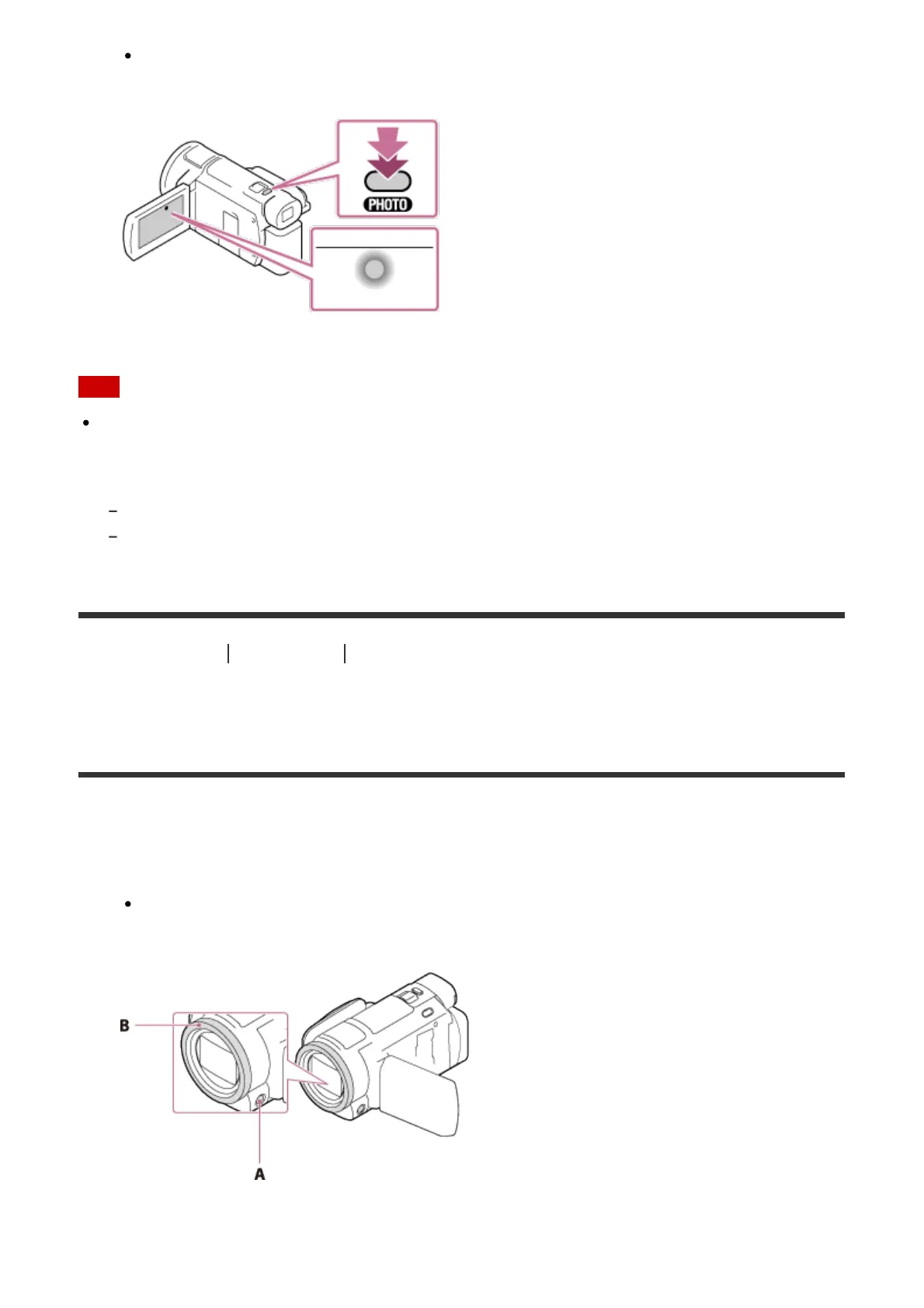
When the focus is adjusted properly, the AE/AF lock indicator appears on the LCD
monitor.
Note
The following states will be indicated if data is still being written onto the recording media
after recording has finished. During this time, do not apply shock or vibration to this
product, or remove the battery pack or AC Adaptor.
Access lamp is lit or flashing
The media icon in the upper right of the LCD monitor is flashing
[20] How to Use Recording Changing the brightness manually for recording
Controlling the image settings manually with the
MANUAL ring (models with the viewfinder)
Use the functions assigned to the MANUAL button or MANUAL ring.
1. Press the MANUAL button to switch to the manual operation mode.
Pressing the MANUAL button switches the operation mode between manual and
automatic. (Except when [Zoom] is assigned to the MANUAL ring)
A: MANUAL button
B: MANUAL ring



 To Next Page