Hint
You can also view images on a TV connected to this product.
When an external media device is connected, will appear on the Event View screen.
To play back the images saved on an external media device using your computer, select
the drive that represents the external media device on the PlayMemories Home software,
and then play movies.
[65] How to Use
Saving images Saving images on an external media device
Deleting images in the USB external hard disk device
Delete images saved on a USB external hard disk device.
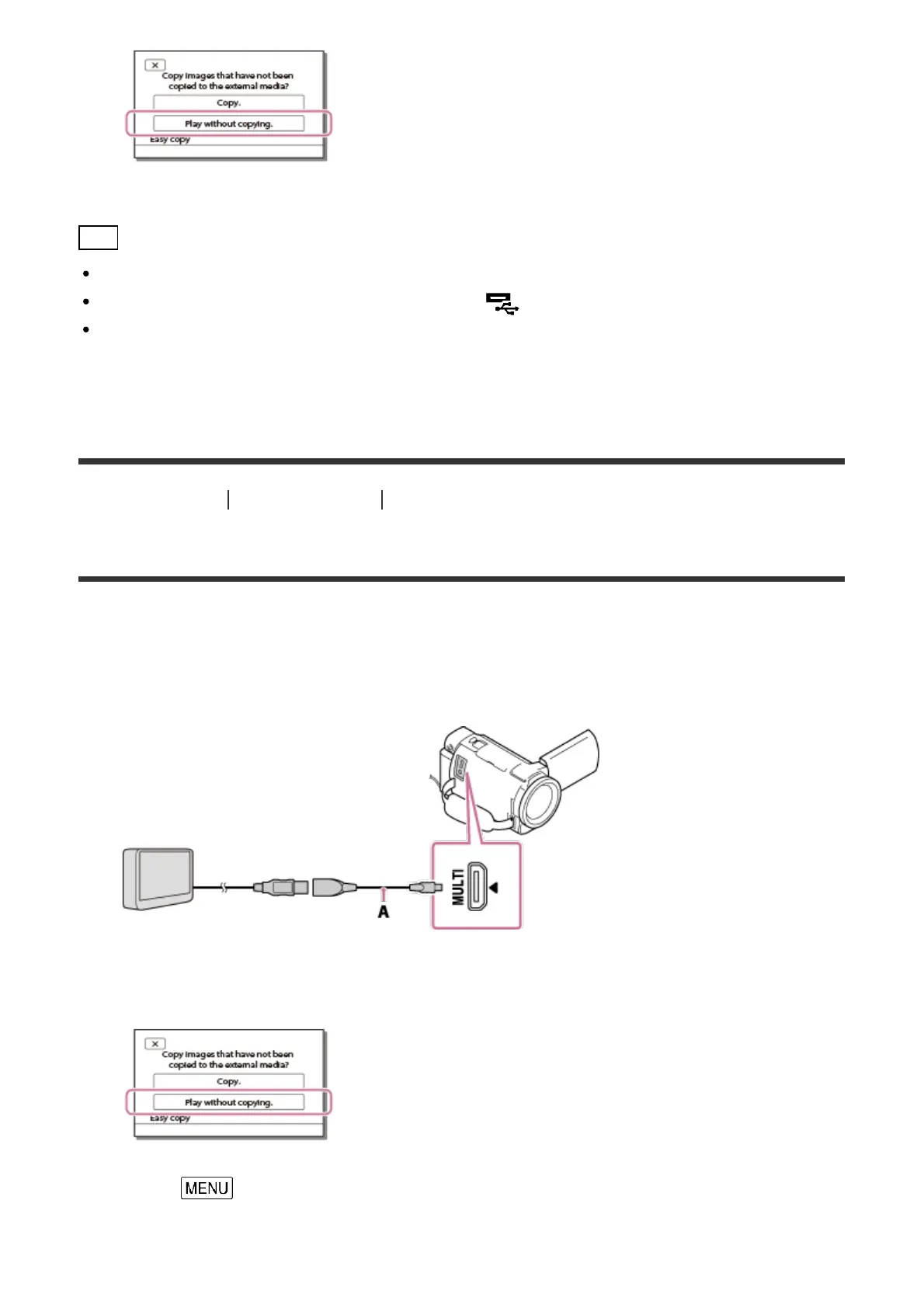
1. Connect this product to the external media device using a USB Adaptor Cable (sold
separately).
A: USB Adaptor Cable (sold separately)
2. Select [Play without copying.].
3. Select - [Edit/Copy] - [Delete], and then follow on-screen instructions to delete
images.



 To Next Page