XBR-49/55/65/75X900E
ADJUSTMENT
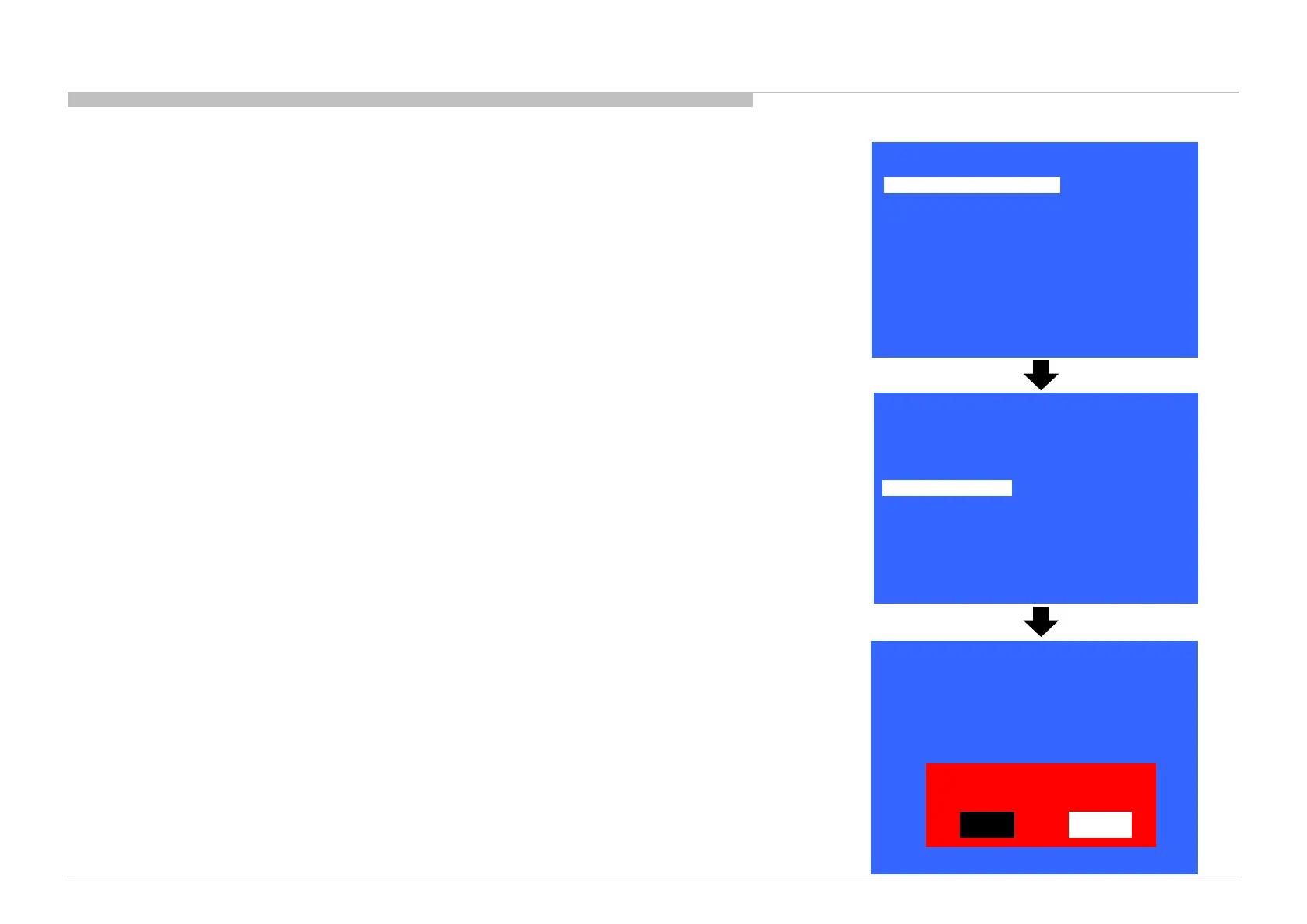
SERIAL NUMBER EDIT (1)
1) In “Service Mode”, select “Model Information” by pressing “↑” or “↓” button then pressing “Enter” or
“→” button to enter inside.
2) Select “Serial Number Edit” by pressing “↑” or “↓” button then pressing “→” button.
3) Press “↑” or “↓” button to input numbers.
4) After user input data, press <Enter> .
• Pop-up dialog appear to confirm input data correct
• Serial Number can be set ONLY ONCE
5) Press “→” or “←” button to select YES or NO.
Select YES if input data is correct.
Select NO if input data is incorrect.
Press <Enter> to save answer.
12
>>
>>
>>
>>
>>
>>
>>
[</>] Set [Home]Exit
General Setting
Tuner
Wi-Fi / BT
Service Mode
Model Information
Self diagnosis History
Video / Audio
Panel / PQ
>> SDB Service Menu
Model Number Setting
Serial Number Edit
_ _ _ _ _ _ _
Model
Status Information
>>
Model Information
>>
>>
[</>] Set [Home]Exit
Model Number Setting
Serial Number Edit 9 9 9 9 9 9 9
Model
Status Information
>>
Model Information
>>
>>
Yes
No
Input Data correct?
[</>] Set [Home]Exit
* The font color of YES/NO is change to black when it is selected.










 To Next Page