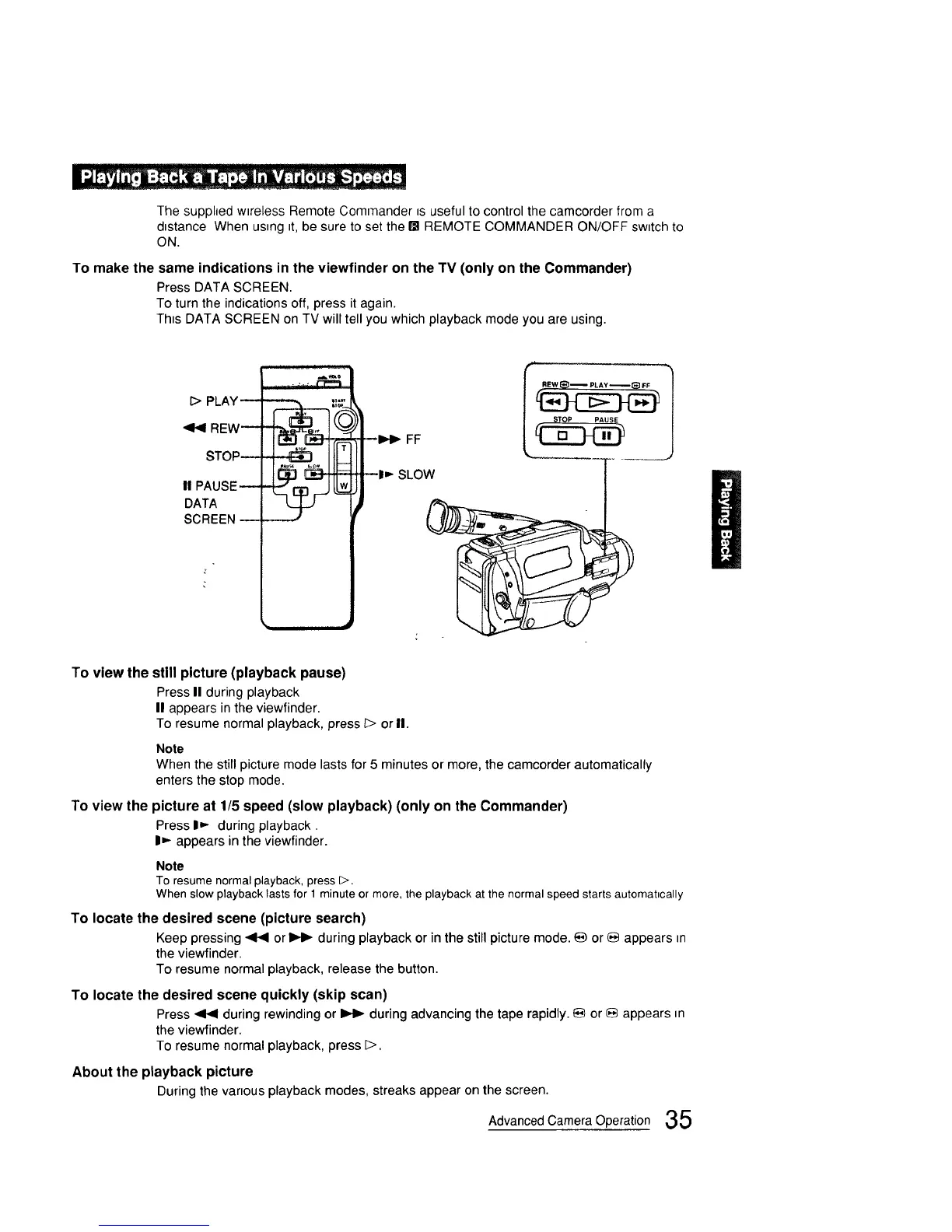
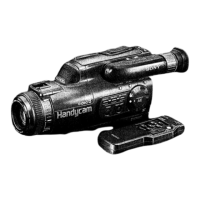
The supphed wtreless Remote Commander _suseful to control the camcorder from a
dtstance When usmg tt, be sure to set the BI REMOTE COMMANDER ON/OFF swttch to
ON.
To make the same indications in the viewfinder on the TV (only on the Commander)
Press DATA SCREEN.
To turn the indicationsoff, press it again.
Th_sDATA SCREEN on TV willtell you which playback mode you are using.
I> PLAY_
REW--
STOP--
II PAUSE
DATA
SCREEN
i Ii " ±'""
To view the still picture (playback pause)
Press II during playback
II appears in the viewfinder.
To resume normal playback, press _> or II.
Note
When the still picture mode lasts for 5 minutes or more, the camcorder automatically
enters the stop mode.
1"oview the picture at 1/5 speed (slow playback) (only on the Commander)
Press I_ during playback.
I1_ appears in the viewfinder.
Note
To resume normal playback, press D.
When slow playback lasts for 1minute or more, the playback at the normal speed starts automatically
To locate the desired scene (picture search)
Keep pressing _ or _ during playback or in the still picture mode. _ or _ appears m
the viewfinder.
To resume normal playback, release the button.
To locate the desired scene quickly (skip scan)
Press_ during rewinding or _ duringadvancing the tape rapidly._ or _ appears m
the viewfinder.
To resume normalplayback, press D.
About the playback picture
During the var=ousplayback modes, streaks appear on the screen.
Advanced Camera Operation 35



 To Next Page