Welcome to Video 8
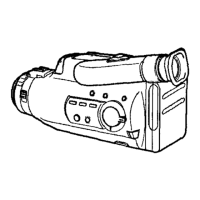
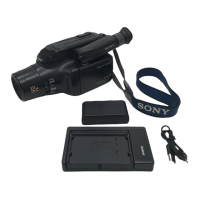
Congratulations on your purchase of this Sony Handycam ® camcorder.
With your Handycam you can capture life's precious moments with superior
picture and sound quality. Your Handycam is loaded with advanced
features, but at the same time it is very easy to use. You will soon be
producing home video that you can enjoy for years to come.
This manual shows you how to operate your camcorder. To get the most out of the
features of your Handycam, we recommend you read this manual thoroughly before using.
But if you want to shoot as soon as possible, please read the chapters, Getting Started
and Basic Camera Operation. Once you are familiar with basic operations, you may want
to proceed to the chapter, Advanced Camera Operation.
• When you are reading through this manual, please remember that buttons and settings
on the camcorder are shown in capital letters:
e.g. Set the POWER switch to CAMERA.
• Use "Identifying the Parts" as an index to look for a function and operation according to
the indication printed on the camcorder itself.
TV color systems are different depending on the countries.
If you want to view the playback picture on a TV, you need an NTSC system based TV or
a PAL-M system based TV with NTSC/PAL-M transcoder (as this is an NTSC system
based camcorder). Please check the list on page 42 to see the TV color system of your
country.
You can use the supplied RFU adaptor only in the country where you bought this
camcorder. Since each country has its own electricity and TV color system, you may not
be able to use the RFU adaptor when you use the camcorder abroad.
" 0 0 e
Television programs, films, video tapes, and other materials may be copyrighted.
Unauthorized recording of such materials may be contrary to the provision of the copyright
laws.
4 Before You Begin



 To Next Page