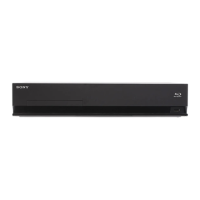
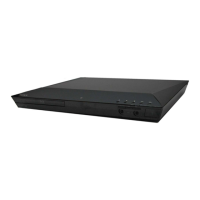
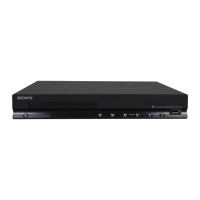
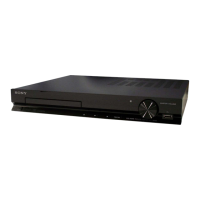
HBD-E2100/E3100/E3200/E4100/E6100
22
BD SERVICE MODE
Note: The operation in this mode must use a remote commander and TV
monitor.
Setting method of the BD service mode:
1. Connect this unit with TV monitor.
2. Press the [
?/1
] button to turn the power on.
3. Press button in order of the [DISPLAY] [0] [2] [1]
[SUBTITLE] on the remote commander. (Make the interval
when each button is pressed within two seconds)
4. Enter the BD service mode. The OSD menu on TV monitor
can be operated by remote commander.
1. Main Functions
• Diag
Performs unit test of devices installed on the board.
• Log
Error log is displayed. Displayed contents can also be saved in
an USB memory device.
• Factory Initialize
Restores the unit to its factory settings.
• Network
Checks the wired network connection.
• Version Up
• System Information
Displays the system information of the unit.
Displays information such as the software version, drive infor-
mation, etc.
• EMC Test Mode
Not used.
• Drive
Write drive OP data and check drive.
• HDD Mode
Not used.
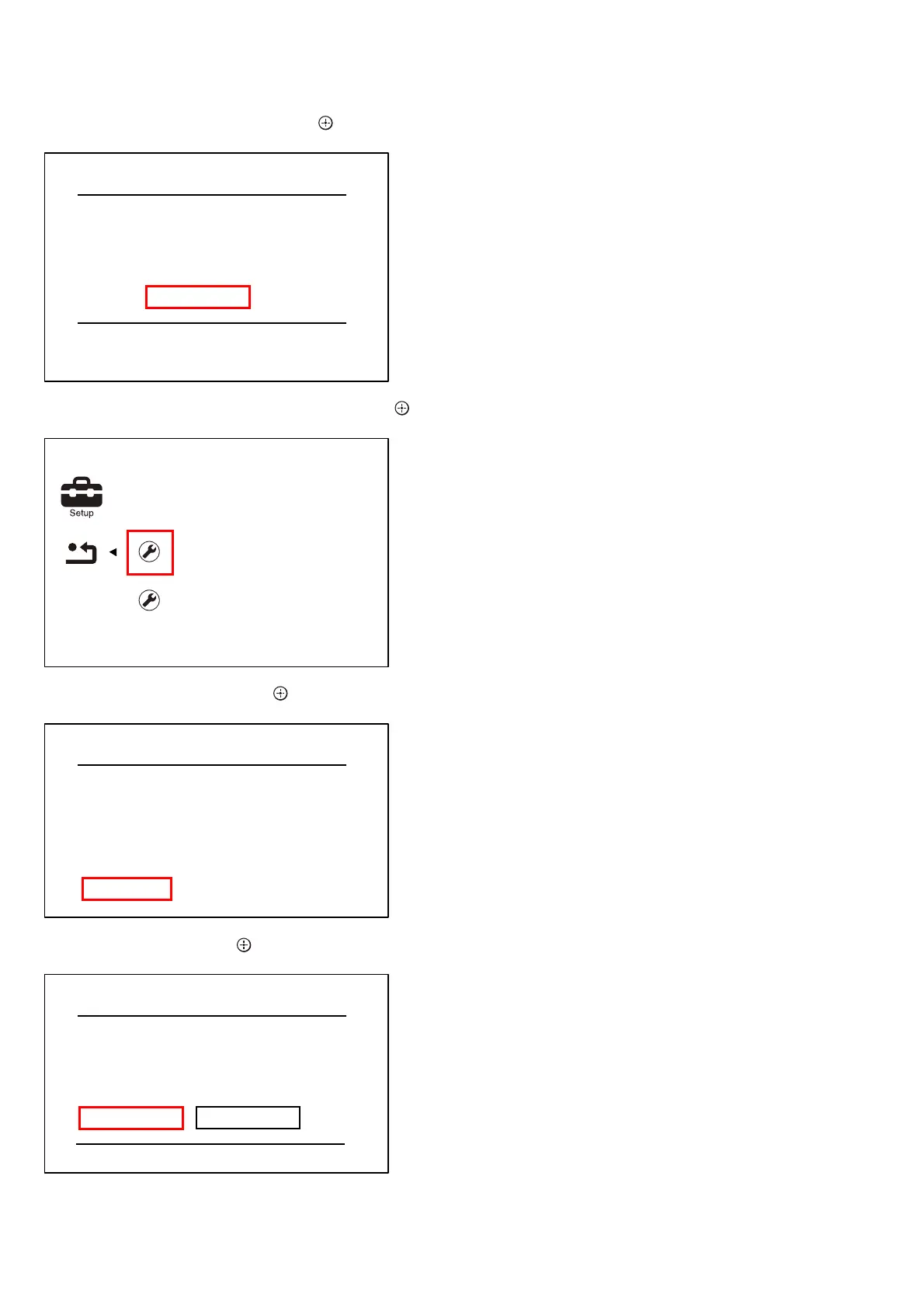
6. The message “Close” appears, and press the [
] button on the
remote commander.
7. Select “Reset to Factory Default Settings”, and press the [
]
button on the remote commander.
8. Select “All Settings”, and press the [ ] button on the remote
commander.
9. Select “Start”, and press the [ ] button on the remote com-
mander.
10. Initialization ends when the message “HELLO” on the
fl uorescent indicator tube disappears.
Initialize Personal Information
Close
Initialization complete.
Initialize Personal Information
Reset to Factory Default Settings
Restore each setting to the factory d
Reset to Factory Default Settings
Screen Settings
Audio Settings
BD/DVD Viewing Settings
Parental Control Settings
System Settings
Network Settings
All Settings
All Settings
Restore all settings to the factory default
settings. The system will turn off after
reset.
Start
Cancel
Ver. 1.5



 To Next Page