HCD-SHAKE33/SHAKE77
20
[MODEL & DEST WRITE MODE]
This mode is used to set software model & destination.
This mode only available when no permanent model & destination
is stored.
Procedure:
1. Press [MOVIE/GAME] button & [LED PATTERN] button
simultaneously and hold for 5 seconds.
2. Fluorescent indicator tube display will show “M XXXXX”.
3. Press [
n
/
+] / [
-/
p
] button to select the model based on the
set’s model.
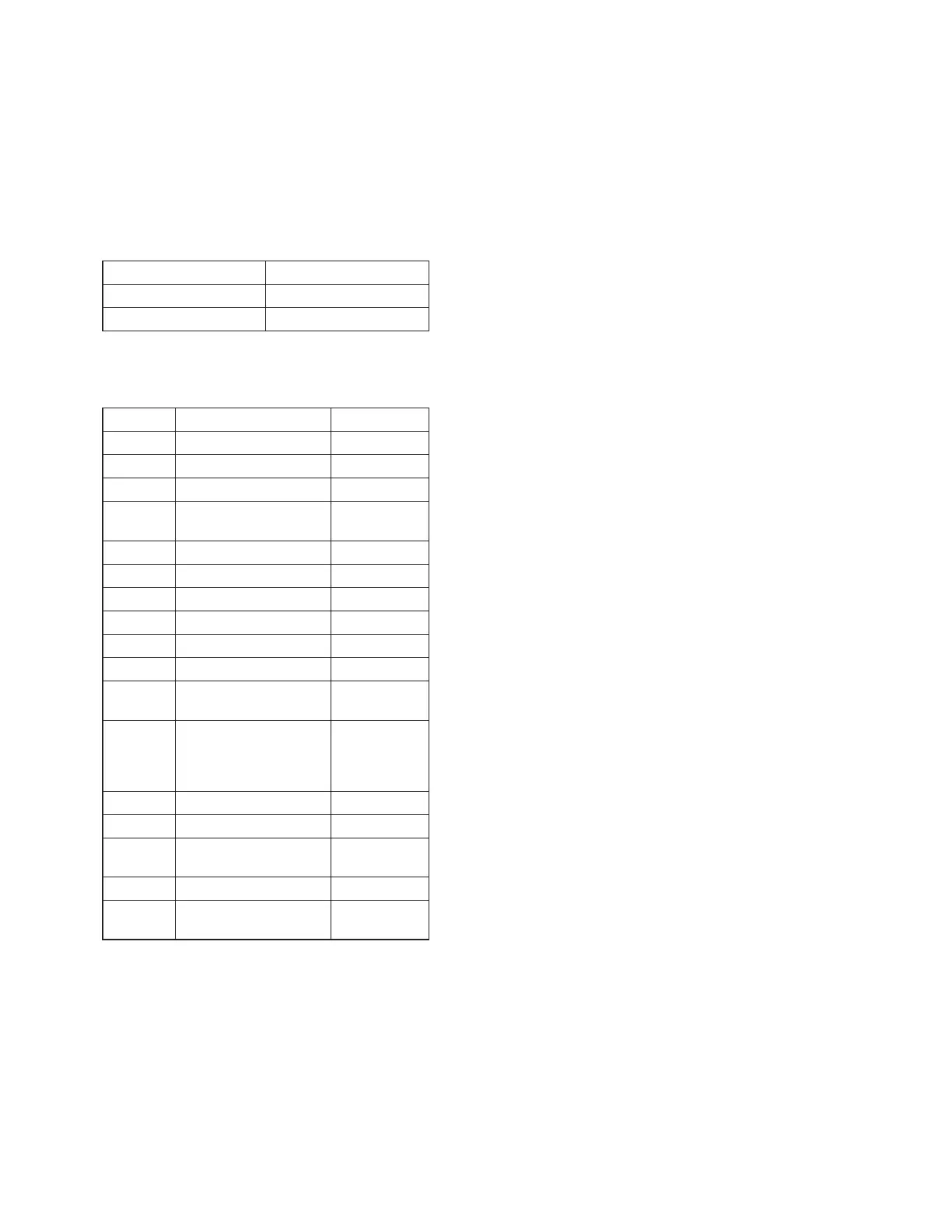
Product Code F. Tube display
SHAKE-33 “M MAGMA3”
SHAKE-77 “M MAGMA7”
4. Press [ENTER] button.
5. Fluorescent indicator tube display will show “D XXXXX”.
6. Press [
n
/
+] / [
-/
p
] button to select the destination based
on the set’s country.
Area Code Country F. Tube display
J1 Japan “D J”
JE1 Tourist “D JE”
U2/CA2 America, Canada “D NA”
CEL/CE1/
CE2
Europe(general) “D CE2”
CEK U.K. “D CEK”
RU1/RU3 Russia “D RU”
AU1 Australia “D AU”
CN1 China “D CN”
E12 India, Pakistan, Morocco “D E12”
E3/E15 Middle East, Iran “D E3”
E4/EA3/
E93/SA2
Saudi Arabia, Africa “D EA3”
HK1/
HK2/PL1/
SP1/SP2/
SP6/TH1
Hong Kong, Philippines,
Singapore, Malaysia,
Thailand
“D ASIA”
KR2 Korea “D KR”
TW2 Taiwan “D TW”
E2, E32,
E51, AR2
Latin America(general),
Chile, Peru, Argentina
“D LATIN”
BR1 Brazil “D BR”
MX2,
MX4
Mexico “D MX”
7. Press [ENTER] button to con
fi
rm the selection.
8. “RESET” appears on the
fl
uorescent indicator tube. After that,
the
fl
uorescent indicator tube becomes blank for a while, and
the system is reset.
9. Mode in [PANEL TEST MODE] again to con
fi
rm on the
model & destination.








 To Next Page