Adjusting and Setting With Menus
HD-SDI Menu / PC-OUTPUT Menu
37
HD-SDI Menu
The HD-SDI menu is displayed only when the HFBK-
HD1 HD Interface Board is inserted into the card slot of
the camera.
ANALOG OUT
Select the component signal output from the MONITOR
connector (D-sub 15-pin) on the HFBK-HD1 HD
Interface Board.
YPbPr: Outputs analog component signals.
RGB: Outputs RGB signals.
SYNC VD
Select the signal output from the SYNC output on the
MONITOR connector
SYNC: Outputs the tri-level sync.
VD: Outputs the bi-level sync.
ADD SYNC
Appears when RGB is selected with ANALOG OUT
and specifies whether to add a sync signal.
RGB: Outputs each R, G and B signal with a sync signal
added.
OFF: Outputs each signal with no sync signal added.
PC-OUTPUT Menu
The PC-OUTPUT menu is displayed only when the
HFBK-XG1 XGA Interface Board is inserted into the
card slot of the camera.
IMG-SIZE (image size)
Select the signal format and aspect ratio of the output
signal.
XGA [CROP]: Outputs XGA (4:3 edge crop).
VGA [LETTER]: Outputs VGA (16:9 letterbox).
XGA [LETTER]: Outputs XGA (16:9 letterbox).
VGA [CROP]: Outputs VGA (4:3 edge crop).
WXGA: Outputs WXGA.
SYNC
Specifies whether to add a sync signal to the G signal.
ON: Outputs the G signal with a sync signal added.
OFF: Outputs the G signal with no sync signal added.
VD
Select the VD polarity according to the monitor to be
used.
POS: Positive
NEG: Negative
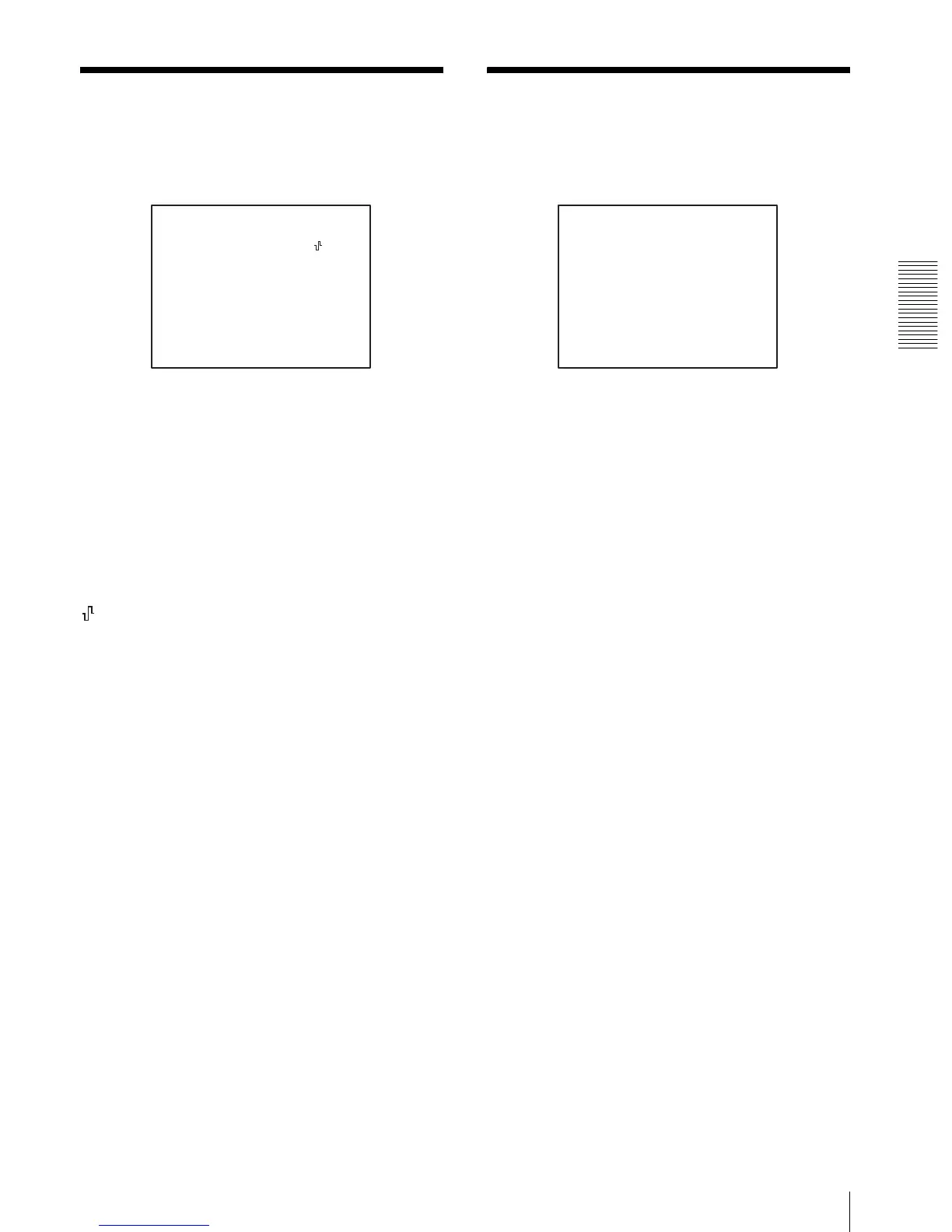
<HD-SDI>
>ANALOG OUT
SYNC/VD
YPbPr
SYNC
<PC-OUTPUT>
>IMG SIZE
SYNC
VGA[LETTER]
ON


 To Next Page