Installation and Connections
Connections
56
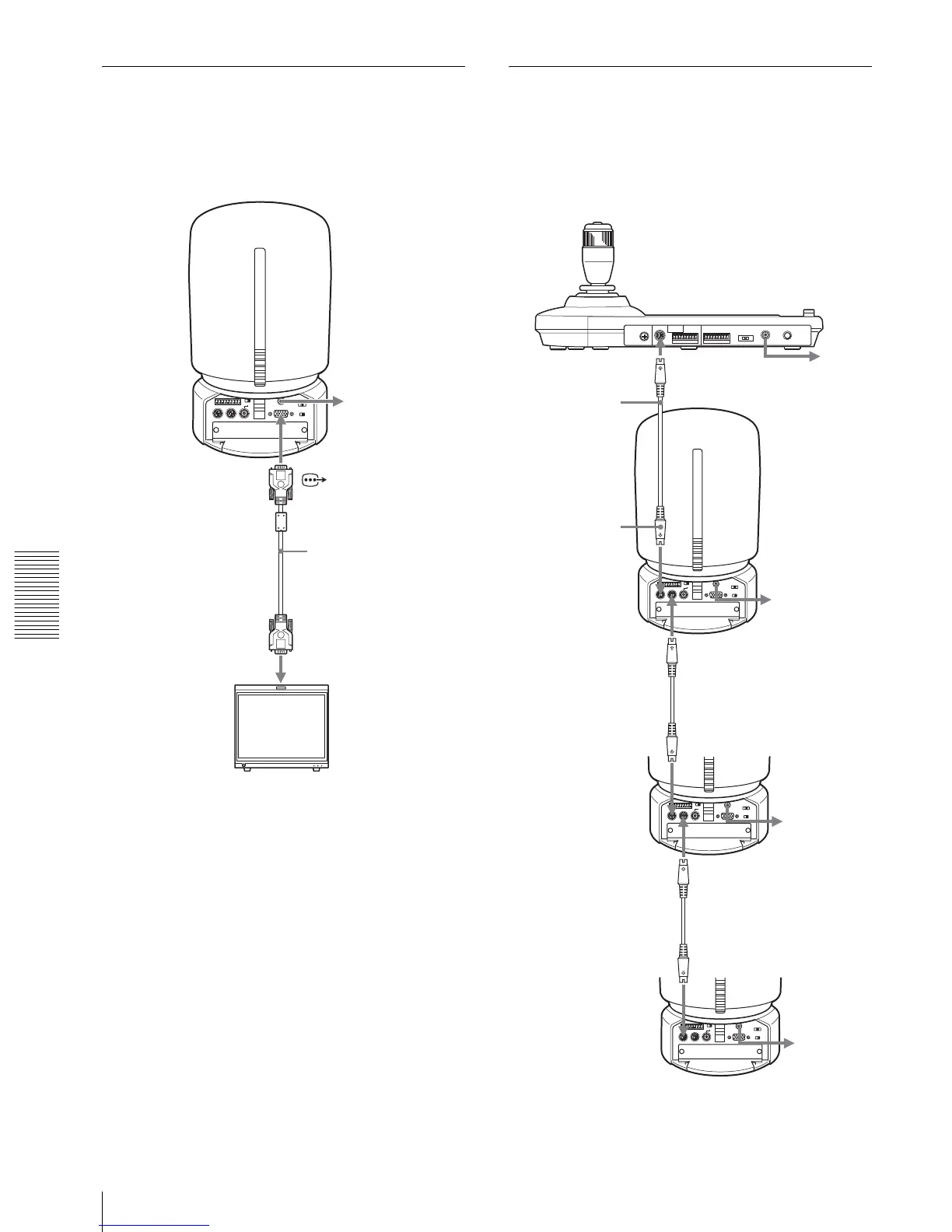
Connecting a Monitor, etc.
Equipped with the Analog
Component (YPbPr) Input
Connector
Connecting a Device Equipped with
VISCA RS-232C Connector
Connections with the VISCA RS-232C cables (cross
type) enable control of multiple cameras with a single
RM-BR300 Remote Control Unit.
to AC outlet
RGB/COMPONENT
Connecting cable with
D-sub 15-pin connectors
(commercially available)
to component video input
HD video monitor, etc.
RM-BR300 Remote Control Unit
to AC outlet
RS-232C cable
VISCA RS-232C
RS-232C cable
(supplied with the
RM-BR300)
VISCA
RS-232C IN
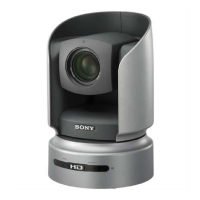
First BRC-H700
to AC outlet
VISCA RS-232C OUT
VISCA RS-232C OUT
VISCA RS-232C IN
Second BRC-H700
to AC outlet
RS-232C cable
VISCA RS-232C IN
Third to Seventh
BRC-H700
to AC outlet


 To Next Page