Installation and Connections
Connections
54
10
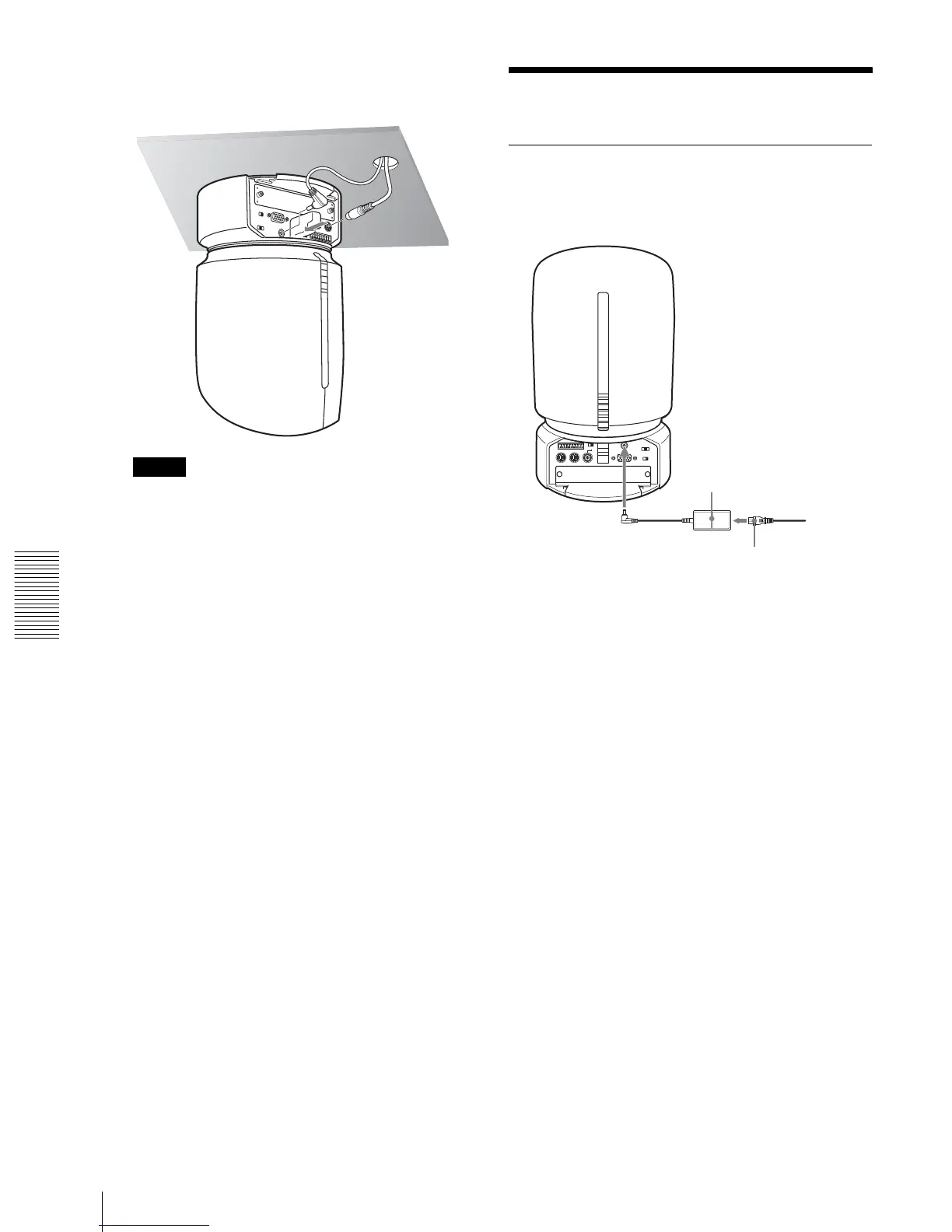
Connect the cables to the connectors on the rear of
the camera.
Note
Take the proper steps to ensure that the load of the
cables connected does not cause problems.
11
Attach the cable cover.
For attachment, see page 50.
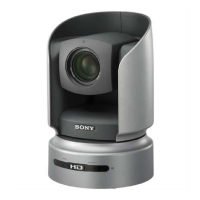
The SONY and/or HD nameplates can be turned
upside down, if necessary,
To remove the camera
1
Remove the three screws used to attach the camera
in step 9 of “Installation.”
2
Turn the camera with the bracket counterclockwise
to remove.
Connections
Connecting to an AC Outlet
Use the supplied AC power adaptor and AC power cord
to connect the camera to an AC outlet.
Ceiling
AC power adaptor MPA-AC1
(supplied)
to AC outlet
DC IN 12V
AC power cord (supplied)


 To Next Page