Listening/Watchinga component
.....
- 3
,_ _u
,o
NNNN
N
Notes
• The operation is described for a
Sony Super Audio (D player.
• Refer to the operating
instructions supplied with the
Super Audio CD player or CD
player.
Tips
• You can select the sound fiehl to
suit the music. Refer to page 46
for details.
Recommended sound fields:
( lassical: HALL
Jazz: JAZZ
Live concert: CON(ERT
• You can listen to the sound that
was recorded in the 2 cham_el
format from all speakers (multi
chalmel). Refer to page 44 for
details.
1
2
3
4
5
6
3
5
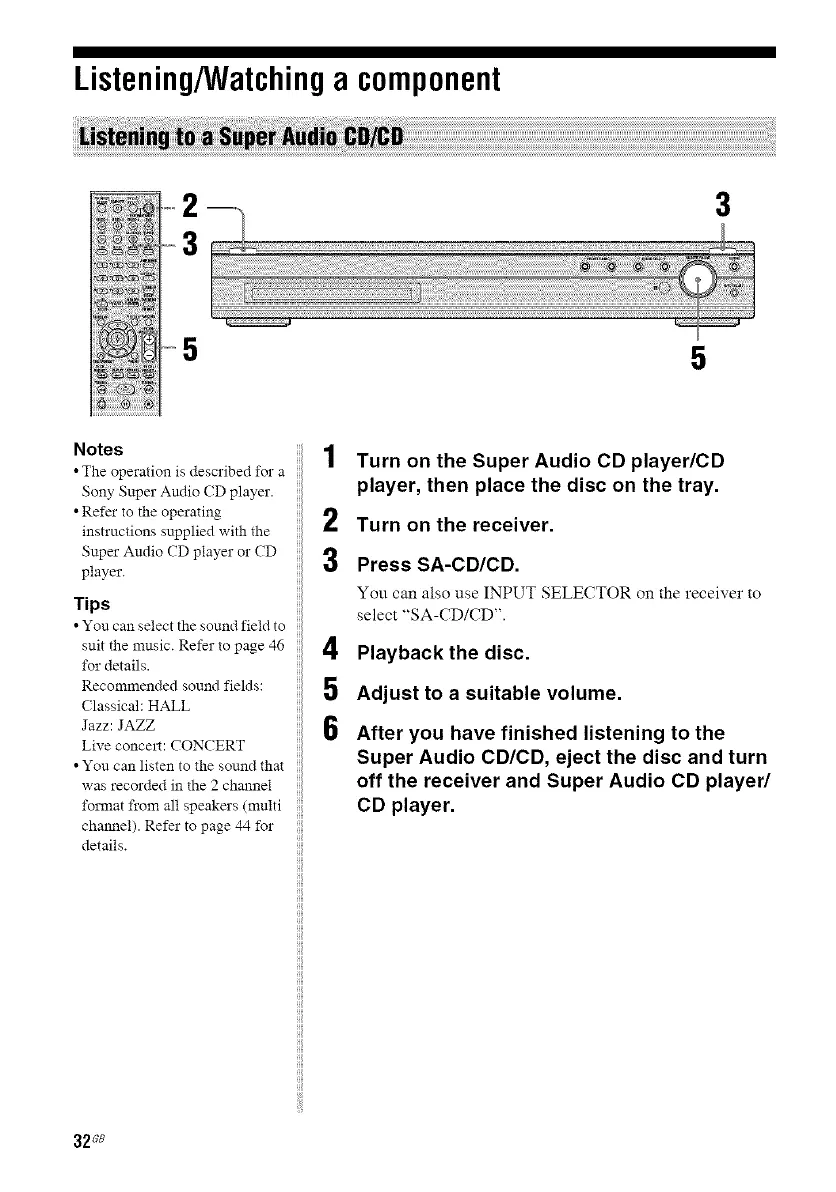
Turn on the Super Audio CD player/CD
player, then place the disc on the tray.
Turn on the receiver.
Press SA-CD/CD.
You can also use INPUT SELECTOR on the receiver to
select "SA-CD/CD".
Playback the disc.
Adjust to a suitable volume.
After you have finished listening to the
Super Audio CD/CD, eject the disc and turn
off the receiver and Super Audio CD player/
CD player.
32Ge



 To Next Page