Help Guide
IC Recorder
ICD-UX570F / ICD-UX575F
Switching the FM radio output between the built-in speaker and the headphones
You can switch the FM radio output between the built-in speaker and the headphones (not supplied) while listening to the
FM radio or recording FM radio broadcasts.
Description of menu items
You can select one of the following items:
Headphones:
You hear the FM radio from the connected headphones (default setting).
Speaker:
You hear the FM radio from the built-in speaker of your IC recorder.
Hint
The cord of headphones (not supplied) works as an FM radio antenna for your IC recorder. We recommend you use headphones
when you listen to the FM radio via the built-in speaker of the IC recorder as well.
5-006-945-11(1) Copyright 2019 Sony Corporation
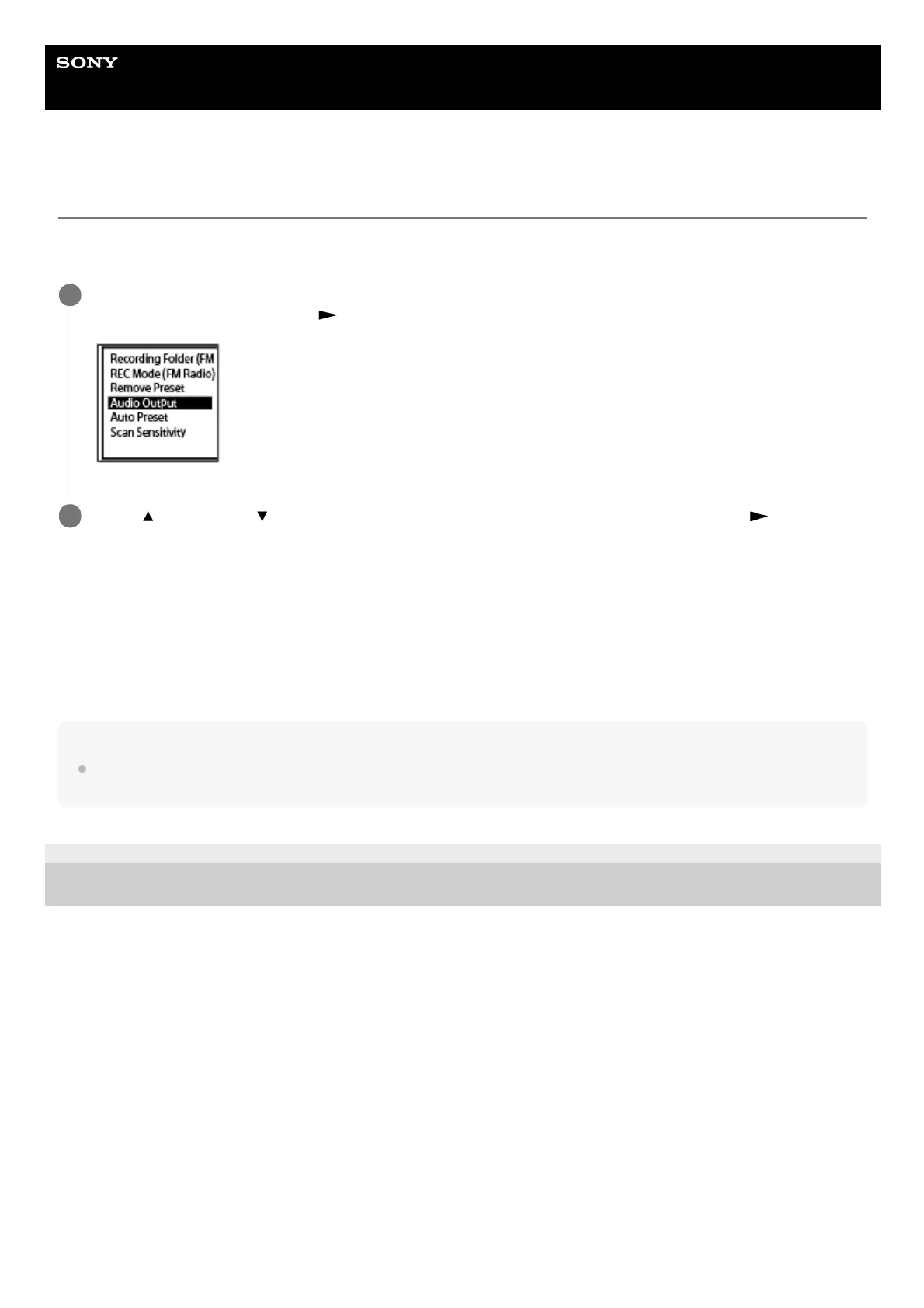
While you are listening to the FM radio or recording FM radio broadcasts, select [Audio Output] on the
OPTION menu, and then press
(play).
1
Press
(move up) or (move down) to select [Headphones] or [Speaker], and then press (play).
2



 To Next Page