Help Guide
IC Recorder
ICD-UX570F / ICD-UX575F
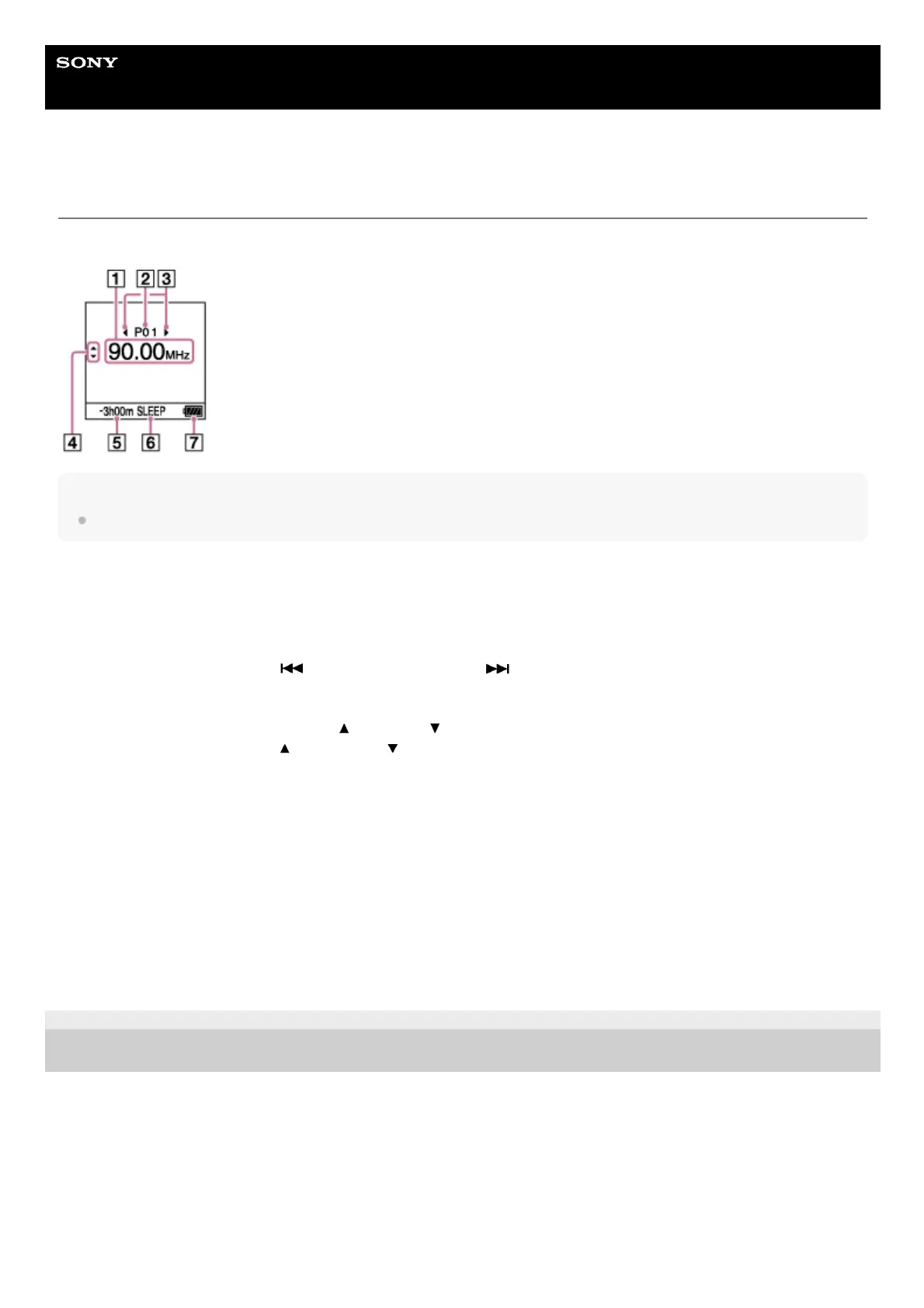
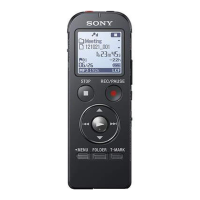
Display window while listening to the FM radio
The following describes the display window during FM radio broadcasts.
Note
The above screen is provided for explanatory purposes. It may look different from what you actually see on your IC recorder.
5-006-945-11(1) Copyright 2019 Sony Corporation
Radio frequency1.
Preset number2.
Preset number selection indicators
Indicates that you can press
(review/fast backward) or (cue/fast forward) to select the previous or next
preset number.
3.
Radio frequency selection indicators (
(move up)/ (move down))
Indicates that you can press
(move up) or (move down) to change the radio frequency.
4.
Remaining recording time
Indicates the remaining time available for recording in hours, minutes, and seconds.
10 hours or more: no indication
10 minutes to 10 hours: indicated in hours and minutes
Less than 10 minutes: indicated in minutes and seconds
5.
Sleep timer indicator
Indicates that the sleep timer function is turned on.
6.
Battery indicator7.



 To Next Page