Note
While recording is in progress (the operation indicator lights in red) or paused (the operation indicator flashes in red), or while
data is being accessed (the operation indicator flashes in orange), observe the following to avoid data corruption:
Do not connect/disconnect your IC recorder to/from the USB AC adaptor while the adaptor is connected to an outlet.
Do not connect/disconnect the USB AC adaptor to/from an outlet while your IC recorder is connected to the USB AC adaptor.
Connect the USB AC adaptor to a power outlet that is easily within reach so you can immediately disconnect it if any
abnormalities occur.
Related Topic
Disconnecting the IC recorder from the USB AC adaptor
Built-in rechargeable battery life
5-006-945-11(1) Copyright 2019 Sony Corporation
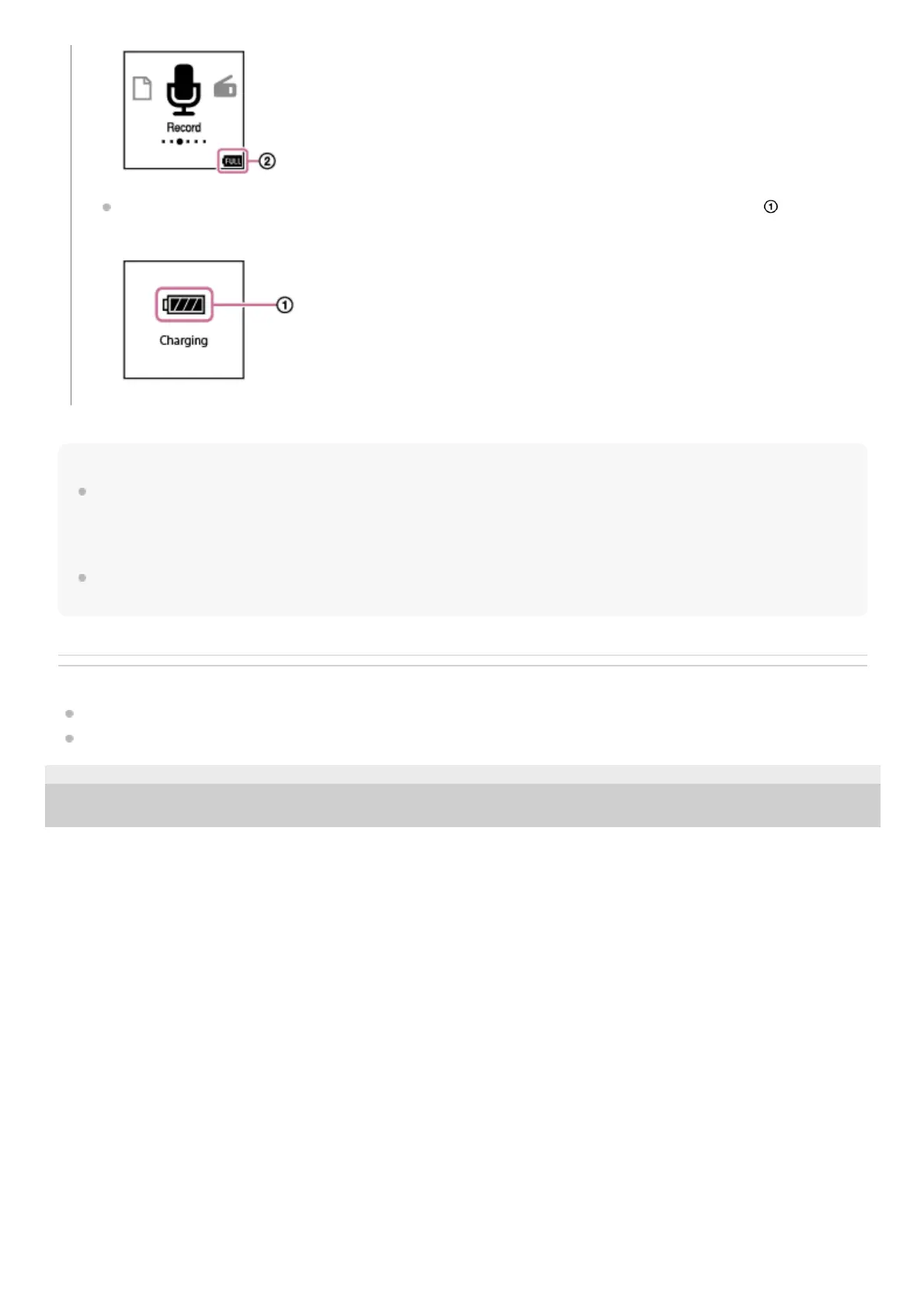
If you connect the USB AC adaptor and turn off the power, the large battery indicator animation ( ) appears on
the display window.



 To Next Page