Related Topic
Touch function icons
List of icons on the screen for shooting still images
List of icons on the screen for shooting movies
List of icons on the playback screen
TP1001273197
5-056-662-11(1) Copyright 2023 Sony Corporation
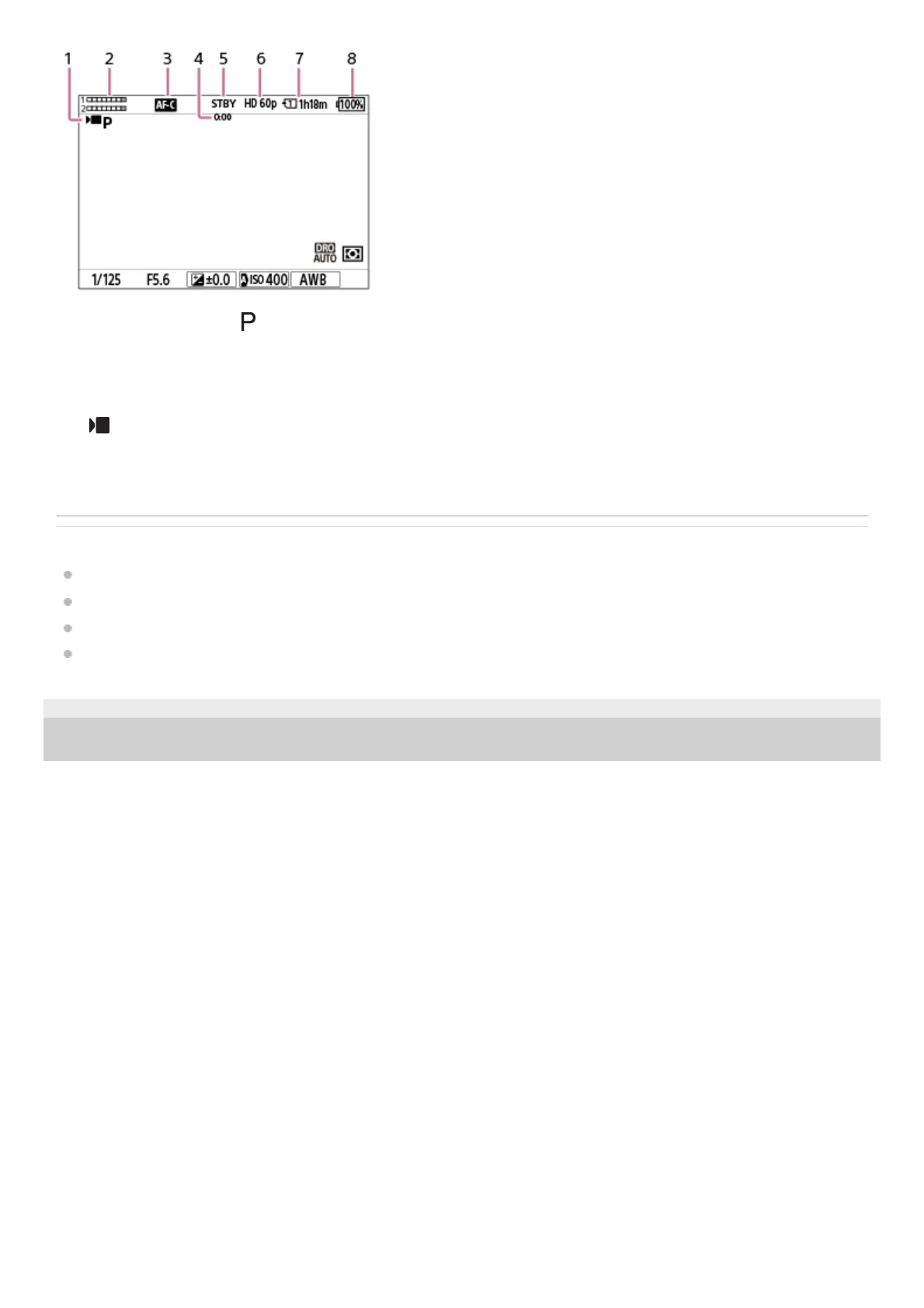
The mode dial is set to (Program Auto).1.
Audio level2.
The focus mode is set to [Continuous AF].3.
Actual shooting time of the movie4.
The camera is in the shooting standby mode.5.
[ File Format] is set to [XAVC S HD] and [Rec Frame Rate] is set to [60p].6.
Slot number of the memory card recording the shooting data and recordable movie time7.
Remaining battery level8.



 To Next Page