3-5. Error Code List
When warning, caution, or checking of operation is needed, the unit indicates a message on the LCD monitor, blinks
the TALLY LED, and beeps a warning.
When an error is detected, the error code is displayed on the LCD monitor and operation is stopped. Error codes are
displayed as E-xxxxx (x: number).
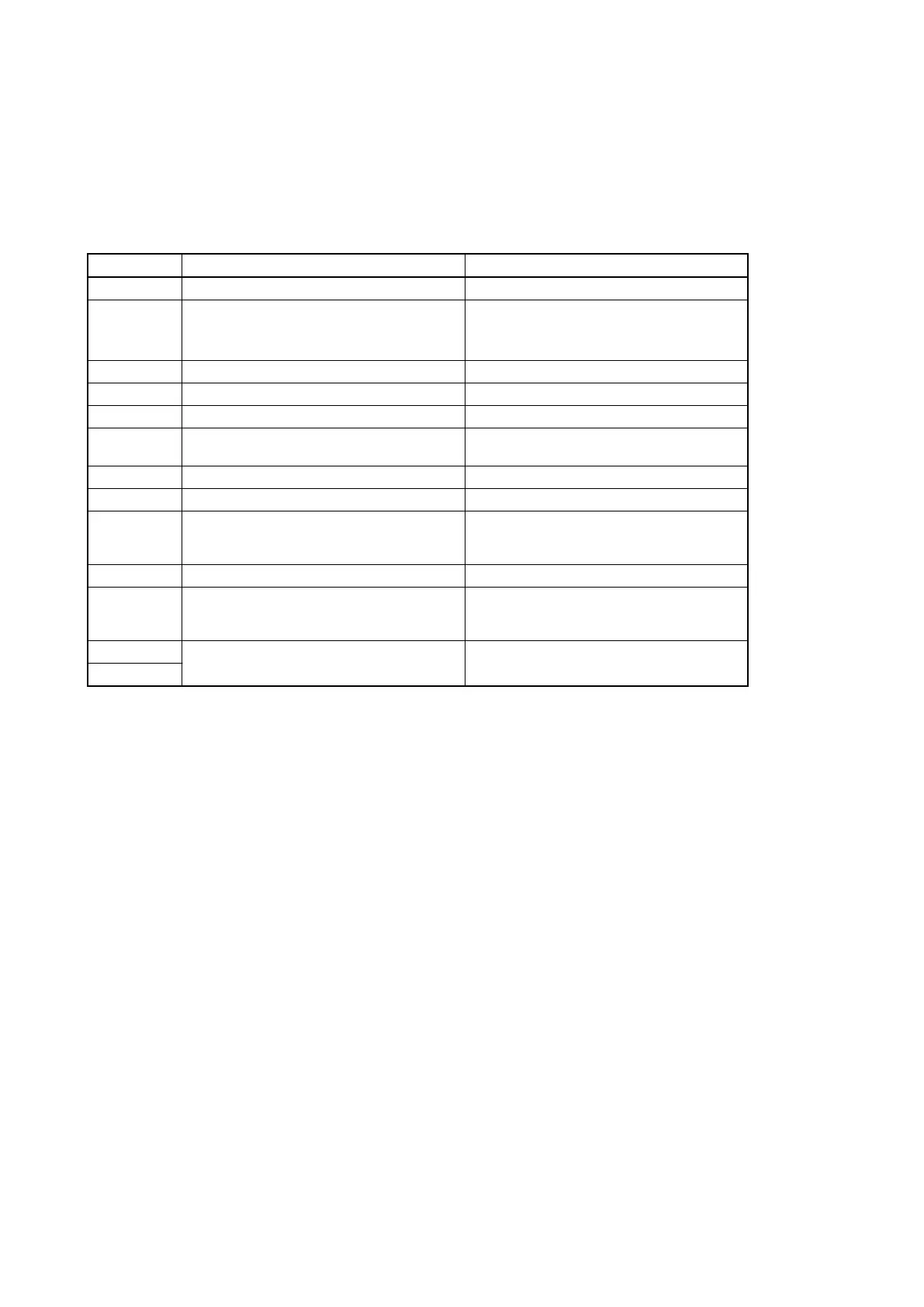
Error code Description Service action
E-15030 System error Repair the DPR-355 board or replace it.
E-17001 The media ID data in the EEPROM is abnormal Rewrite the media ID data in the EEPROM.
For details, contact your local Sony Sales Office/Serv-
ice Center.
E-17002 The image processor block does not start Repair the DCP-64 board or replace it.
E-17003 The display block does not start Repair the DCP-64 board or replace it.
E-17004 The media block does not start Repair the DPR-355 board or replace it.
E-17005 The image processor block startup processing is ab-
normal
Repair the DCP-64 board or replace it.
E-17006 The display block startup processing is abnormal Repair the DCP-64 board or replace it.
E-17007 The media block startup processing is abnormal Repair the DPR-355 board or replace it.
E-17014 The lens communication is abnormal Check the connection of the DCP-64 or HN-413 board.
When there is no problem with the connection, replace
the DCP-64 or HN-413 board.
E-17015 The media block is abnormal Repair the DPR-355 board or replace it.
E-17016 The lens switch status cannot be acquired Check the connection around the HN-413 board. When
there is no problem with the connection, replace the
relevant switch board or the HN-413 board.
E-17017 Media block internal error Repair the DPR-355 board or replace it.
E-4xxxx
If two or more errors occur simultaneously
The highest-priority error is displayed.
When an error with a higher priority has been cleared, the one with the next priority is displayed.
PMW-300
3-13



 To Next Page