EasyManua.ls Logo

Sony RCP-920 - Page 69

Sony RCP-920
149 pages
Print Icon
To Next Page IconTo Next Page
To Previous Page IconTo Previous Page
Loading...
\\Dell2\temporary\osw\YIT\SAKURA~1.04\HXCU-100\nouhin\GB-P\4140418121_HXCU100UC\02GB04MENU.f
m
masterpage:Left
26
Setup Menu
HXCU-100
4-140-418-12 (1)
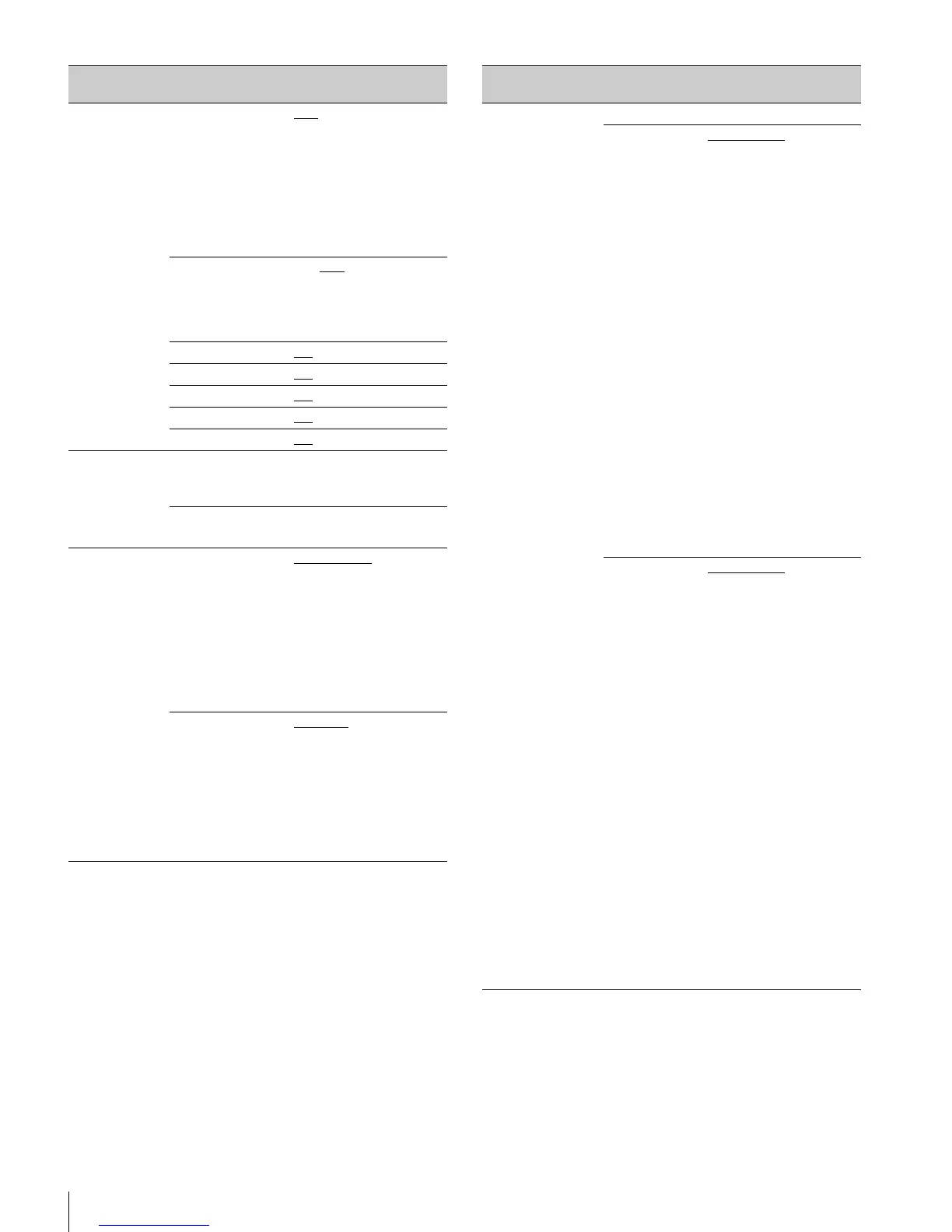
<DISPLAY>
C12
Camera
messages and
switch settings
on/off.
Displayed on
the camera
diagnostics
screen.
MESSAGE ALL
, WARNING, OFF
ALL: Displays all
messages
WARNING: Displays
system warning
messages and menu
control messages
OFF: Displays only
menu control messages
ALARM JUMP
In menu mode,
jump to display
page if an error
occurs function
ON, OFF
MASTER GAIN ON, OFF
ECS/SHUTTER ON
, OFF
ND FILTER ON
, OFF
IRIS ON
, OFF
EXTENDER ON
, OFF
<DATE>
C13
DATE/TIME
Date and time
settings
20YY/MM/DD hh:mm
Time displayed in
24-hour format
TIME ZONE
Time zone setting
hh:mm
−11h59m to +11h59m
<OTHERS>
C14
REAR PREVIEW
REMOTE device
preview operation
switching
MOMENTARY
, TOGGLE
MOMENTARY: Display
preview while PREVIEW
button on REMOTE
device is pressed
TOGGLE: Toggle
preview on/off when the
PREVIEW button on
REMOTE device is
pressed
CAM POWER
REMOTE
NORMAL
, BACKUP
NORMAL: When CCU
power is applied, power
is supplied to camera
BACKUP: When CCU
power is applied, camera
supply remains in state
when CCU power was
last turned off.
Page name
Page No.
Item Settings
<FRONT PANEL
1>
C15
Displayed only
when the
HKCU-FP1
CCU Control
Panel is fitted
ASSIGNABLE/CUSTOM
SWITCH1
HKCU-FP1
CCU Control
Panel SW1
button
assignment
NOT ASSIGN
, GAMMA
OFF, HD DTL OFF, SD
DTL OFF, BLK GAMMA,
KNEE OFF, AUTO KNEE,
5600K, CAM POWER
NOT ASSIGN: Not
assigned (indicator
always off)
GAMMA OFF: Gamma
off when indicator on
HD DTL OFF: HD detail
off when indicator on
SD DTL OFF: SD detail
off when indicator on
BLK GAMMA: Black
gamma on when
indicator on
KNEE OFF: Knee off
when indicator on
AUTO KNEE: Auto knee
on when indicator on
5600K: 5600K on when
indicator on
CAM POWER: Camera
power on when indicator
on
SWITCH2
HKCU-FP1
CCU Control
Panel SW2
button
assignment
NOT ASSIGN
, GAMMA
OFF, HD DTL OFF, SD
DTL OFF, BLK GAMMA,
KNEE OFF, AUTO KNEE,
5600K, CAM POWER
NOT ASSIGN: Not
assigned (indicator
always off)
GAMMA OFF: Gamma
off when indicator on
HD DTL OFF: HD detail
off when indicator on
SD DTL OFF: SD detail
off when indicator on
BLK GAMMA: Black
gamma on when
indicator on
KNEE OFF: Knee off
when indicator on
AUTO KNEE: Auto knee
on when indicator on
5600K: 5600K on when
indicator on
CAM POWER: Camera
power on when indicator
on
Page name
Page No.
Item Settings

Table of Contents