4
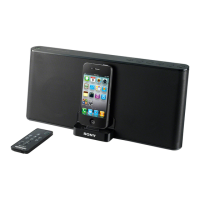
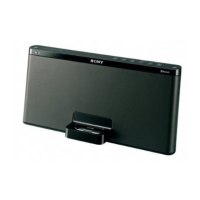
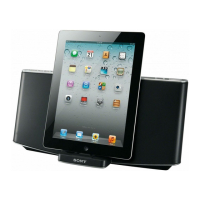
Using the Sony Personal Audio Docking System User Manual
This user manual is an introductory manual to instruct new owners on how to use the System
to listen to music stored on their iPod or iPhone. The user manual does not include
instructions on how to use an iPod or an iPhone.
The user manual is organized into the following main sections:
• Getting Started with the Sony Personal Audio Docking System
• Configuring a Power Source
• Attaching and Charging your iPod or iPhone
• Operating the Sony Personal Audio Docking System Manually
• Operating the Sony Personal Audio Docking System Remotely
• Troubleshooting
• FAQs
• Glossary
• Index
The above-noted main sections all have sub-sections, which provide more information for the
procedures that follow. Under each sub-section are instructional steps to perform that
specific procedure.
Identifying Symbols
Throughout this user manual you will see the three symbols noted below. Please take note of
the meaning of each symbol before proceeding.
This icon is used to indicate a good tip (an alternative way to do the procedure).
This icon is used to indicate a note (additional information explaining an aspect of the
procedure).
This icon is used to indicate caution (a warning against damage to the System).


 To Next Page