6-7
HDD Information (Simplified measurement mode)
1) Turn on the main power.
2) Press “ESC”.
3) Press “DISP”.
4) Press “DIG/ANA” three times.
[Tips]
• How the cumulative HDD-on time data is processed in memory
Storage place:
FLASH ROM
Timing for referring to the cumulative HDD-on time data:
If the power attempts to turn on but fails, the unit refers to the FLASH ROM.
Timing for updating the cumulative HDD-on time data:
While the HDD is on, the cumulative HDD-on time data in the RAM is updated every 3 seconds, and the data is stored in the Backup
SRAM every update. When the power is turned off, the data is stored in the FLASH ROM.
• How to clear the cumulative HDD-on time data
FLASH ROM:
When the HDD Identification Setting is configured, the cumulative HDD-on time data is automatically cleared.
The HDD Identification Setting is automatically configured when the CPRM setting is configured on the CPRM setting screen.
(To display the CPRM setting screen, press the “ESC” key, then the “STEREO” key.)
Note: The cumulative HDD-on time data is not cleared when resetting to default values.
The cumulative HDD-on time data is not cleared when the system-control computer software is downloaded.
5) Press “ESC”. (Returns to the original screen)
6-2-6. Cautions for handling the HDD
(1) Cautions for handling the HDD
• The HDD is very sensitive to shocks and vibrations. Care must be taken especially during operation (when the power is on).
• The HDD is very sensitive to electrostatic charges.
• Rapid change in temperature or humidity may cause deterioration of the HDD.
Note: After receiving damage caused by any above-mentioned factors, the HDD may operate normally for dozens or hundreds of hours, but then suddenly
crash. If you are certain you have damaged a new repair part (HDD) while making repairs, do not use the part.
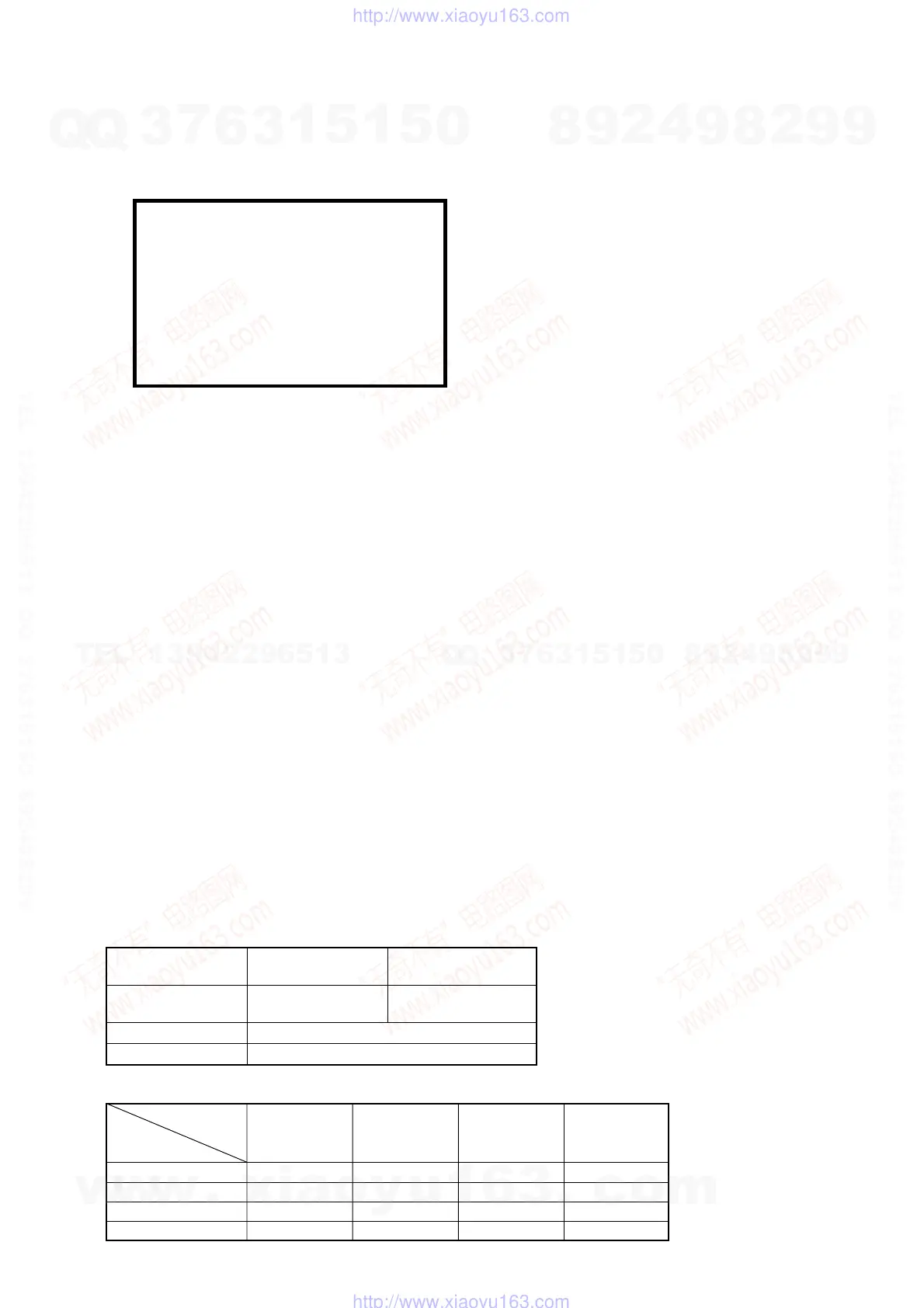
Reference: Main specifications for damage to the HDD
Reference: Estimated value of falling distance vs. shock (G) when the HDD is dropped without protection
* Checks the HDD power-on time.
HDD Info
Life Time : --h --m --s
During operation
During
nonoperation
Shock G
Approx. 20 G or more Approx. 200 G or more
(acceleration)
Temperature change 15 °C/hour or more
Moisture change 20%/hour or more
T
The HDD is about 10 times as sensitive to shock during
operation compared to nonoperation.
Landing
Falling surface
distance
0.5 inch / 12.7 mm
1.0 inch / 25.4 mm
2.0 inch / 50.8 mm
4.0 inch / 101.6 mm
Granite
surface
387
595
1133
1795
Concrete
floor
217
457
600
1040
Synthetic-resin-
coated table
200
310
680
1050
Antistatic
sponge
26
37
70
267
w
w
w
.
x
i
a
o
y
u
1
6
3
.
c
o
m
Q
Q
3
7
6
3
1
5
1
5
0
9
9
2
8
9
4
2
9
8
T
E
L
1
3
9
4
2
2
9
6
5
1
3
9
9
2
8
9
4
2
9
8
0
5
1
5
1
3
6
7
3
Q
Q
TEL 13942296513 QQ 376315150 892498299
TEL 13942296513 QQ 376315150 892498299
http://www.xiaoyu163.com
http://www.xiaoyu163.com



 To Next Page