1-2
1-3-1. Operation and Display
Disc checking items:
1) ULX-301 (Ultra HD Blu-ray disc) with triple layer (L0, L1, L2)
1. No disc Menu; auto playback chapter 1 press <option>
2. Play chapter 1 : Content C Color bar 100% (L0)
3. Play chapter 20 : Content A with Bouncy music (L1) press <option>
4. Play chapter 21 : Content A with Bouncy music (L2)
2) BLX-104 (BD-ROM Single layer)
1. Select 23.976Hz/1080p
2. Play “4.Motion pictures”
3. Check whether player can play back or not
4. Check each outputs Video:
Composite/component/HDMI Audio:
Digital out (Coaxial/Optical)/Audio out/5.1Ch output
* When 1080/24p monitor no output, select1080i (59.94Hz or 50Hz) instead of 1080/24p.
However this is temporary correspondence.
3) BLX-204 (BD-ROM Dual layer)
1. Select 1080i (59.94Hz or 50Hz)
2. Play “4.Motion pictures”
3. Check whether player can play back or not (Check the picture and sound output)
4) CD HLX-A1
Check whether player can play back or not (Check the sound output)
5) DVD HLX-513/514 (NTSC), HLX-506/507 (PAL)
1. After displayed Main Menu, select “1.Video”
2. Play “1.Color Bar 100%” (Check the picture and sound output)
3. Return to Menu
4. Play “Demonstration 4:3” or “Demonstration 16:9” (Check the picture and sound output)
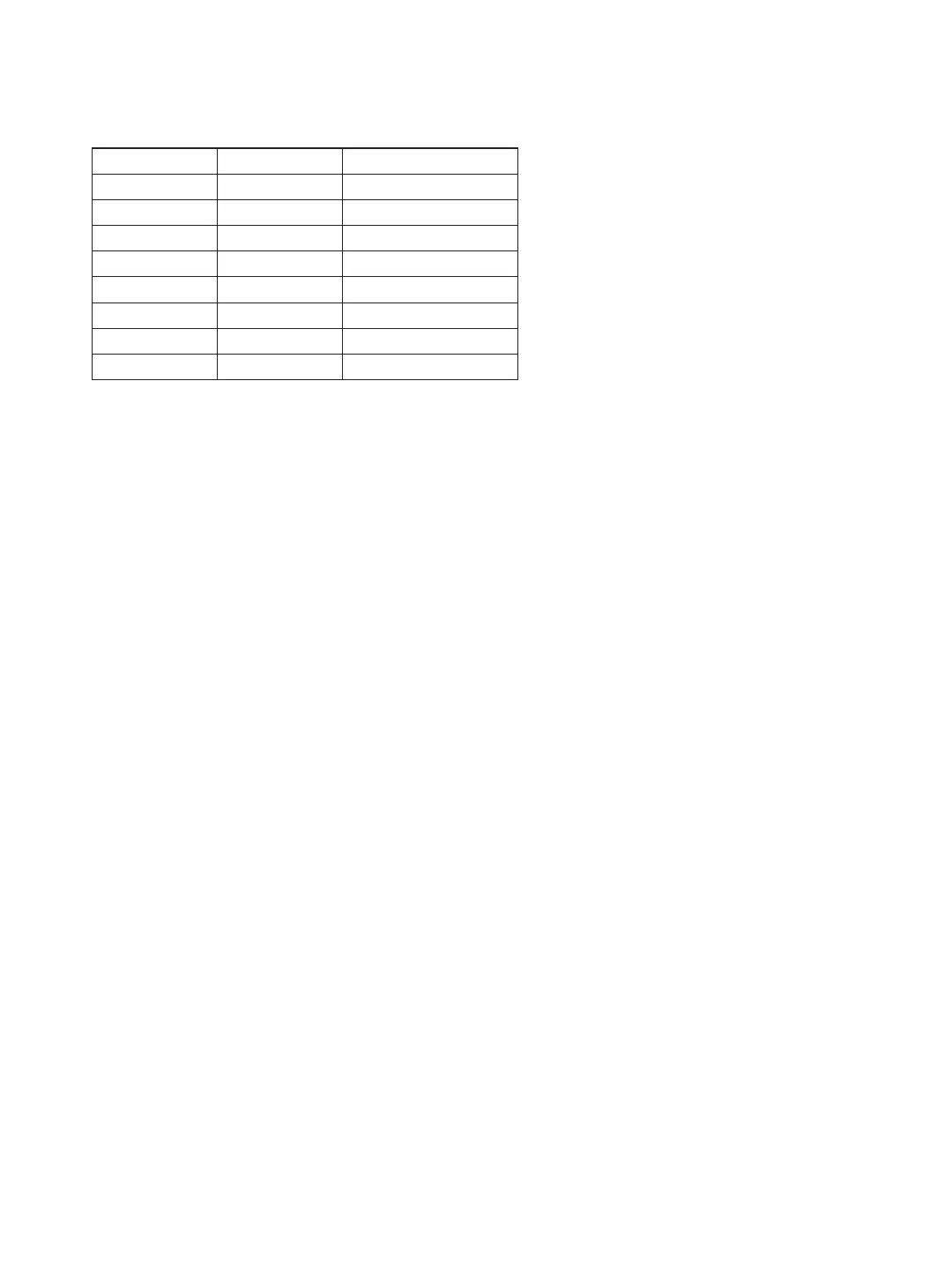
Part No. Description Layer
J-2501-378-A ULX-301 Triple Layer (UHD)
J-6090-199-A BLX-104 Single Layer
J-6090-200-A BLX-204 Dual Layer
J-2501-307-A CD (HLX-A1)
J-2501-305-A HLX-513 Single Layer (NTSC)
J-2501-306-A HLX-514 Dual Layer (NTSC)
J-6090-077-A HLX-506 Single Layer (PAL)
J-6090-078-A HLX-507 Dual Layer (PAL)
1-3. TEST DISC



 To Next Page