SECTION 6
TROUBLESHOOTING
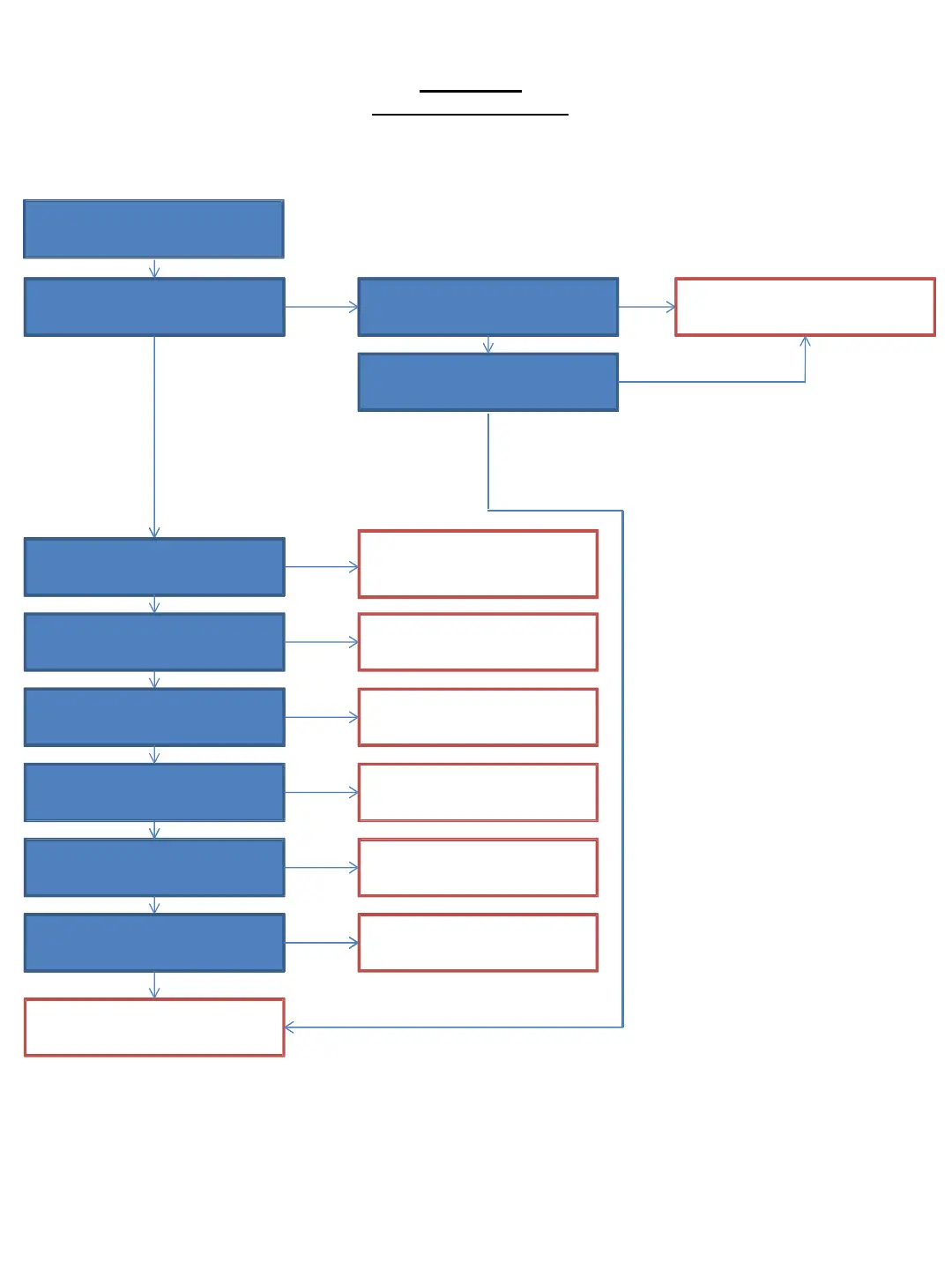
6-1. Main Flowchart
6-1
Power LED Light up about 10s
and turn of automatically.
Are all the power line mentioned
in Power flow (x-x) normal?
6-2. Power System Flowchart
No
No
Check IC401, pin 2
(output) UNSW 1.8V
Yes
No
Yes
Yes
Set can power ON by Power
Switch or Remote Control.
6-3. Remote Con Flowchart
6-4. FR board flowchart
Check HDMI output
6-5. Video/HDMI flowchart
Yes
Yes
No
Check Coaxial Output
6-6. Audio flowchart
Check Playback function 6-7. Drive flowchart
Yes
No
No
Check Internet connection
function
Check USB playback function
6-8. Ethernet Flowchart
6-9. Wifi Flowchart
6-10. USB flowchart
Yes
Yes
No
No
Yes
Change MB board
To Drive Flowchart (BU adj. flow)
Start (and return from each
flowchart)
No



 To Next Page