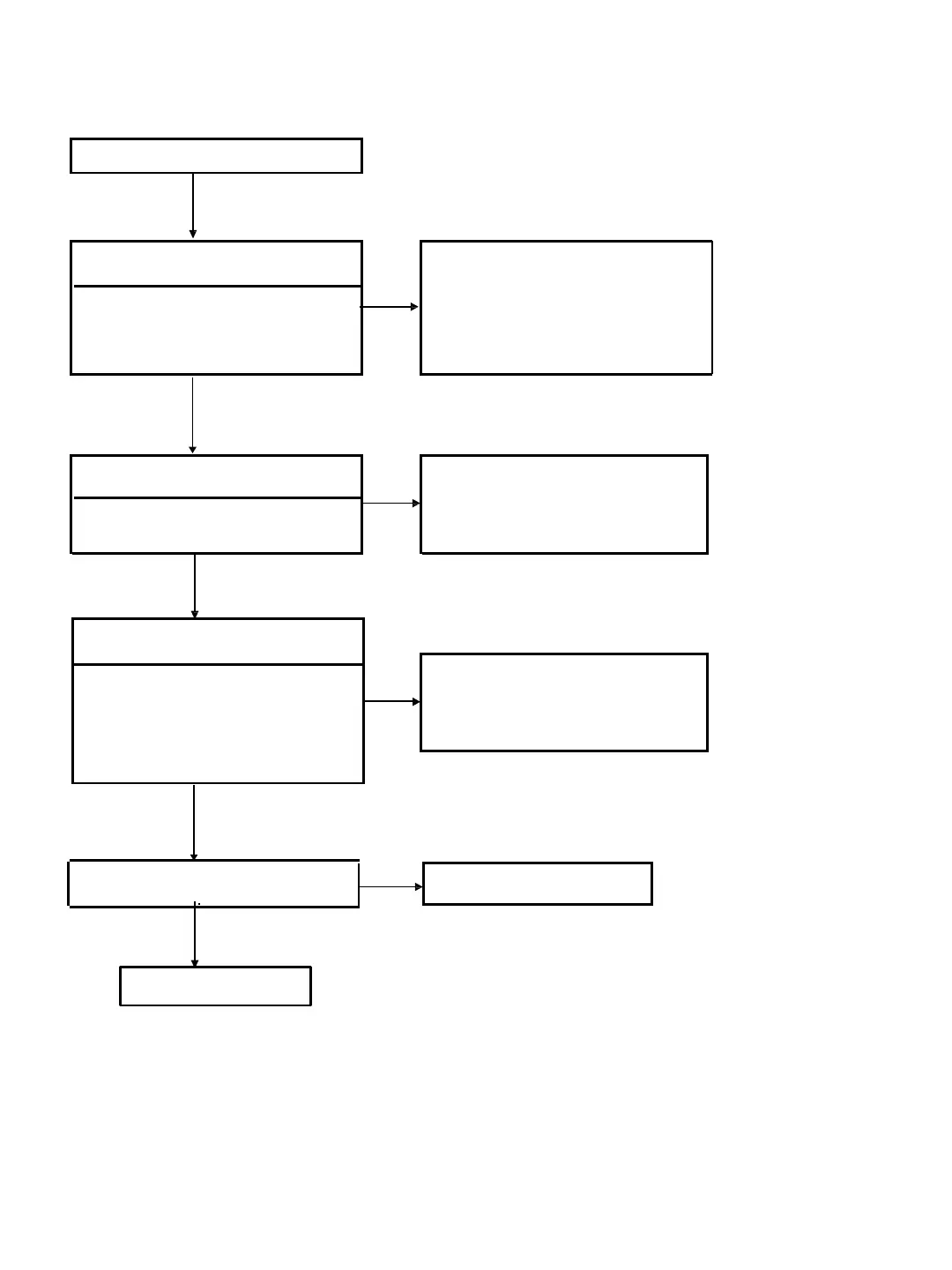
6-2. Power (System) Flow
6-2
Check the following power control
signals while the power is ON
Yes
AC IN
Check the output voltages from the DC
Jack.
J401 pin 1: +12V (UNSW12V)
No
Yes
Check the fuses
Have any of the below fuses blown?
No
MB board: PS401, PS402
Yes
Yes
Check Voltage lines that are not output
are shorted to GND
No
Failure of power supply IC ->
Replace the MB board .
Check that the DC cord has been inserted
properly. If there is no problem, replace the
AC Adaptor.
Blown fuse s ->
Replace the MB board
Failure of Reset IC. Replace MB Board.
PCONT1 : MB board R771
PCONT2# : MB board R546
PCONT3# : MB board R550
PCONT5# : MB board R575
Is PCONT1 /2# /3# /5# : 3.3V?
No
Replace MB Board



 To Next Page