1-4
1-4. DRIVE REPAIRING
1-4-1. Preparation
ESD Measures
It is necessary to check the working space ESD condition before starting the Drive Optical Unit or BU repairs.
The ESD-resistance of BD Laser is weaker than DVD/CD Laser.
As prevention of ESD destruction, please make sure the working space and human ESD.
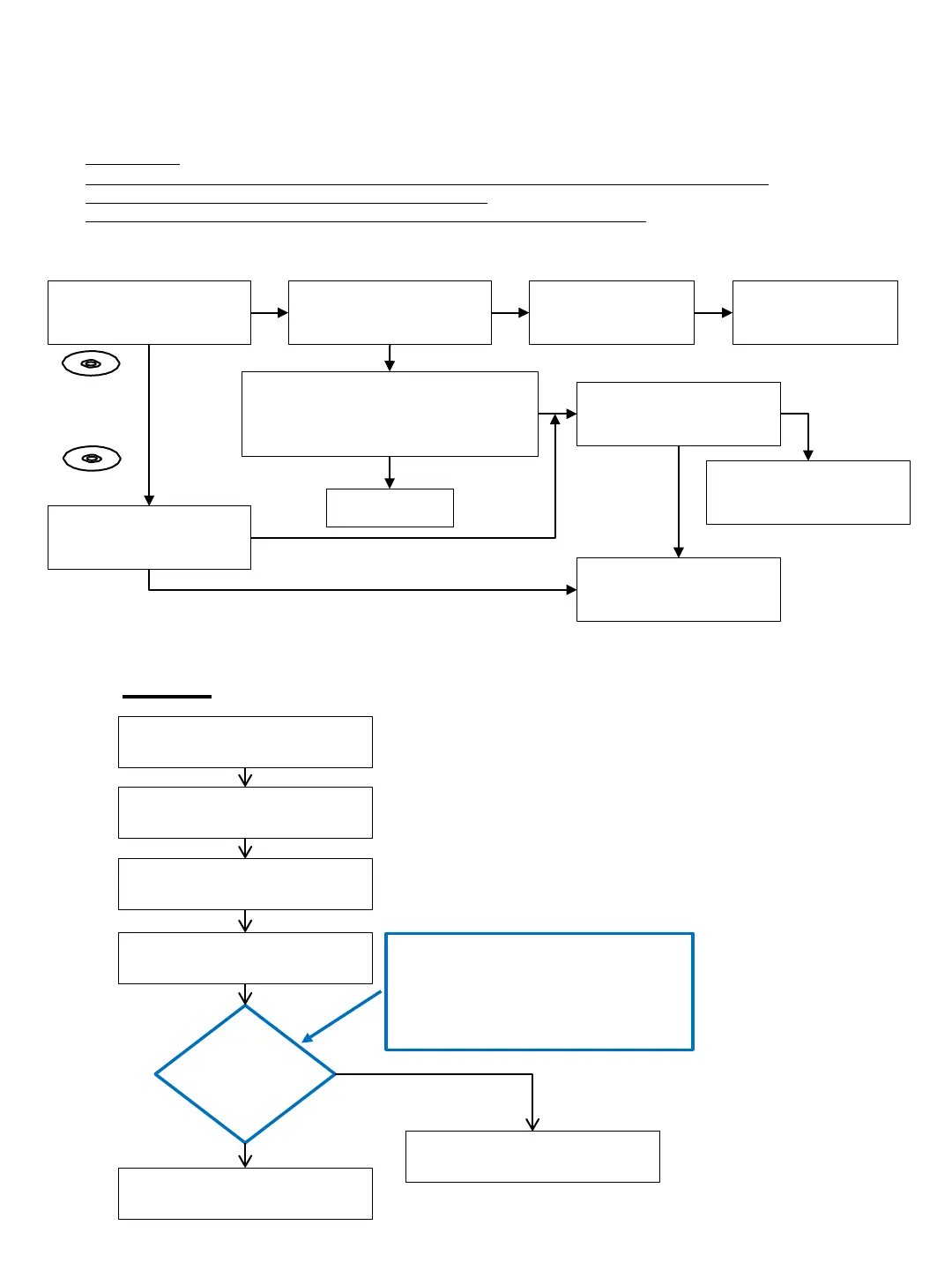
1-4-2. Checking Flow ~ Drive (BU) section ~
Drive flowchart
UBP can play
BD disc
BD : BLX-104
Check Drive Power Supply
12V : Q402 Pin1
5V : IC501 Pin2
Check fuse
12V : PS402 2A
(5V : no fuse)
Check / replace the Drive FFC cable, then
check UBP operates normally
OPT-1006 FFC cable (1-849-871-11)
SPD-007 FFC cable (1-849-870-11)
Check Optical Unit (BU) IOP
Follow Optical Unit (BU) IOP
check flow [zz]
Finish
Replace Optical Unit (BU)
Follow Optical Unit (BU)
Adjustment flow [yy]]
DVD : HLX-513
CD : HLX-A1
UBP can play
DVD & CD disc
NO
Optical Unit (BU) : OK
NO
NO
NO
YES
YES
YES
YES
NO
Replace MB
Read 1.4-4 details
NO
Enter Service Mode (HOME)
Press
<STOP><DISPLAY><PAUSE><↑>
*Service Mode Menu
Select - [8] Drive
*Drive
Select - [7] OP Check Menu
Select - [3] dIOP
Press <ENTER>
AC Power OFF
IOP
judge
Optical Block Unit (BU) replacement
(Flowchart yy)
YES
NO
[3] dIOP
BD : aa [DD] spec aa = ±6mA
DVD : bb [EE]
spec bb = ±9mA
CD : cc [FF] spec cc = ±9mA
TEMP : xx.x deg
1-4-3. BU (Optical Unit) Check Flow [zz] ~
Before BU Replacement Optical Unit (BU) IOP check fl ow [zz] ~ Before BU Replacement



 To Next Page