On
transporting
the
player
o Before transporting the player, be sure to remove the
disc from the player, and close the disc tray.
o Before transporting the player, be sure to disconnect
any connecting cables.
[f
an XLR (balanced) cable
is
connected, the player and the connected components
may be damaged.
On
inserting
a
disc
When you insert a disc into the player, you may hear a
transmission
or
a mechanical sound from the player.
This indicates that the player
is
automatically adjusting
its internal mechanisms according to the inserted disc.
You may also hear the mechanical sound from the
player when you insert a warped disc.
Note
For Super Audio
CD
players,
it
may take a longer time
from when a disc
is
loaded until the disc
is
played, than
that for CD players. This
is
not a malfunction. Because
a Super Audio
CD
player must determine the type
of
disc inserted, adjust the servo mechanism, confirm
copyright information, etc., automatically,
it
takes a
longer time to start playback
of
a Super Audio CD.
[f
you have any questions
or
problems concerning your
player, please consult your nearest Sony dealer.
Notes
on
Discs
On
handling
discs
o
To
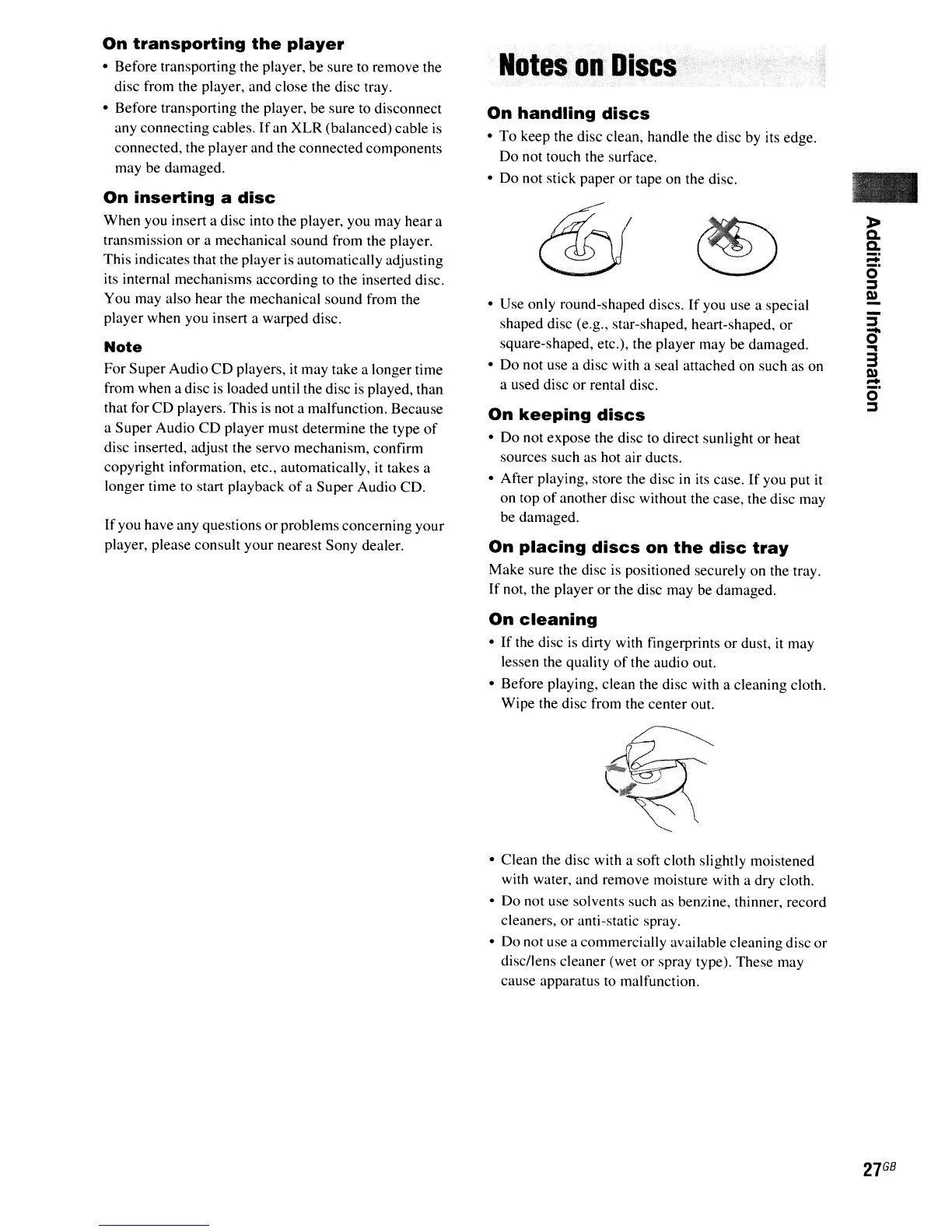
keep the disc clean, handle the disc by its edge.
Do not touch the surface.
o Do not stick paper
or
tape on the disc.
• Use only round-shaped discs.
If
you use a special
shaped disc (e.g., star-shaped, heart-shaped,
or
square-shaped, etc.), the player may be damaged.
o
Do
not use a disc with a seal attached on such
as
on
a used disc
or
rental disc.
On
keeping
discs
o Do not expose the disc to direct sunlight or heat
sources such as hot air ducts.
o After playing, store the disc
in
its case.
If
you put
it
on top
of
another disc without the case, the disc may
be damaged.
On
placing
discs
on
the
disc
tray
Make sure the disc
is
positioned securely on the tray.
If
not, the player
or
the disc may be damaged.
On
cleaning
o
If
the disc
is
dirty with fingerprints
or
dust,
it
may
lessen the quality
of
the audio out.
o Before playing, clean the disc with a cleaning cloth.
Wipe the disc from the center out.
o Clean the disc with a soft cloth slightly moistened
with water, and remove moisture with a dry cloth.
o Do not use solvents such as benzine, thinner, record
cleaners,
or
anti-static spray.
o Do not use a commercially available cleaning disc or
disc/lens cleaner (wet
or
spray type). These may
cause apparatus to malfunction.
-
-
::J
0-
...
3
Q)
-
o
::J
27
GB



 To Next Page