lead) is inserted firmly.
The
cord is supposed be
connected this way. This is not a malfunction.
When you connect the power cord, you may
hear relay action noise from inside
of
the player
for a short time, even
if
the player is not turned
on. This is because the player is checking the
internal status
of
the player itself. This is not a
malfunction.
Note
Install this system so that the power cord can be
unplugged from the wall socket immediately
in
the
event
of
trouble.
Setting
the
output
signal
Setting
the
HDMI
signal
output
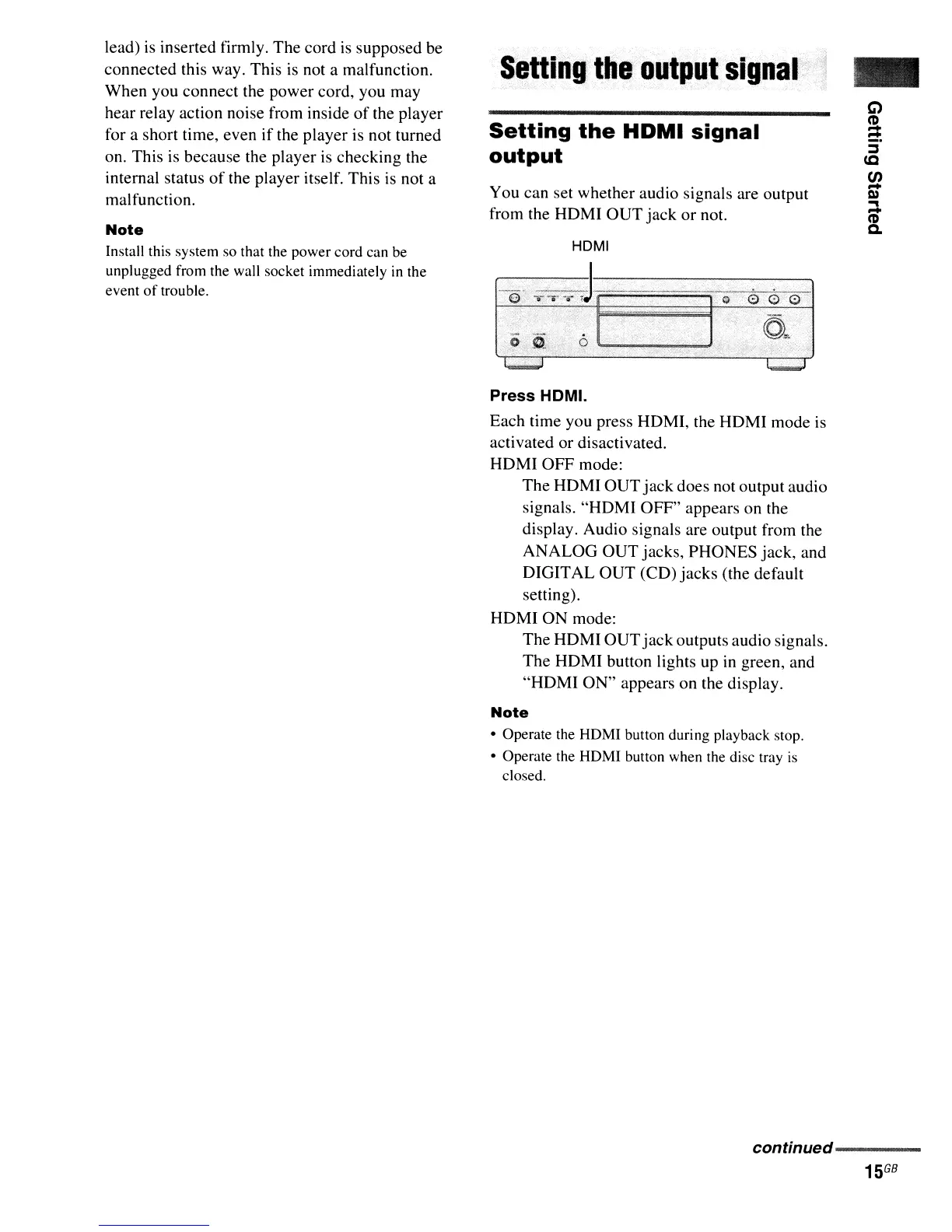
You can set whether audio signals are output
from the HOMI
OUT
jack
or
not.
HDMI
'e'
-r:r-;:-;3----
oo
-:---.
--~o-~6-·
-
Press HOMI.
Each time you press
HOM
I,
the HOMI mode is
activated
or
disactivated.
HOMI
OFF
mode:
The
HOMI
OUT
jack
does not output audio
signals.
"HOMI
OFF"
appears on the
display. Audio signals are output from the
ANALOG
OUT
jacks, PHONES jack, and
OIGITAL
OUT
(CO)
jacks
(the default
setting).
HOMI
ON
mode:
The
HOM
I
OUT
jack
outputs audio signals.
The
HOMI button lights up
in
green, and
"HOMI
ON"
appears on the display.
Note
• Operate the HDMI button during playback stop.
• Operate the HDMI button when the disc tray
is
closed.
conffnued--------



 To Next Page