Recording TV programs (continued)
To check the remaining tape length
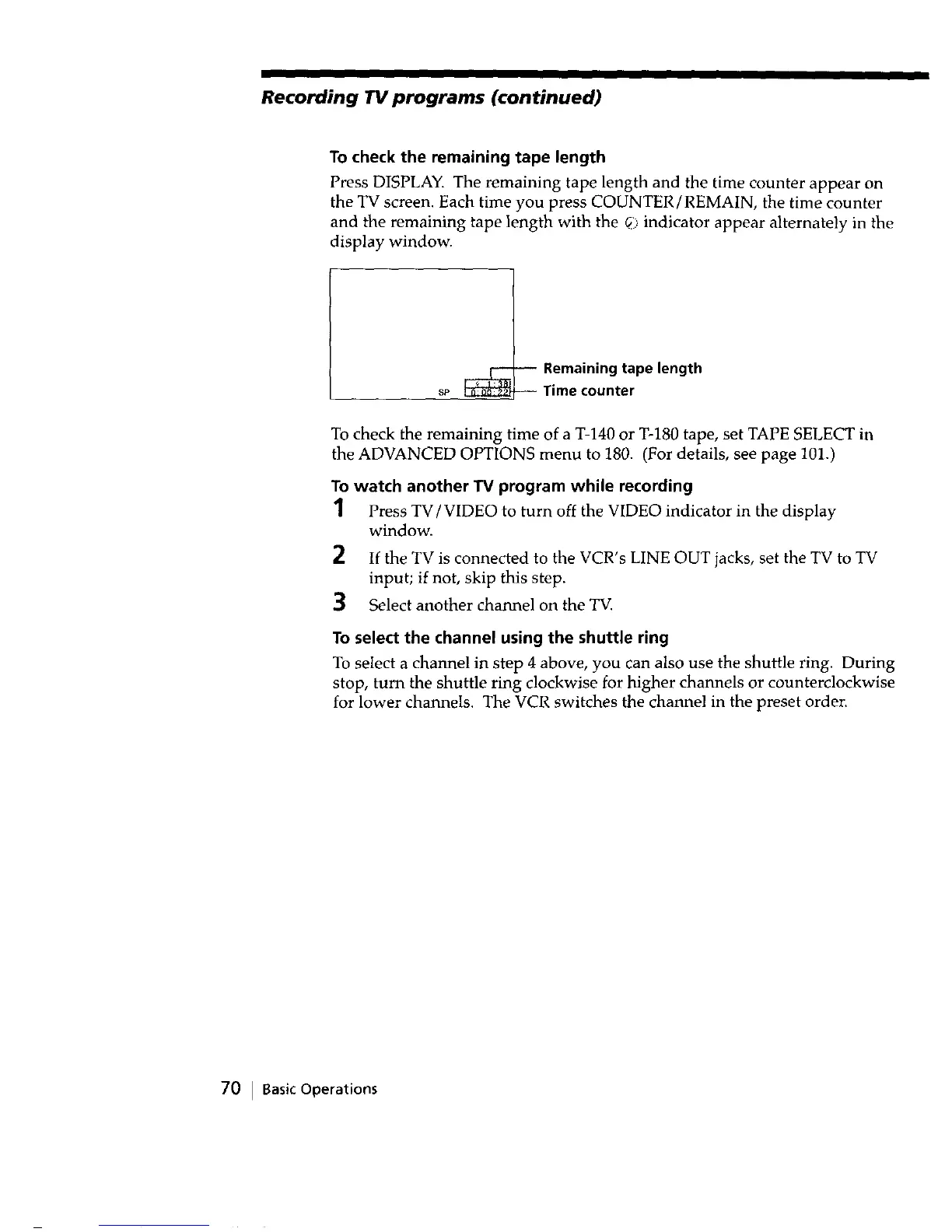
Press DISPLAY. The remaining tape length and the time counter appear on
the TV screen. Each time you press COUNTER/REMAIN, the time counter
and tile remaining tape length with the _i::indicator appear alternately in the
display window.
_-- Remaining tape length
sP Time counter
To check the remaining time of a T-140 or T-180 tape, set TAPE SELECT in
the ADVANCED OPTIONS menu to 180. (For details, see page 101.)
To watch another TV program while recording
1 Press TV/VIDEO to turn off the VIDEO indicator in the display
window.
2
3
If the TV is connected to the VCR's LINE OUT jacks, set the TV to TV
input; if not, skip this step.
Select another channel on the TV.
To select the channel using the shuttle ring
To select a channel in step 4 above, you can also use the shuttle ring. During
stop, turn the shuttle ring clockwise for higher channels or counterclockwise
for lower channels. The VCR switches the channel in the preset order.
70 I Basic Operations



 To Next Page