Setting the
recording
duration time
After starting recording in the normal
way, you can have the VCR stop
recording automatically after a specified
duration.
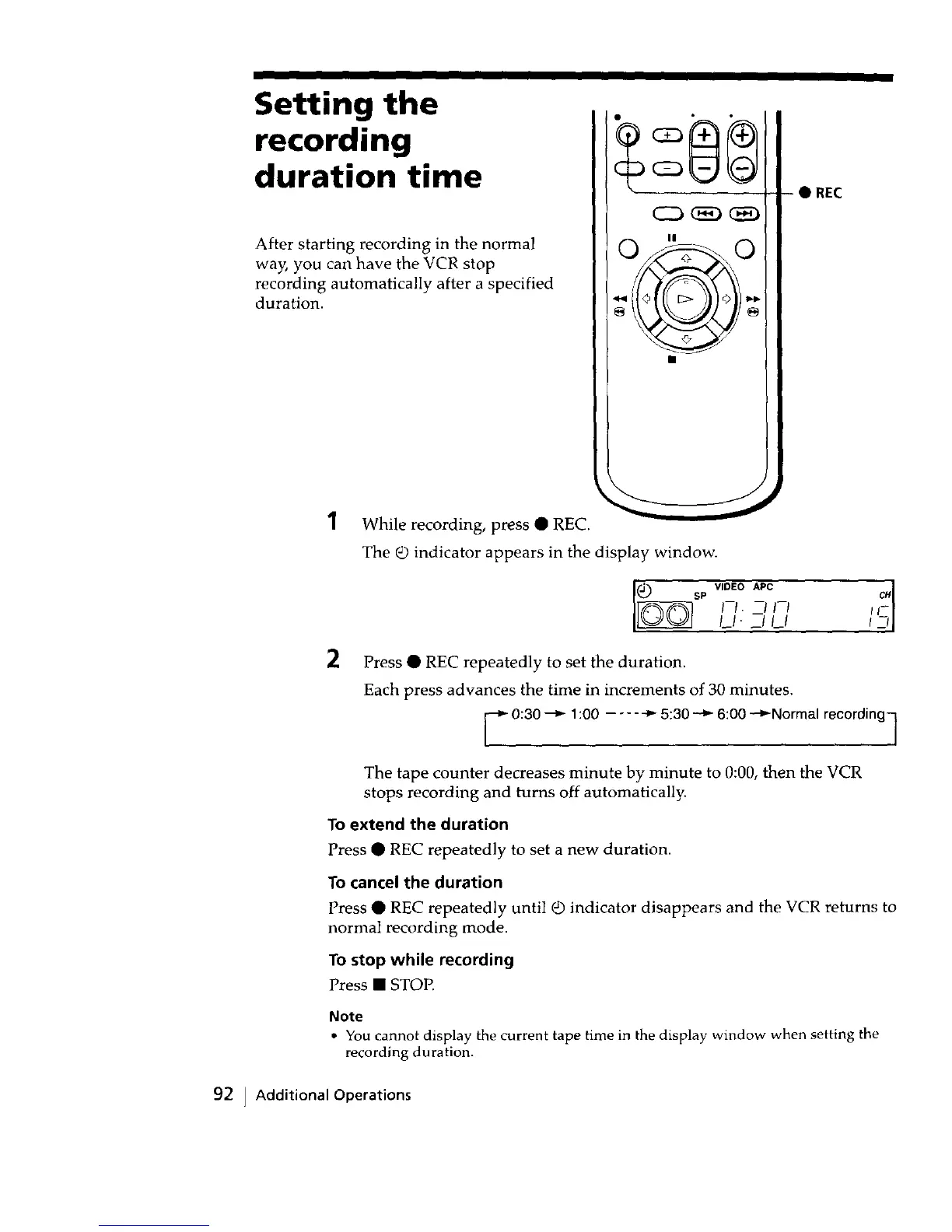
1 While recording, press • REC.
The _ indicator appears in the display window.
• REC
VIDEO APC
SP CH
I--I. --I I--I I I-
II. _1 II
2
Press • REC repeatedly to set the duration.
Each press advances the time in increments of 30 minutes.
O:30--_ 1:00 .... _ 5:30 _ 6:00 .--_Normal recording 7
The tape counter decreases minute by minute to 0:00, then the VCR
stops recording and turns off automatically.
To extend the duration
Press • REC repeatedly to set a new duration.
To cancel the duration
Press • REC repeatedly until Q indicator disappears and the VCR returns to
normal recording mode.
To stop while recording
Press • STOP.
Note
• You cannot display the current tape time in the display window when setting the
recording duration.
92 ] Additional Operations



 To Next Page