Adjusting the picture
Adjusting the tracking
Although the VCR automatically adjusts the tracking when playing a tape
(the _ indicator flashes in the display window, then goes off), distortion
may occur if the tape was recorded in poor condition. In this case, manually
adjust the tracking.
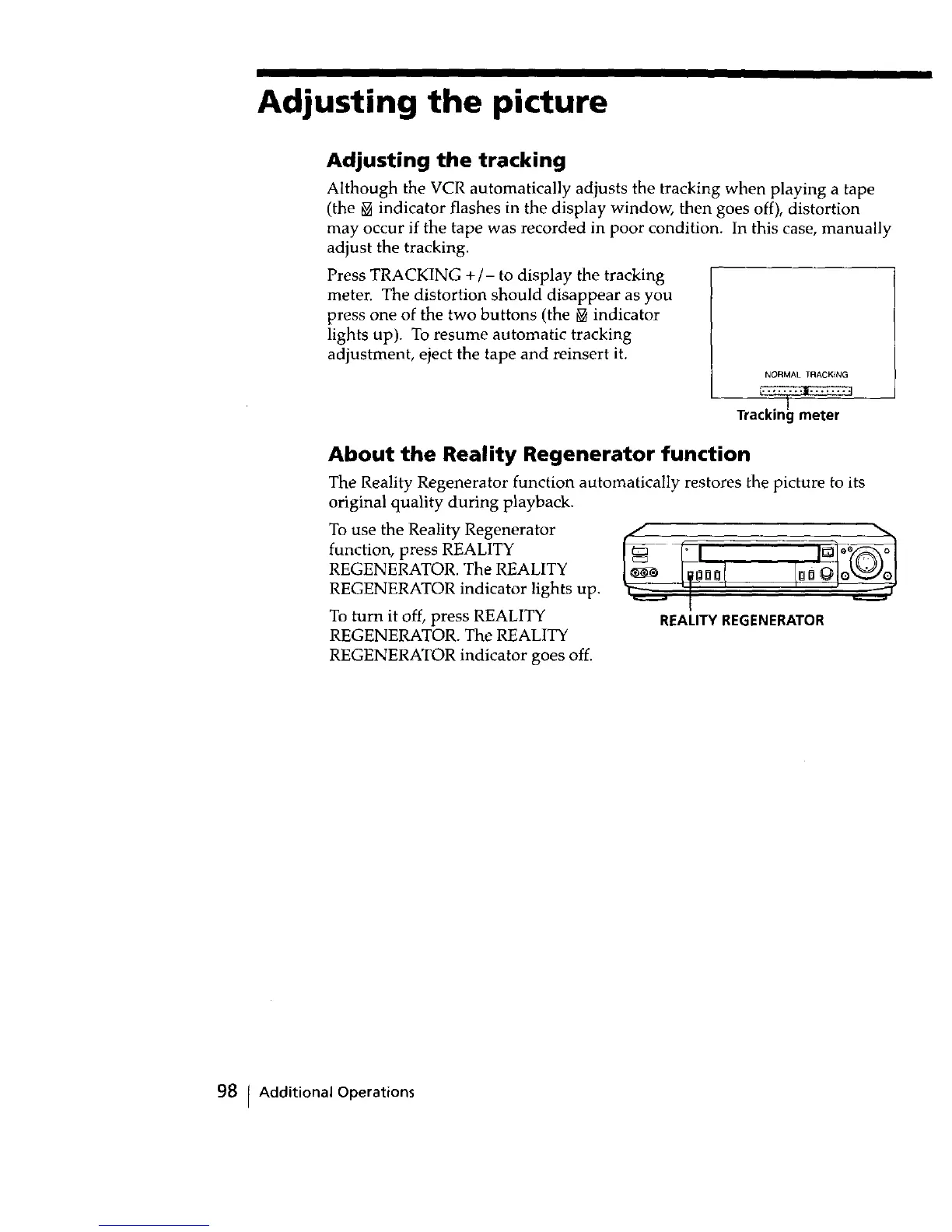
Press TRACKING +/- to display the tracking
meter. The distortion should disappear as you
press one of the two buttons (the _v indicator
lights up). To resume automatic tracking
adjustment, eject the tape and reinsert it.
NORMAL TRACKING
Tracking meter
About the Reality Regenerator function
The Reality Regenerator function automatically restores the picture to its
original quality during playback.
To use the Reality Regenerator
function, press REALITY
REGENERATOR. The REALITY
REGENERATOR indicator lights up.
To turn it off, press REALITY
REGENERATOR. The REALITY
REALITY REGENERATOR
REGENERATOR indicator goes off.
98 Additional Operations



 To Next Page