Skip-searching
automatically
You can spot check a whole tape quickly
At intervals, the VCR skips playback
while searching forward or backward.
cZ)
(ZD
O/ II --_
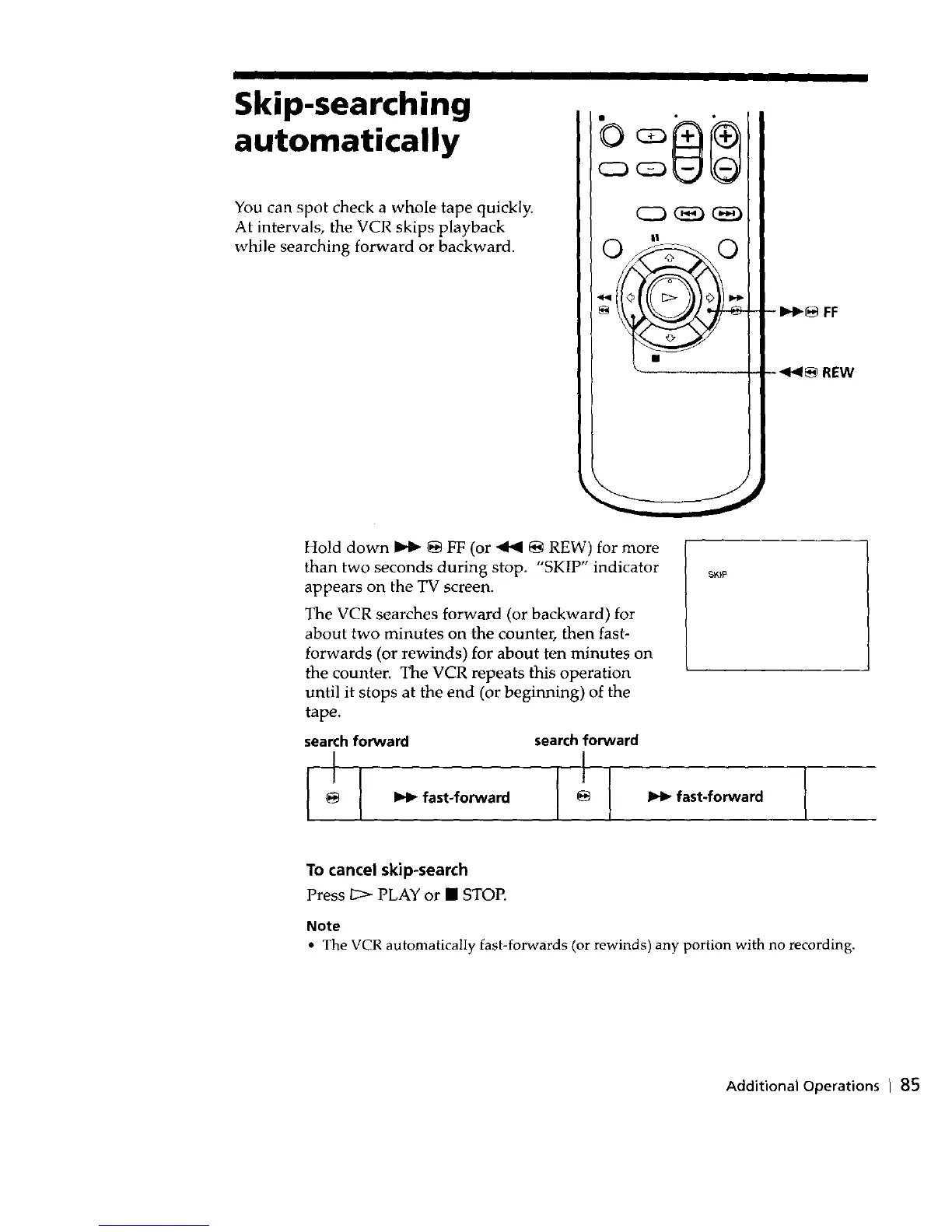
- Iz,,_ FF
-4_1_ REW
Hold down _ _ FF (or 4141 _ REW) for more
than two seconds during stop. "SKIP" indicator
appears on the TV screen.
The VCR searches forward (or backward) for
about two minutes on the counter, then fast-
forwards (or rewinds) for about ten minutes on
the counter. The VCR repeats this operation
until it stops at the end (or beginning) of the
tape.
search forward search forward
l_l_fast-forward
To cancel skip-search
Press 1_> PLAY or • STOP.
Note
• The VCR automatically fast-forwards (or rewinds) any portion with no recording.
Additional Operations I 85



 To Next Page