Checking/
changing/
canceling timer
settings
Before you start...
• Turn on your TV and set it to the
video channel.
"(_ C_'(23)
•Q -Q .@
.Q_.@
•@ -@.@
GO
Oc_
C_CK)
--I/_)
--CLEAR
' MENU
1
2
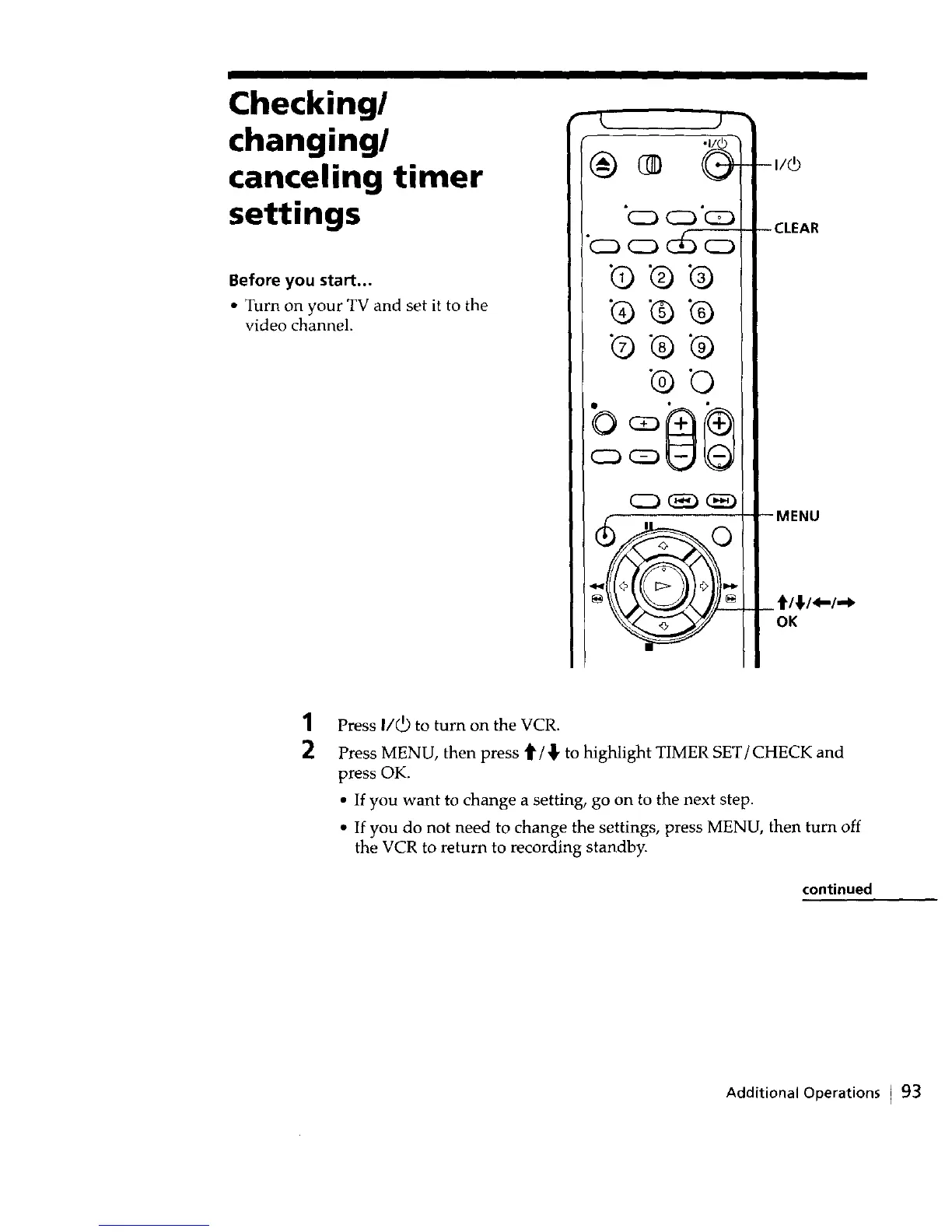
Press II_ to turn on the VCR.
Press MENU, then press _/_ to highlight TIMER SET]CHECK and
press OK.
• If you want to change a setting, go on to the next step.
• If you do not need to change the settings, press MENU, then turn off
the VCR to return to recording standby.
continued
Additional Operations I 93



 To Next Page