Checking/changing/canceling timer settings (continued)
3
4
5
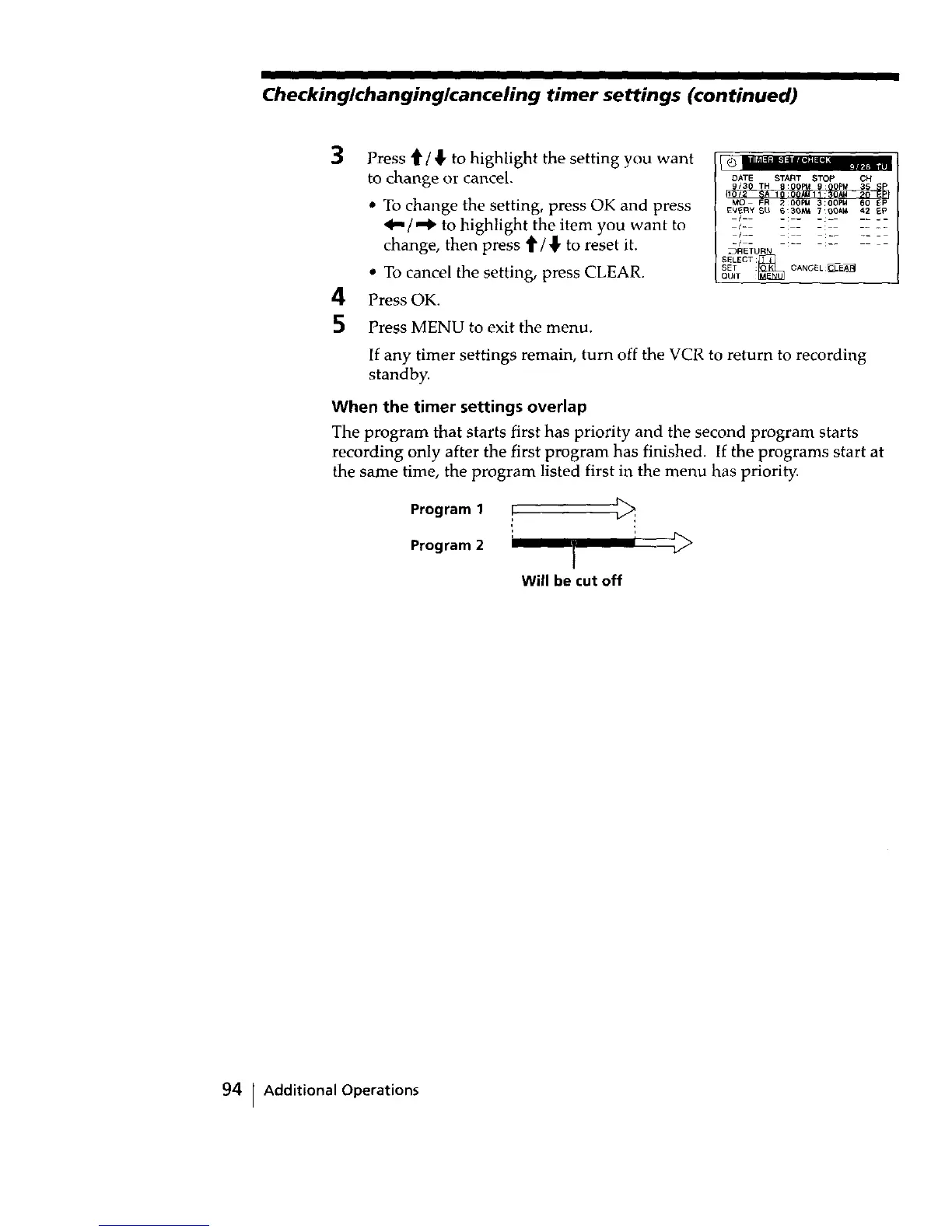
Press '_/_, to highlight the setting you want
to change or cancel.
• To change the setting, press OK and press
_"/"_ to highlight the item you want to
change, then press t/_ to reset it.
• To cancel the setting, press CLEAR.
Press OK.
Press MENU to exit the menu.
_mllF=_ =q :== -=:lie
rr
DATE START STOP OH
EVERY _U B:30_ 700;_ 42 _p
iI_ _: _ _: ......
/-
_/ - 2
.)RETURN
SELECT _
SET : CANGEL _
QUIT
If any timer settings remain, turn off the VCR to return to recording
standby.
When the timer settings overlap
The program that starts first has priority and the second program starts
recording only after the first program has finished. If the programs start at
the same time, the program listed first in the menu has priority.
Program 1 F _:
r >
Program 2 }
Will be cut off
94 [ Additional Operations



 To Next Page