Recording TV
programs using
the dial timer
DIAL TIMER
The Dial Timer function allows you to make timer recordings of
programs without turning on your TV. Set tile recording timer to
record up to eight programs that will be broadcast within the next 24
hours using the DIAL TIMER. The recording start time and recording
stop time can be set at 15 minute intervals.
Before you start...
• Check that the VCR clock is set to the correct time.
• When using a cable box, turn it on.
• Insert a tape with its safety tab in place. Make sure the tape is longer
than the total recording time.
1
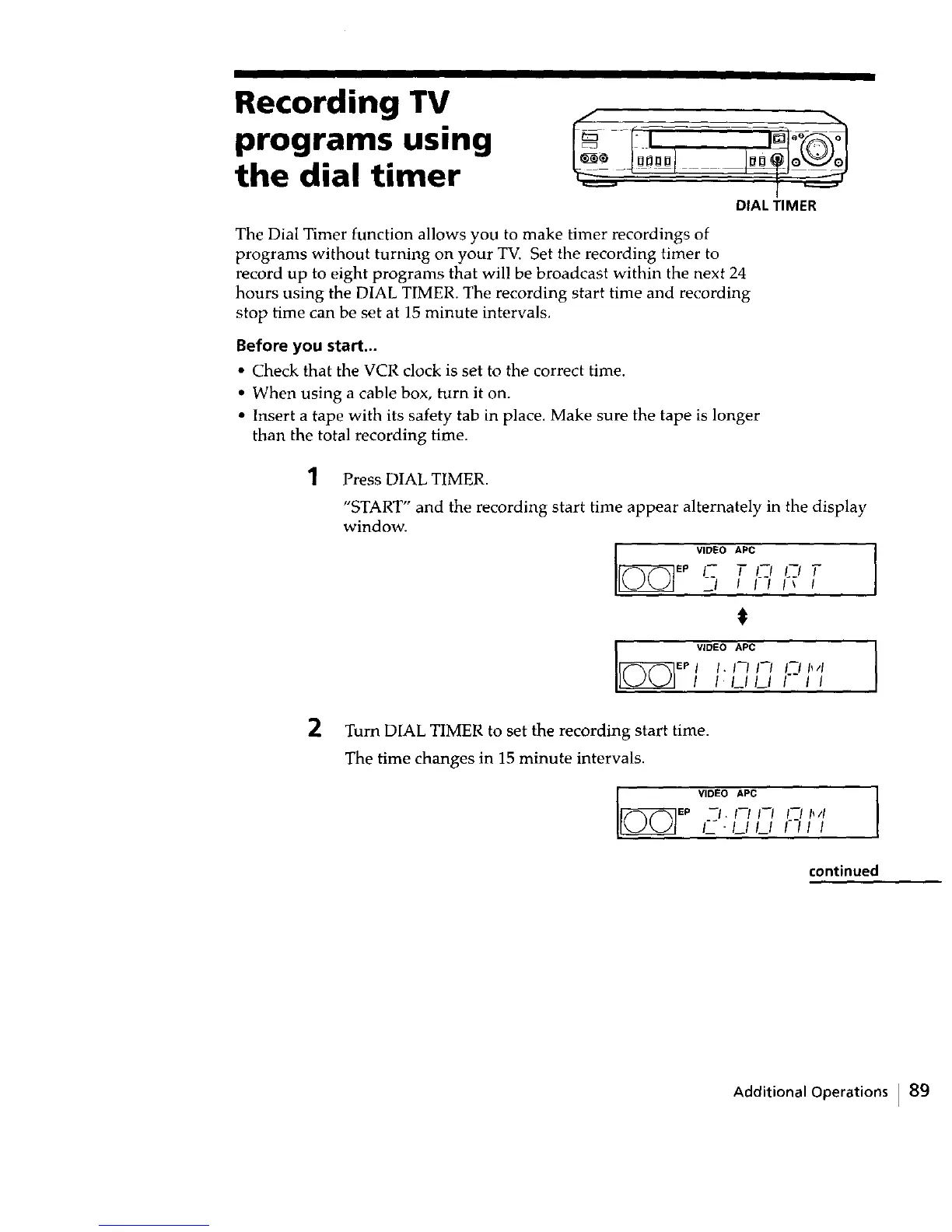
Press DIAL TIMER.
"START" and the recording start time appear alternately in the display
window.
v,o o,;c
EP I-- I--I I--/ T
I_ v'°_°"_c,-,
EP I I. I_1 I--I It II
I 1.1_1/_1 I I
2 Turn DIAL TIMER to set the recording start time.
The time changes in 15 minute intervals.
V'°'°"P° I
°_-' '-"-'/---,'/'I
F_--/_//_/
continued
Additional Operations I 89



 To Next Page