Getting Started
31
Changing/disabling programme positions
Tip
• If you want to return to the previous menu, highlight RETURN and press OK.
Note
• The menu disappears automatically if you don’t proceed for more than a few minutes.
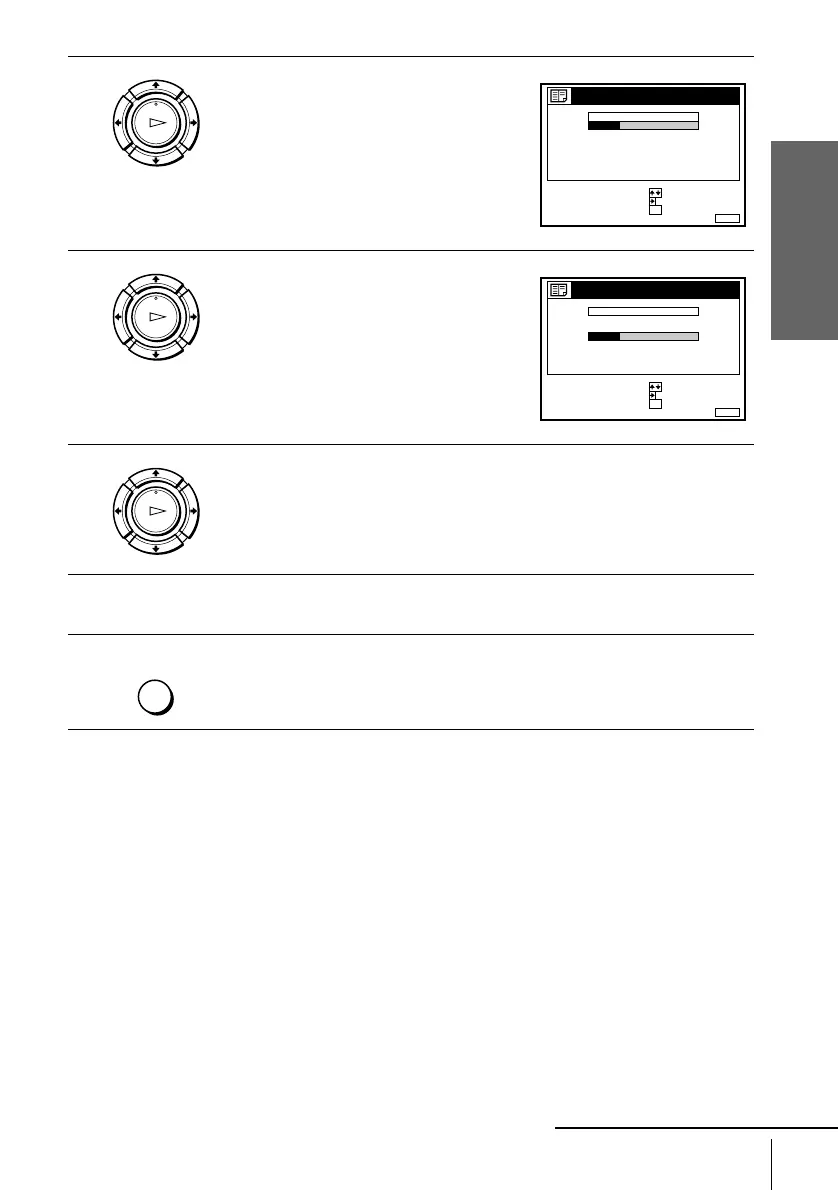
3
Press M/m to highlight the row which you
want to change the programme position,
then press ,.
To display other pages for programme
positions 6 to 60, press M/m repeatedly.
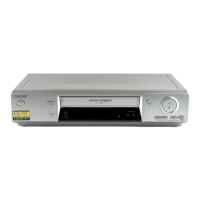
4
Press M/m until the selected channel row
moves to the desired programme position.
The selected channel is inserted at the new
programme position and the intermediate
channels are displaced to fill the gap.
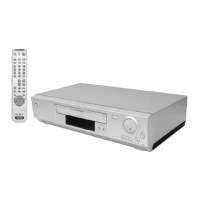
5
Press OK to confirm the setting.
6
To change the programme position of another station, repeat steps 3 through
5.
7
Press MENU to exit the menu.
OK
PLAY
MENUEXIT :
CHANNEL LIST
PROG
1
2
3
4
5
AAB
CDE
FGH
C
C
C
C
1
0
5
0
2
3
6
9
NAME
CH
C
27
CONFIRM
SET STATION NAME
:
:
SELECT :
OK
OK
PLAY
MENUEXIT :
CHANNEL LIST
CONFIRM
SET STATION NAME
:
:
PROG
SELECT :
1
2
3
4
5
CDE
AAB
FGH
C
C
C
C
0
5
1
0
3
6
2
9
NAME
CH
C
27
OK
OK
PLAY
MENU
continued


 To Next Page