Getting Started
35
Changing/disabling programme positions
Tip
• If you want to return to the previous menu, highlight RETURN and press OK.
Notes
• The menu disappears automatically if you don’t proceed for more than a few minutes.
• If you enter a symbol in step 5, it will appear as a blank space in the display window.
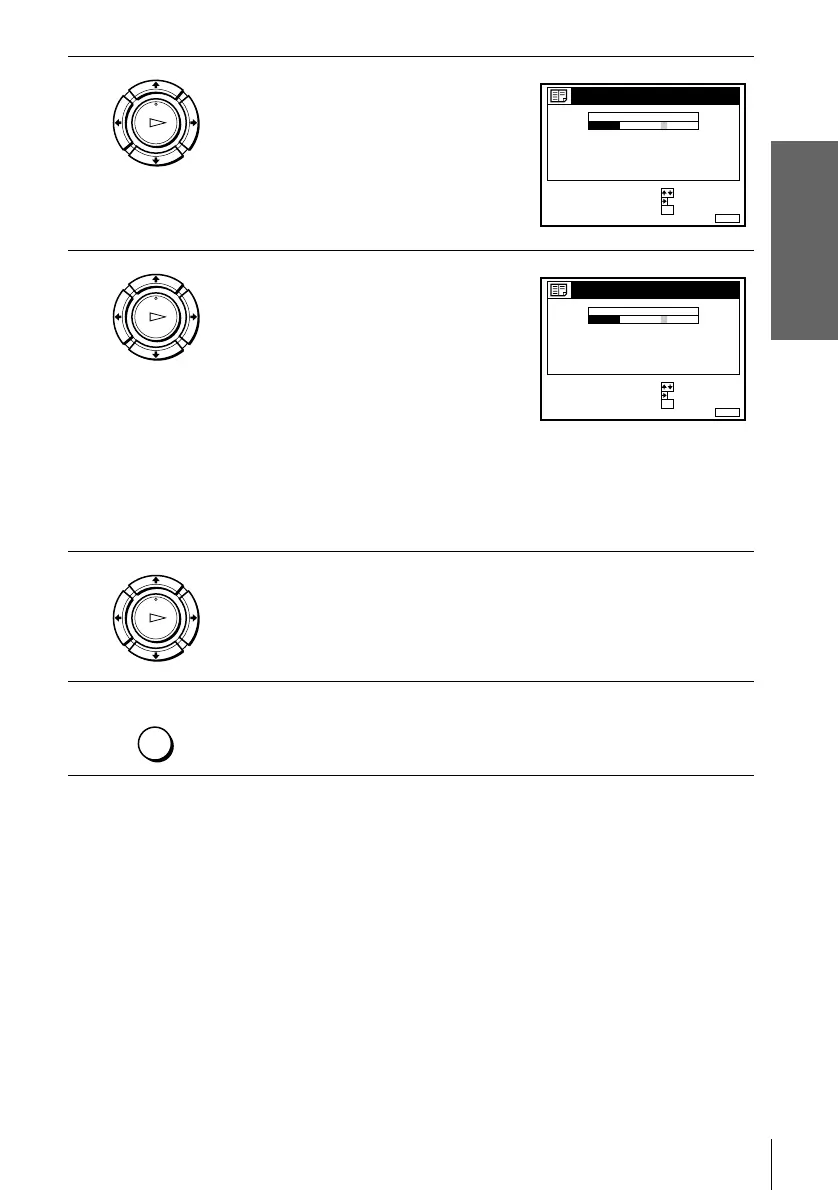
4
Press ,.
5
Enter the station name.
1 Press M/m to select a character.
Each time you press M, the character
changes as shown below.
A t B t … t Z t a t b t … t z
t 0 t 1 t … t 9 t (symbols) t
(blank space) t A
2 Press , to set the next character.
The next space is highlighted.
To correct a character, press </, until the character you want to
correct is highlighted, then reset it.
You can set up to 5 characters for the station name.
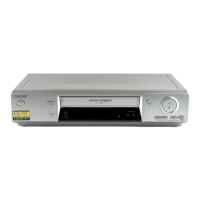
6
Press OK to confirm the new name.
7
Press MENU to exit the menu.
OK
PLAY
MENUEXIT :
CHANNEL LIST
CONFIRM OK
NEXT
:
:
PROG
SELECT A CHARACTER :
1
2
3
4
5
AAB
CDE
FGH
C
C
C
C
1
0
5
0
2
3
6
9
NAME
CH
C
27
OK
PLAY
MENUEXIT :
CHANNEL LIST
CONFIRM OK
NEXT
:
:
PROG
SELECT A CHARACTER :
1
2
3
4
5
CAB
CDE
FGH
C
C
C
C
1
0
5
0
2
3
6
9
NAME
CH
C
27
OK
PLAY
MENU


 To Next Page