Getting Started20
Manual setup –– Presetting channels (continued)
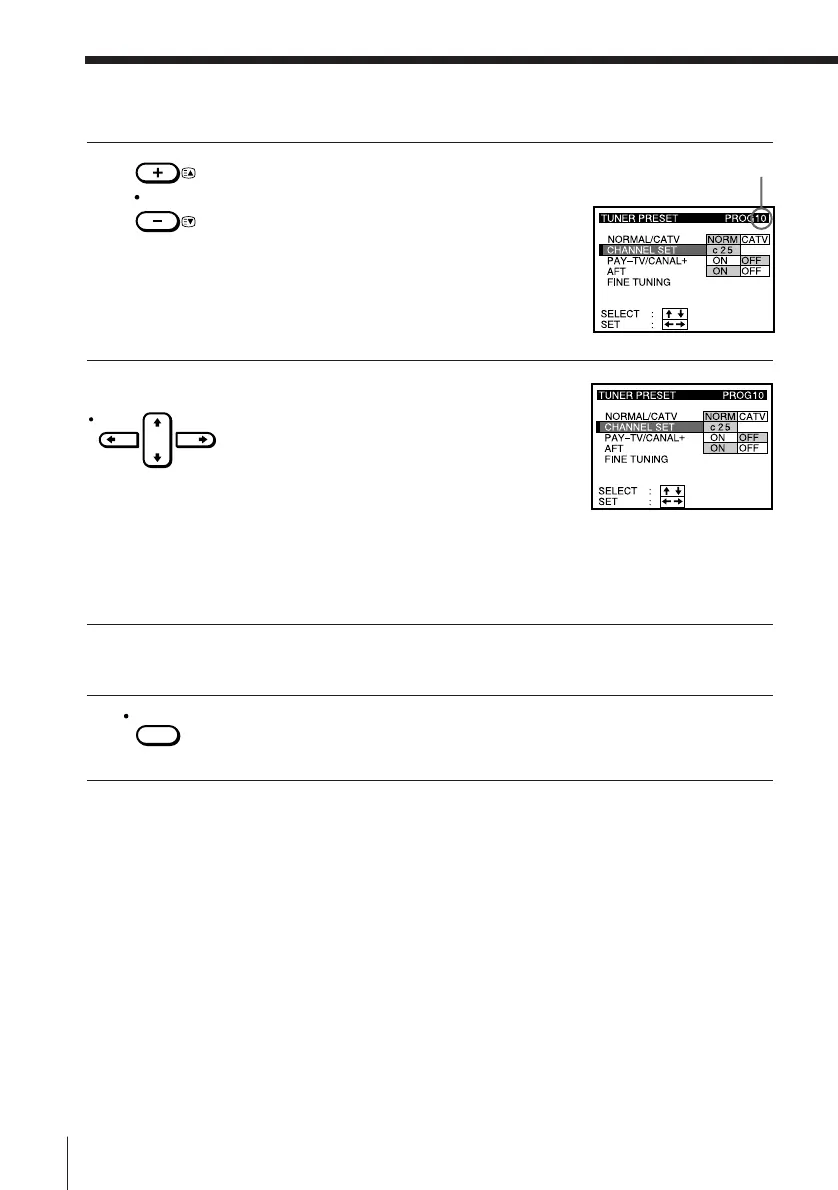
4 Press PROG +/– to select the programme
position.
5 Press CURSOR / to start tuning.
The VCR starts searching for a channel and
displays the first one it finds on the TV
screen. Press CURSOR ? // repeatedly
until the channel you want is displayed.
Please refer to the channel chart on page
15.
If you know the number of the channel you want, press the
programme number buttons. For example, for channel 43, first
press “4” and then press “3.”
6 To allocate another channel to another programme position, repeat
steps 4 and 5.
7 Press EXECUTE.
Selected programme
position
PROG
CURSOR
EXECUTE


 To Next Page
 Loading...





