Getting Started22
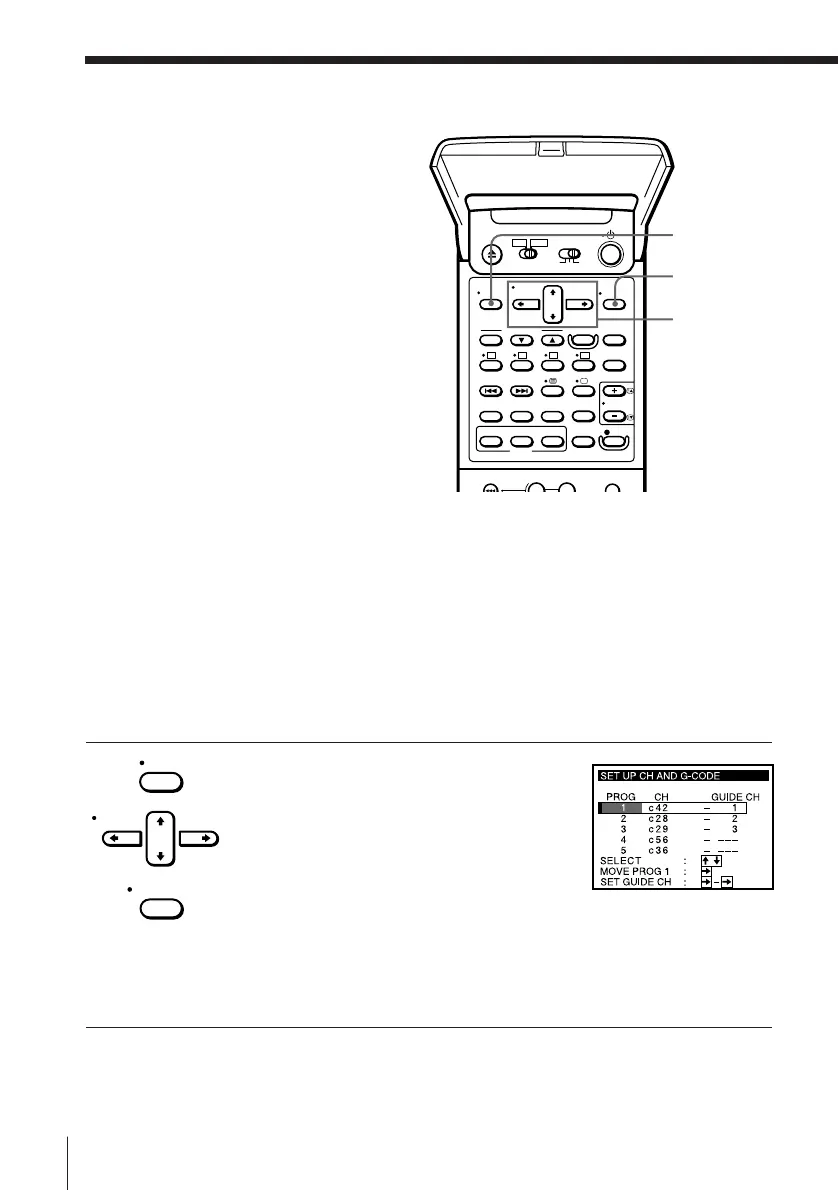
1 Press MENU, then press CURSOR > /. to
move the cursor (I) to SET UP CH AND
G-CODE and press EXECUTE.
When using the EASY SET UP procedure,
skip this step.
The preset channels are displayed on the
screen. The guide channels also appear if
the VCR detected them in EASY SET UP.
“---” in the GUIDE CH column means that
the guide channel has not been preset.
MENU
EXECUTE
CURSOR
> /. /? //
Manual setup —
Setting up
G-CODE
G-CODE is a feature that simplifies
programming the VCR to make timer
recordings. To use G-CODE, each
programme position needs to be
matched with its G-CODE guide
channel. If the guide channels were not
preset in the EASY SET UP procedure,
you need to set them manually. To get
the guide channel numbers, look in the
programme guide for your area that
features G-CODE numbers.
• If you want to record satellite
broadcasts using G-CODE, see page
24.
Before you start…
• Turn on the VCR and the TV.
• Set the TV to the video channel.
MENU
CURSOR
EXECUTE



 To Next Page