Getting Started28
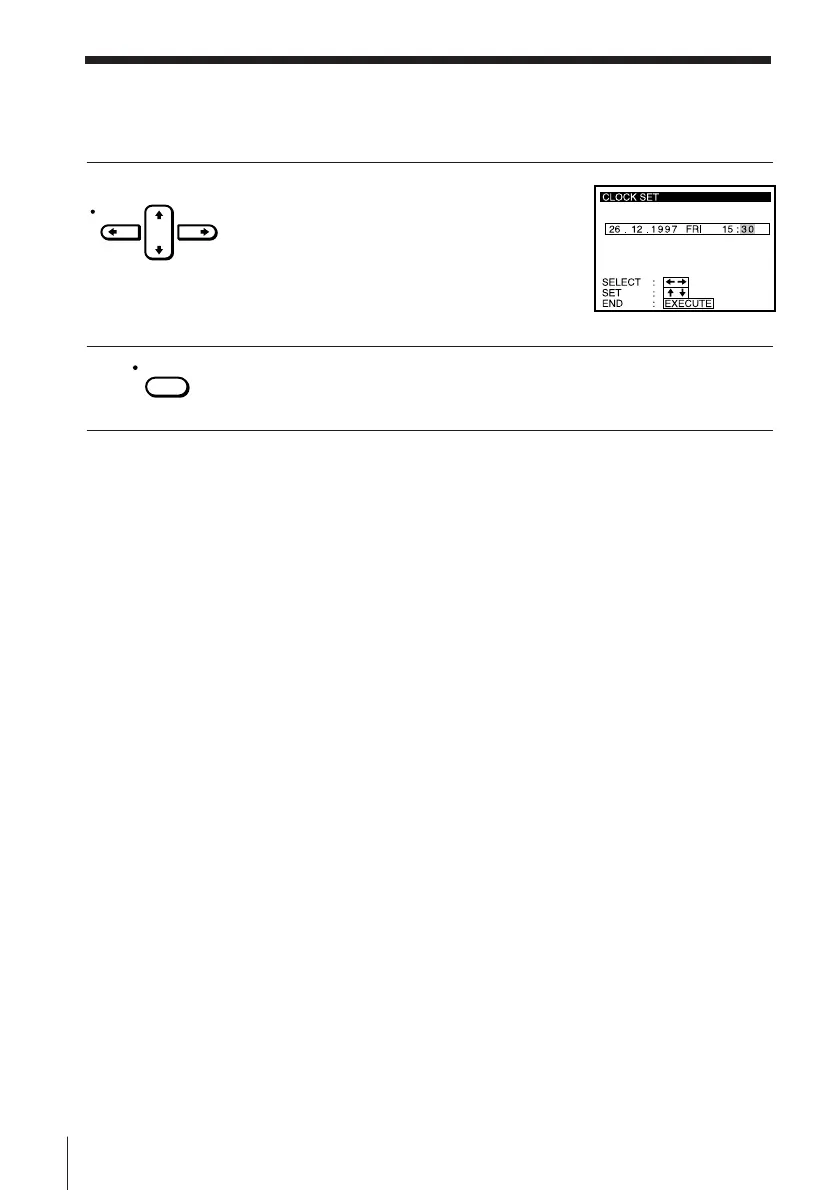
4 Set the year, hour and minutes in
sequence, using CURSOR / to highlight
the item to be set, and CURSOR > /. to
select the digits.
5 Press EXECUTE to start the clock.
Tip
• To change the digits during setting, press CURSOR ? to return to the item to be
changed, and select the digits using CURSOR > /. .
Note
• The menu disappears automatically if you don’t proceed for more than a few
minutes.
CURSOR
EXECUTE
Manual setup — Setting the clock (continued)



 To Next Page