EasyManua.ls Logo

Sony SLV-T2000 - Page 48

Sony SLV-T2000
76 pages
Print Icon
To Next Page IconTo Next Page
To Previous Page IconTo Previous Page
Loading...
Additional Operations 47
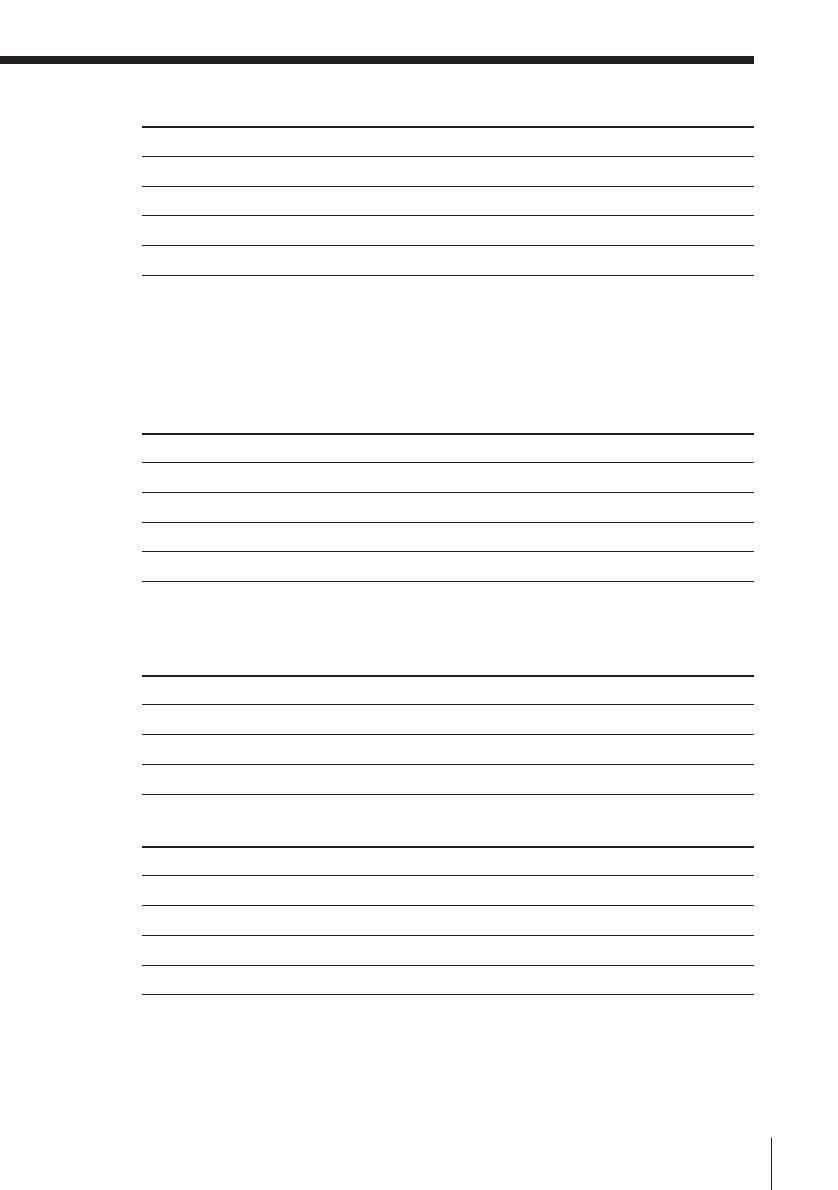
Selecting the sound during playback
Press AUDIO MONITOR to select the sound you want.
Stereo programme
Bilingual programme
To listen to
Main
Sub
Main and sub
Standar d sound*
On-screen display
MAIN
SUB
MAIN/SUB
No indicator
Display window
MAIN/L
SUB/R
MAIN/L, SUB/R
No indicator
* Usually the main sound (monaural) (VHS deck only)
To listen to
Stereo
Left channel
Right channel
Standar d sound*
* Usually the main sound (monaural) (VHS deck only)
Bilingual programmes
8 mm tape
To listen to
Main
Sub
Main and sub
On-screen display
MAIN
SUB
MAIN/SUB
Display window
MAIN/L
SUB/R
MAIN/L, SUB/R
To listen to
Main
Sub
Main and sub
Standar d sound
On-screen display
LCH
RCH
STEREO
No indication
Display window
MAIN/L
SUB/R
MAIN/L, SUB/R
No indication
On-screen display
STEREO
LCH
RCH
No indicator
Display window
STEREO
MAIN/L
SUB/R
No indicator
VHS tape

Related product manuals