71
Day/Night ICR
Day/Night ICR
Sets the Day/Night ICR function of the camera.
Focus
2D NR Level 0 to 5 3 Sets the noise reduction level.
When selecting [0], the noise reduction function is
tu
rned to Off. The higher the number, the greater the
noise reduction effect.
You can set when [NR Mode] is set to [Advanced].
3D NR Level 0 to 5 3 Sets the noise reduction level.
When selecting [0], the noise reduction function is
tu
rned to Off. The higher the number, the greater the
noise reduction effect.
You can set when [NR Mode] is set to [Advanced].
Menu item Detail and setting
va
lue
Initial setting value
of the factory
default setting
Content
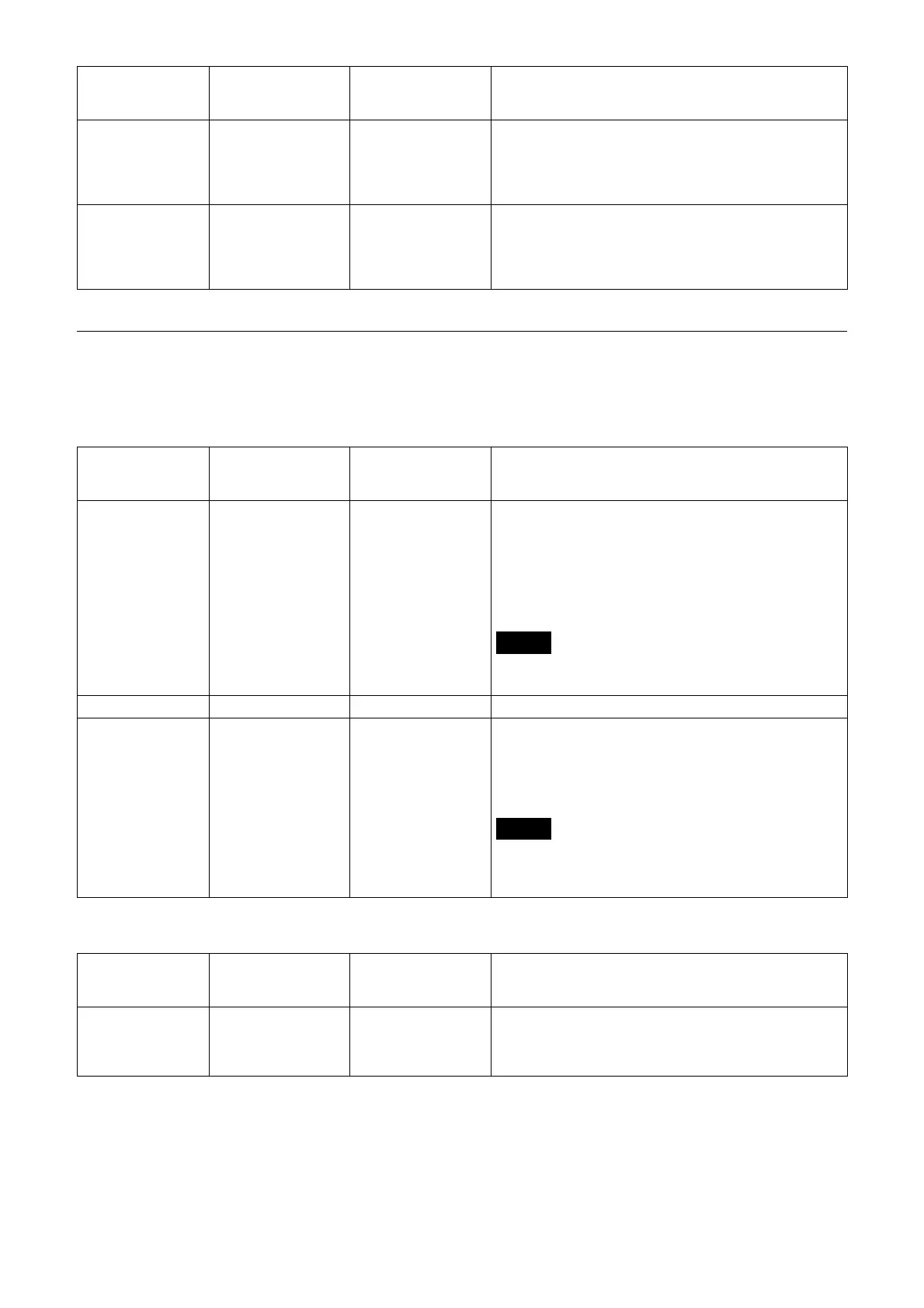
Mode Day/Night/Auto Day Select Day/Night ICR mode. In Day mode, the IR cut
filt
er is enabled to remove unnecessary IRs.
[Day]: Day mode is applied.
[Night]: Night mode is applied. The picture becomes
mon
ochrome.
[Auto]: The mode switches automatically between
D
ay/Night ICR.
Note
When [Auto] is selected, set the exposure mode to
[Full auto].
Status ― ― Displays the Day/Night function status.
Threshold 0 to 255 14 When Day/Night ICR mode is set to [Auto], select a
l
evel to switch from [Night] to [Day] in the range from
0 to 255.
The mode is subject to change from Night mode to
D
ay mode the smaller the selected value is.
Note
If a higher value is selected, the mode may not be
switched to the Day mode even when the object is
bright. In this case, select a lower value.
Menu item Detail and setting
value
Initial setting value
of the factory
default setting
Content
Near-IR Correction On/Off Off Performs the compensation appropriate to locations
where there is a large amount of near short infrared
rays or when using the IR lamp. Select the checkbox
to increase auto-focus accuracy in night mode.
Menu item Detail and setting
va
lue
Initial setting value
of the factory
default setting
Content



 To Next Page