30
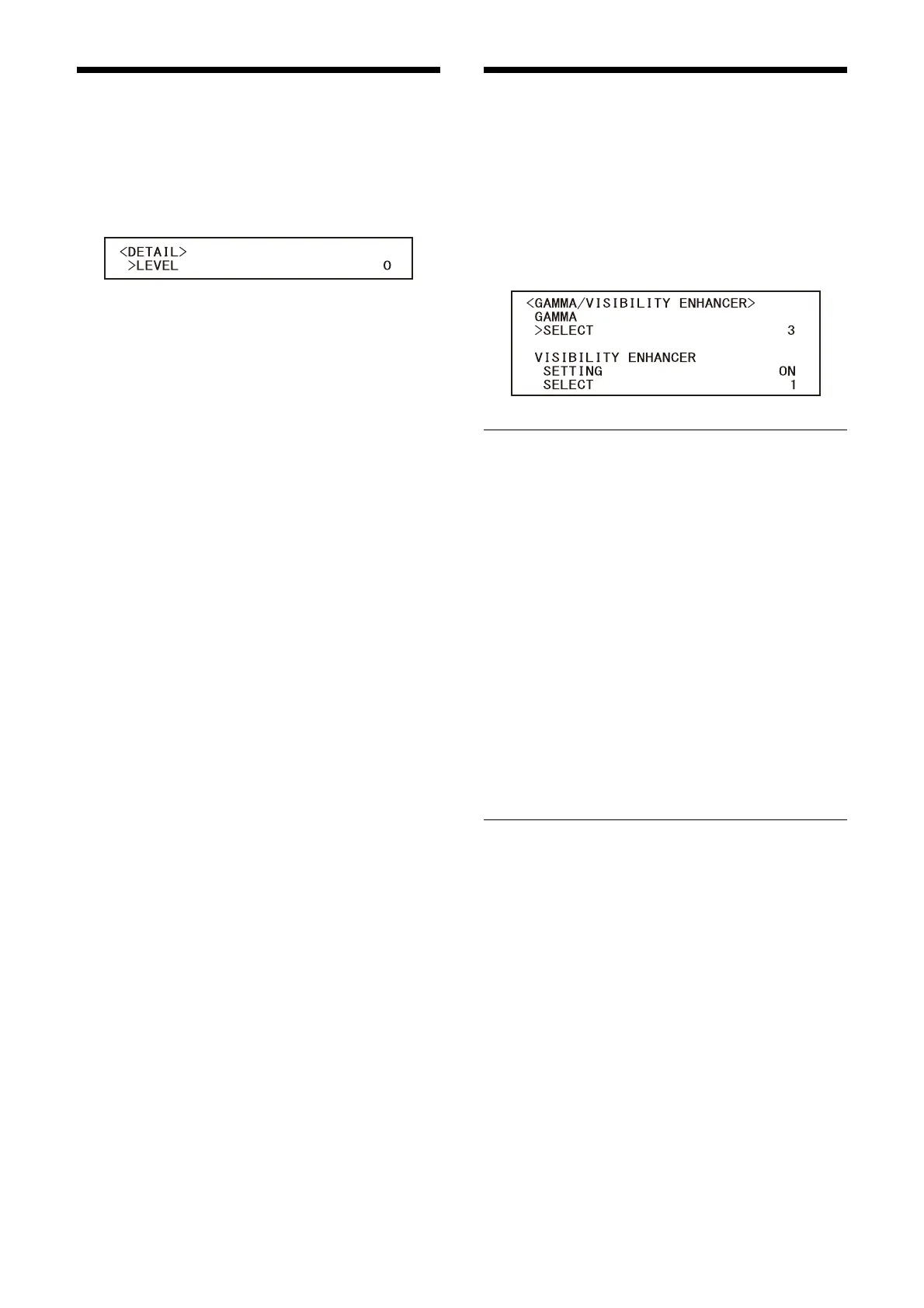
DETAIL Menu
The DETAIL menu is used to adjust the image
enhancer function.
You can set the menu from the Administrator
menu on a web browser.
For details, see “[Picture] tab” (page 49).
LEVEL (Detail - Level)
You can set the volume of the contour correction
signal. Select a value from [0] to [14]. The greater
the value, the stronger the contour correction
signal.
GAMMA/VISIBILITY
ENHANCER Menu
The GAMMA/VISIBILITY ENHANCER menu is used
to adjust GAMMA correction and VISIBILITY
ENHANCER function.
You can set the menu from the Administrator
menu on a web browser.
For details, see “[Picture] tab” (page 49).
GAMMA
SELECT (Gamma - Gamma)
You can select the type of basic curve for
GAMMA correction.
SRG-XP1:
[0]: Darker and contrast is clear.
[1]: Darker.
[2]: Contrast is clear.
[3]: Standard setting.
SRG-XB25:
[0]: Brighter.
[1]: Darker.
[2]: Contrast is clear.
[3]: Standard setting.
VISIBILITY ENHANCER
SETTING (Exposure - Visibility Enhancer)
When this is turned [ON], gradation correction is
adaptively performed according to the scene
being shot.
SELECT (Exposure - Effect)
You can adjust the brightness of the shadows on
the screen. Select a value from [1] to [3].



 To Next Page