33
OPTICAL FILTER (SRG-XB25 only)
IR CUT FILTER (Day/Night ICR - Mode)
You can choose either to enable or disable the IR
cut filter feature.
By disabling the IR cut filter feature, the gain in
the IR region is increased allowing the camera to
capture images in shadow.
[DAY]: IR cut filter feature is enabled to remove
unnecessary IR.
[NIGHT]: IR cut filter feature is disabled. The
picture becomes monochrome.
[AUTO]: The mode is automatically switched to
[DAY] or [NIGHT].
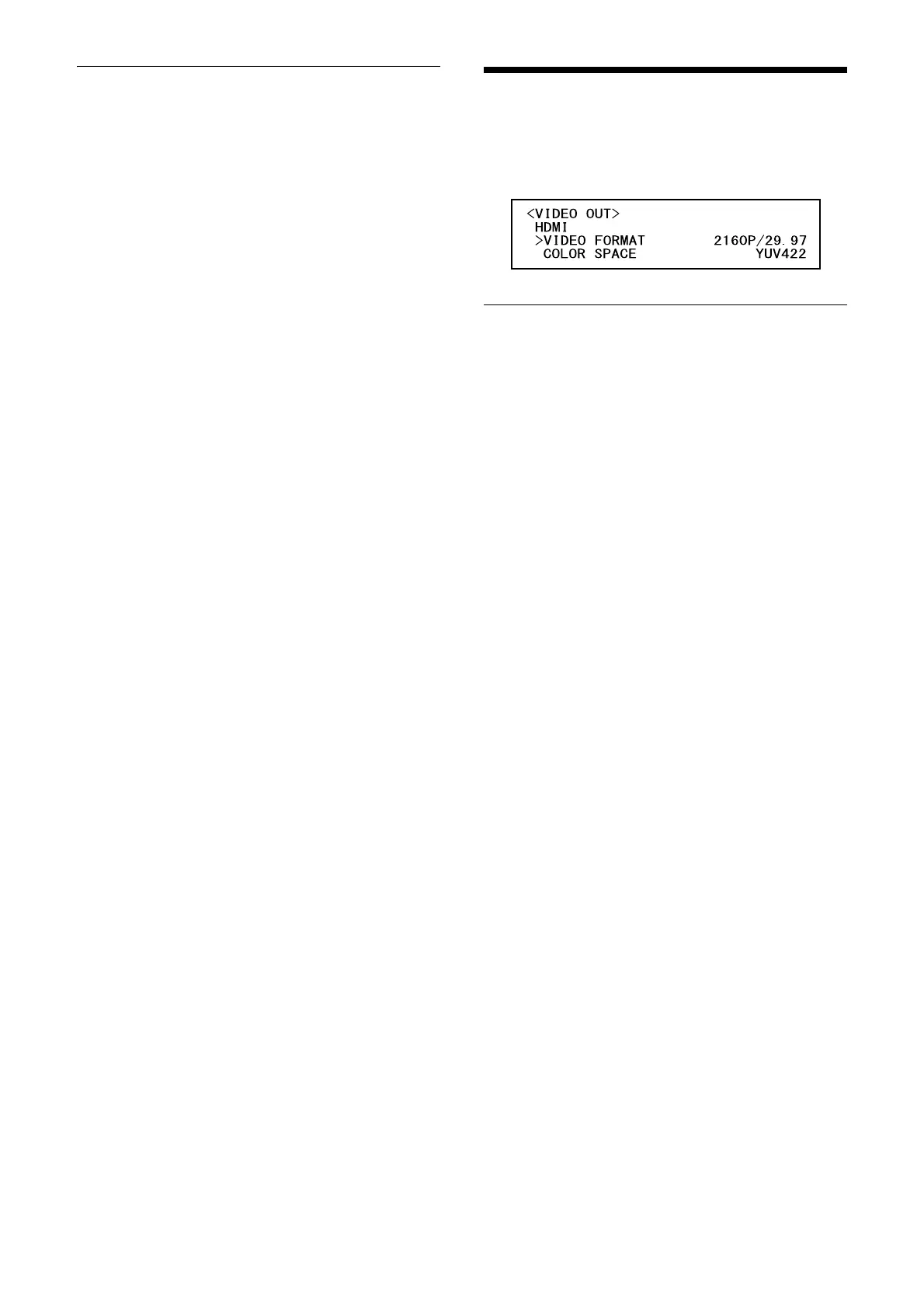
VIDEO OUT Menu
You can set [COLOR SPACE] from the
Administrator menu on a web browser.
For details, see “[Installation] tab” (page 47).
HDMI
VIDEO FORMAT (Video out - Resolution)
Used for selecting the video signal format to be
output from the HDMI OUT terminal.
COLOR SPACE (Video out - Color space)
Set the color space of HDMI output.



 To Next Page