31
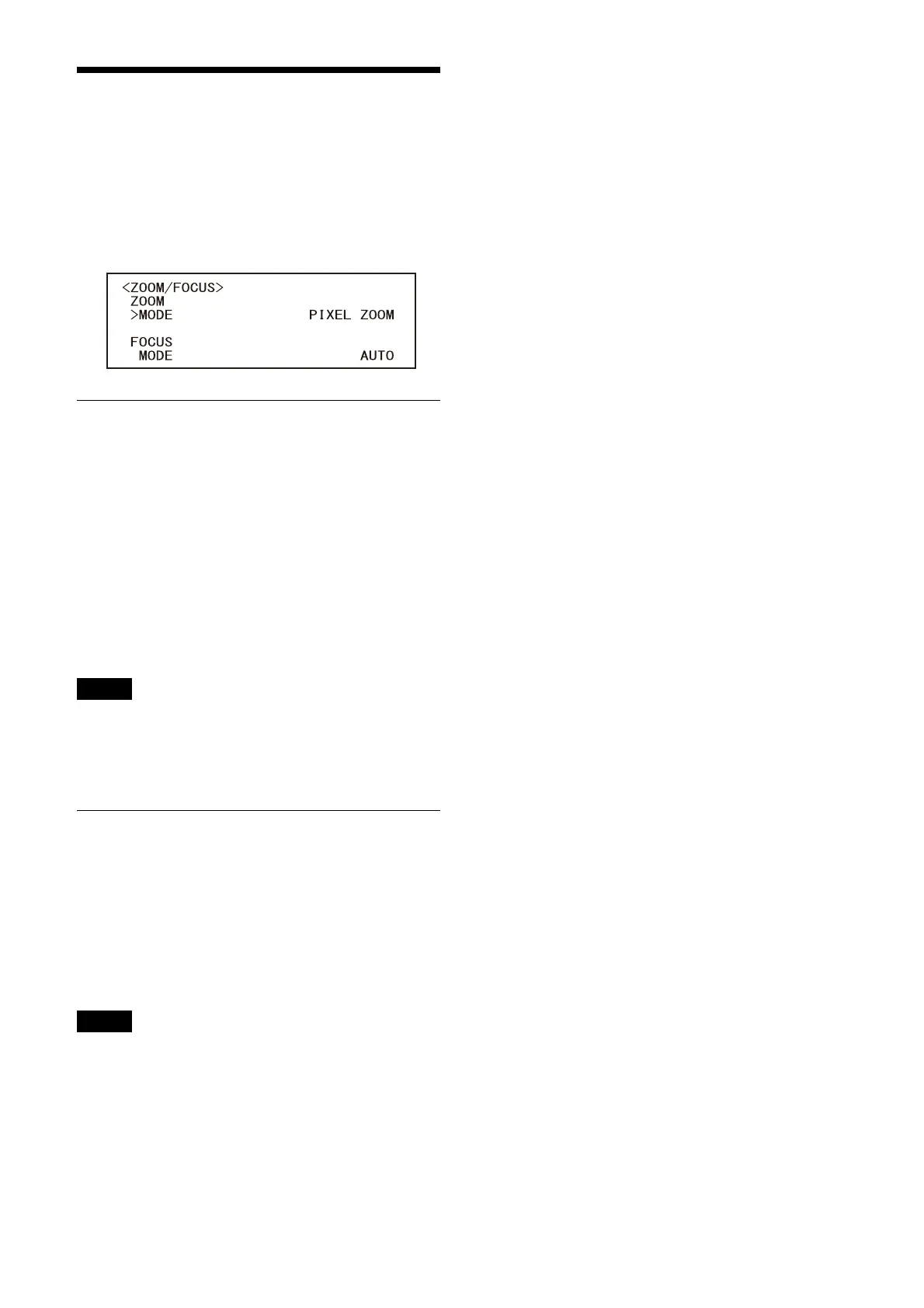
ZOOM/FOCUS Menu
(SRG-XB25 only)
The ZOOM/FOCUS menu is used to select the
zoom/focus mode.
You can set the menu from the Administrator
menu on a web browser.
For details, see “[PTZF control] tab” (page 56).
ZOOM
MODE (Zoom - Zoom mode)
Select the zoom mode.
[OPTICAL]: Zooms objects within the optical
zoom range (up to 25x) of the camera.
[PIXEL ZOOM]: An image is zoomed with little
deterioration of image quality over the
optical region.
[DIGITAL]: 25x optical zoom, 3x pixel zoom, and
2x digital zoom for a total of up to 150x
zoom.
Note
[PIXEL ZOOM] supports zoom of up to 2x at
1080p resolution, and up to 3x at 720p
resolution. This does not function for other
resolutions.
FOCUS
MODE (Focus - Focus mode)
Select the focus mode.
[AUTO]: The camera focuses automatically.
[MANUAL]: You can focus manually. Adjust
using the supplied remote commander or
optional remote controller.
Note
Select [MANUAL] and adjust the focus manually
when shooting the following objects.
• White walls and other objects without contrast
• Objects behind glass
• Objects with horizontal stripes
• Objects on which bright lights are cast or
reflected
• Nightscapes and other dark objects with
blinking lights
• Lit objects shot with darkened exposure
adjustment or exposure compensation
settings



 To Next Page