115
5-2 Recording
Chapter 5 Recording/Playback
5-2 Recording
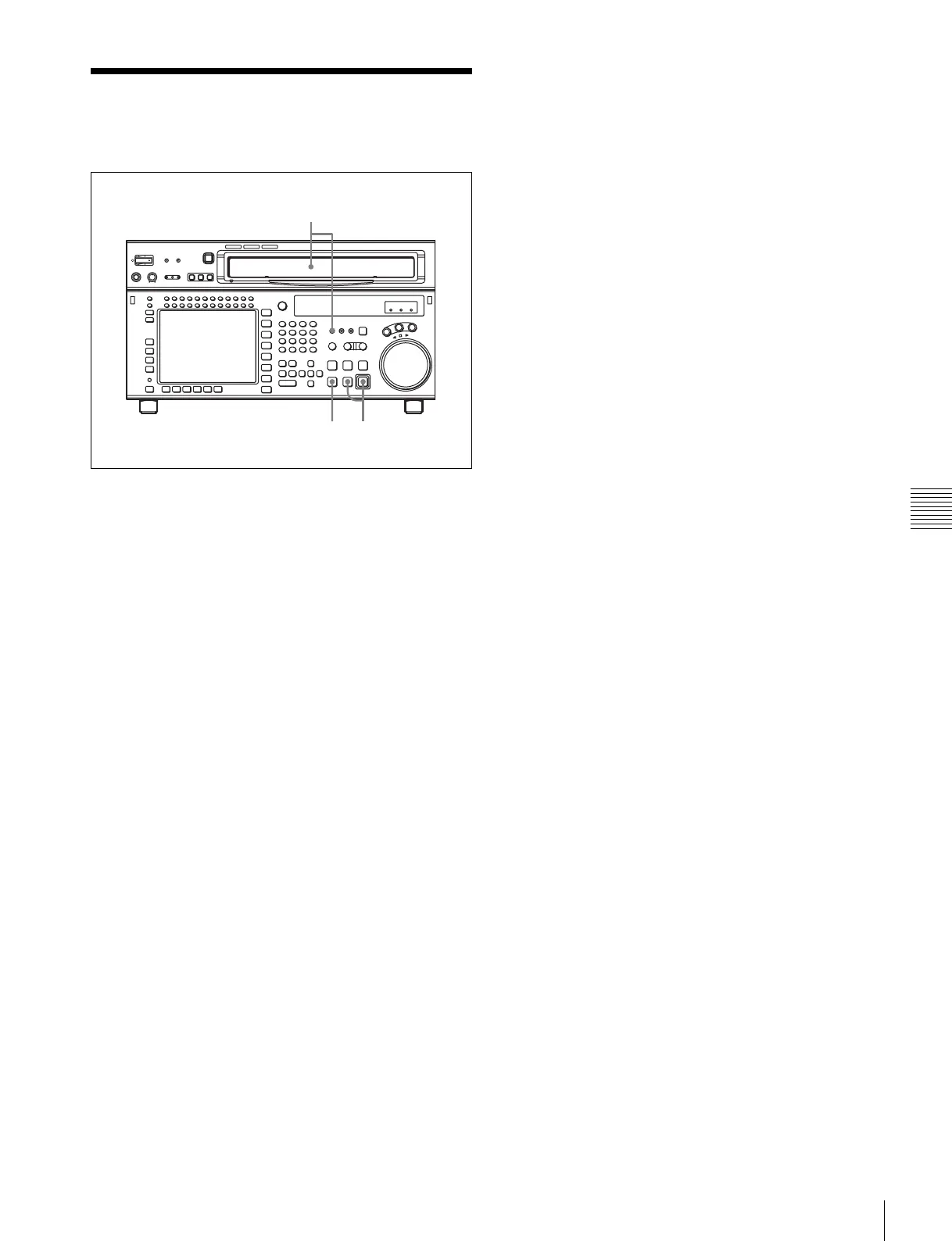
To record, follow the procedure below.
1
Check that the REC INHIBIT indicator is off, then
insert a cassette.
For details on inserting a cassette, see “3-3-2
Inserting and Ejecting Cassettes” on page 36.
2
Press the PLAY button while holding down the REC/
EDIT button.
Recording starts and the SERVO indicator lights up to
indicate that the servo is locked.
3
Press the STOP button to stop recording.
If the recording continues to the end of the tape
If the VTR SETUP menu item 407 “AUTO REWIND” is
set to “on”, then the tape automatically rewinds to the
beginning and stops.
1
3
2



 To Next Page