50
4-1 Registering and Storing Menu Settings
Chapter 4 Menu Settings
Data that can be stored to/recalled from a VTR
memory bank or a “Memory Stick”
• VTR SETUP data
• PF assignment data
• BANK titles
DEFAULT values for VTR SETUP can be saved and
recalled. However, DEFAULT values do not include PF
assignment data and BANK titles.
For details of saving and recalling DEFAULT values, see
“4-1-10 Saving and Recalling DEFAULT Settings on a
Bank” on page 51.
4-1-8 “Memory Stick” Data
Compatibility
Data copied onto a “Memory Stick” can be used on control
panels connected to other SRW-5000/5500 VTRs.
Although data is completely compatible between VTRs
with different optional equipment, take note of the
following.
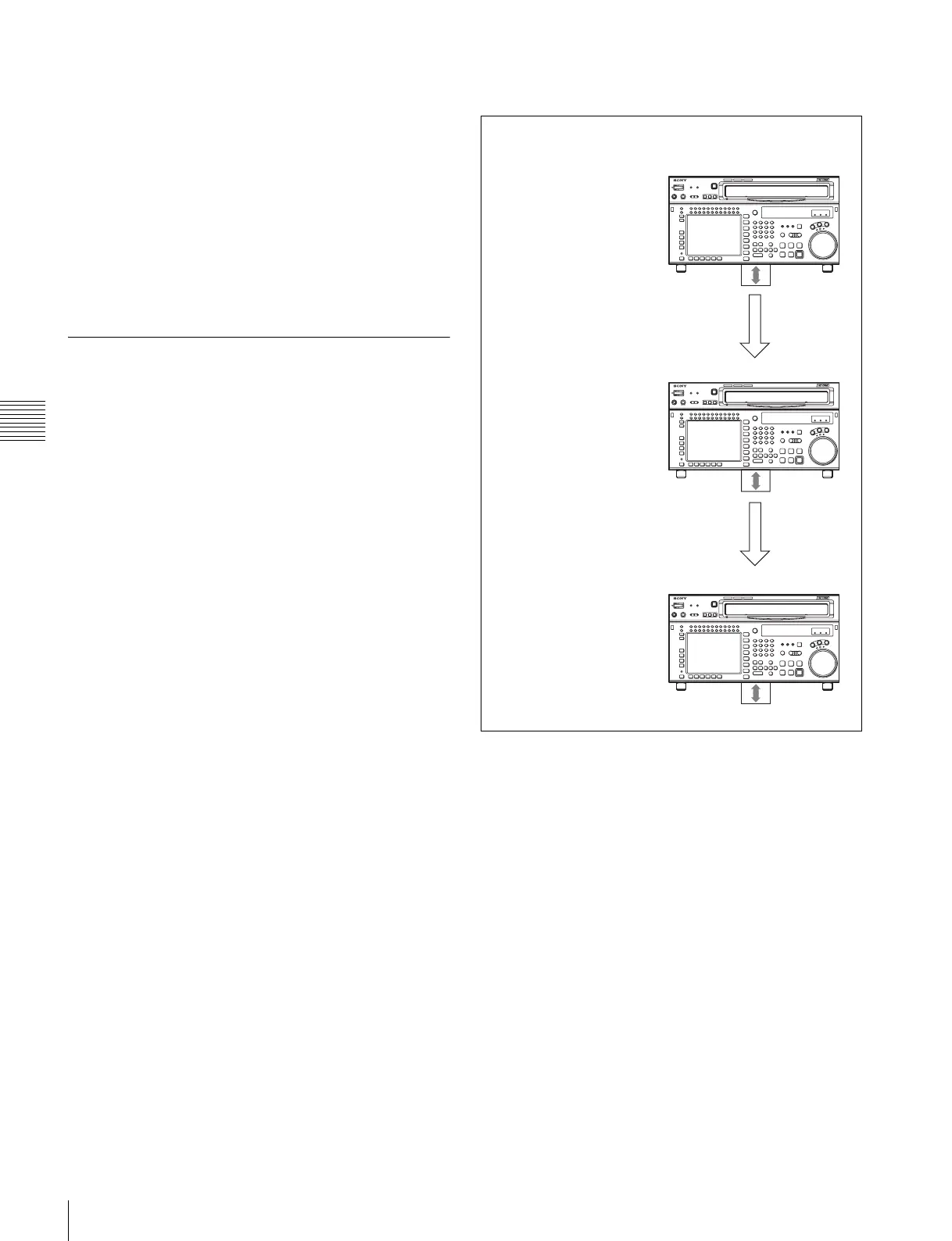
Consider data copied from VTR A to VTR B and
then to VTR C
• Even though the optional equipment is different in VTRs
A and B, the VTR SETUP menu settings are preserved.
• Even though the VTR SETUP menu settings are copied
to VTR C after being copied to VTR B, the settings from
VTR A are copied to VTR C.
• Even though settings are copied for optional equipment
that is not present, the settings are adjusted and
processed by the VTR internally.
• There is complete data compatibility between the SRW-
5000 and SRW-5500. However, items which are not
available on one model or the other do not appear in the
VTR SETUP menu.
• There is no data compatibility between the SRW-5800/
5100 and SRW-5000/5500. However, VTR SETUP data
for the SRW-5800/5100 can be imported to the SRW-
5000/5500.
SRW-5000
HD DIGITAL VIDEO CASSETTE RECORDER
SRW-5000
HD DIGITAL VIDEO CASSETTE RECORDER
SRW-5000
HD DIGITAL VIDEO CASSETTE RECORDER
VTR A
(HKSR-5001 FORMAT CONVERTER installed)
VTR SETUP menu
A08: FC REFERENCE select:
extern HD
Internal VTR processing:
extern HD
VTR B
(HKSR-5001 NOT installed)
VTR SETUP menu
A08: FC REFERENCE
select: extern HD
Internal VTR processing: off
VTR C
(HKSR-5001 installed)
VTR SETUP menu
A08: FC REFERENCE
select: extern HD
Internal VTR processing:
extern HD
“Memory
Stick”
Copy
Copy



 To Next Page