44
4-1 Registering and Storing Menu Settings
Chapter 4 Menu Settings
3
Press the [F8] (DIRECTION) button to select the <
direction.
The left cursor bar flashes.
4
Press the cursor R or r button to move the cursor (B) to
the number of the VTR memory bank to be recalled.
5
Press the [F9] (COPY) button.
A message asking you to confirm the operation
appears in the display.
To cancel the recalling operation
Press the CLR button.
6
Press the [F9] (COPY) button while holding down the
SFT button.
The menu settings are recalled from the selected VTR
memory bank.
When the recalling process has been completed, the
title of the VTR bank appears under CURRENT
SETUP in the display.
7
Press the [F10] (SAVE/EXIT) button.
The SET UP menu appears again.
4-1-5 “Memory Stick” Operations
You can store menu settings in the VTR memory banks
and cue point data to a “Memory Stick” for recall later.
To eject the “Memory Stick”
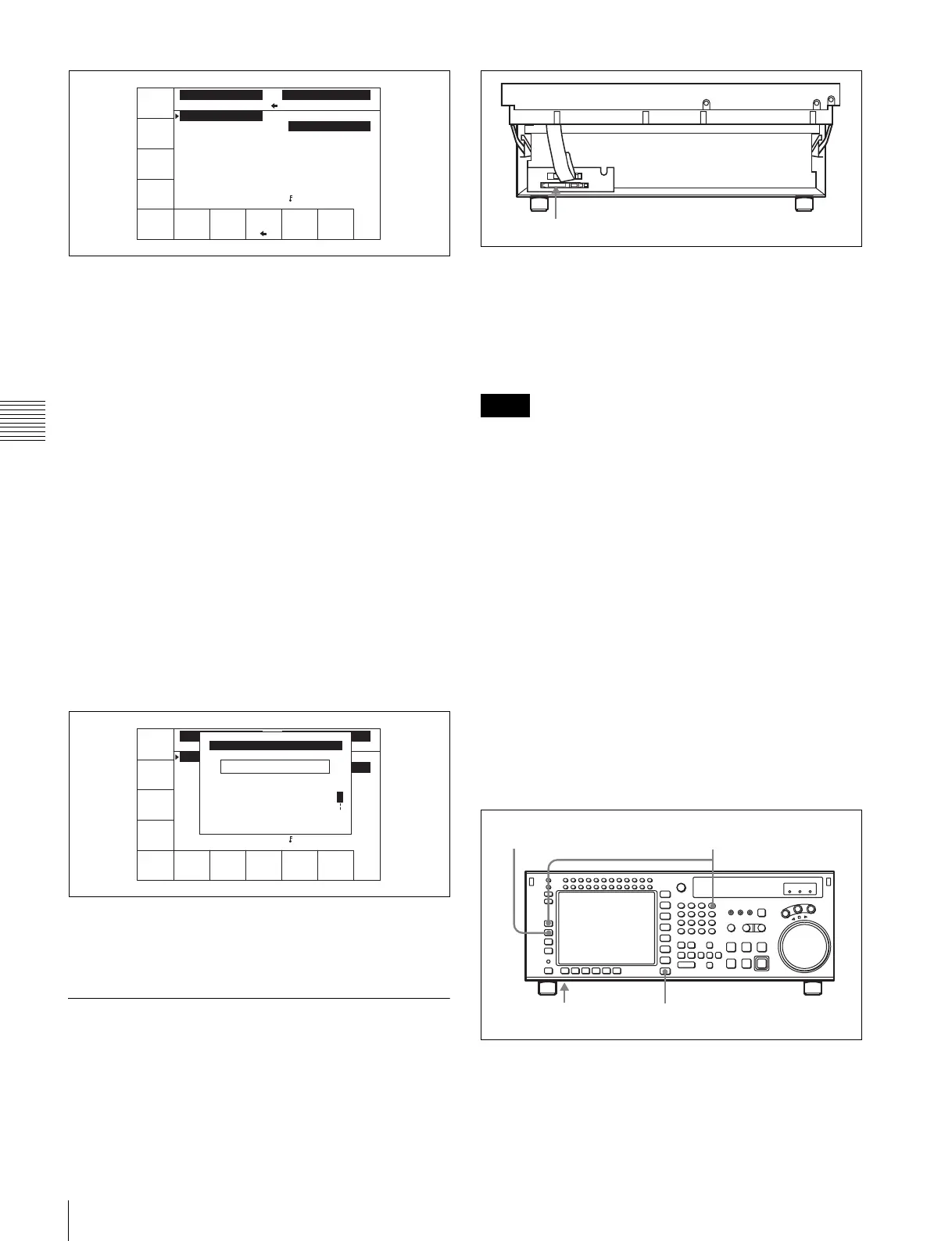
Raise up the lower control panel, and press the button on
the right side of the insertion slot.
For details of opening and closing the control panel, refer
to the Maintenance Manual.
• When inserting a “Memory Stick”, press it firmly in as
far as it will go. The stick recognition status is shown on
the MEMCARD menu screen. If not inserted properly,
reinsert it.
• While data is being read from or written to the “Memory
Stick”, the status appears on the screen. During these
operations, do not remove the “Memory Stick”.
• When no directory is found on the inserted “Memory
Stick” for storing the settings of the SRW-5000/5500
(“SRW5000”), the message “CONFIRMATION OF
CREATING DIR:” appears in the MEMCARD menu
display.
Press the [F1] (FORMAT CARD) button while holding
down the SFT button to create a directory. To cancel
creating a directory, press the CLR button.
Formatting a “Memory Stick”
The “Memory Stick” must be formatted before you can use
it.
1
Insert the “Memory Stick”.
2
Press the SET UP button.
The SET UP menu appears in the display.
UNDO
DIREC-
TION
COPY EXITEDIT
TITLE
VTR BANK
SETUP BANK 2
1 (Preset)
2 (Preset)
3 (Preset)
4 (Preset)
5 (Preset)
6 (Preset)
7 (Preset)
8 (Untitled)
F (Preset)
VTR BANK
CURRENT SETUP
(Preset) C
SPACE CANCEL SAVE/
EXIT
BACK
SPACE
VTR BANK
SETUP BANK 1
1 (Preset)
2 (Preset)
3 (Preset)
4 (Preset)
5 (Preset)
6 (Preset)
7 (Preset)
8 (Untitled)
F (Preset)
VTR BANK
CURRENT SETUP
(Preset)
(Preset)_
ABCDEFGHIJKLMNOPQRSTUVWXYZ
abcdefghjiklmnopqrstuvwxyz
0123456789[]()<>@+-*=!?:;
CURRENT SETUP TITLE EDIT
$#%&,."\^_'/~ {} HD1D2CAM
'
Notes
“Memory Stick” insertion slot
4,5,6
12
3



 To Next Page