45
4-1 Registering and Storing Menu Settings
Chapter 4 Menu Settings
3
Press the [F2] (MEMORY CARD) button.
The MEMCARD menu appears in the display.
4
Press the [F1] (FORMAT CARD) button.
A message asking you to confirm the operation
appears in the display.
To cancel formatting
Press the CLR button while the confirmation message
appears in the display.
5
Press the [F1] (FORMAT CARD) button while
holding down the SFT button.
The VTR starts formatting the “Memory Stick”.
Storing the contents of the VTR memory
banks to a “Memory Stick”
1
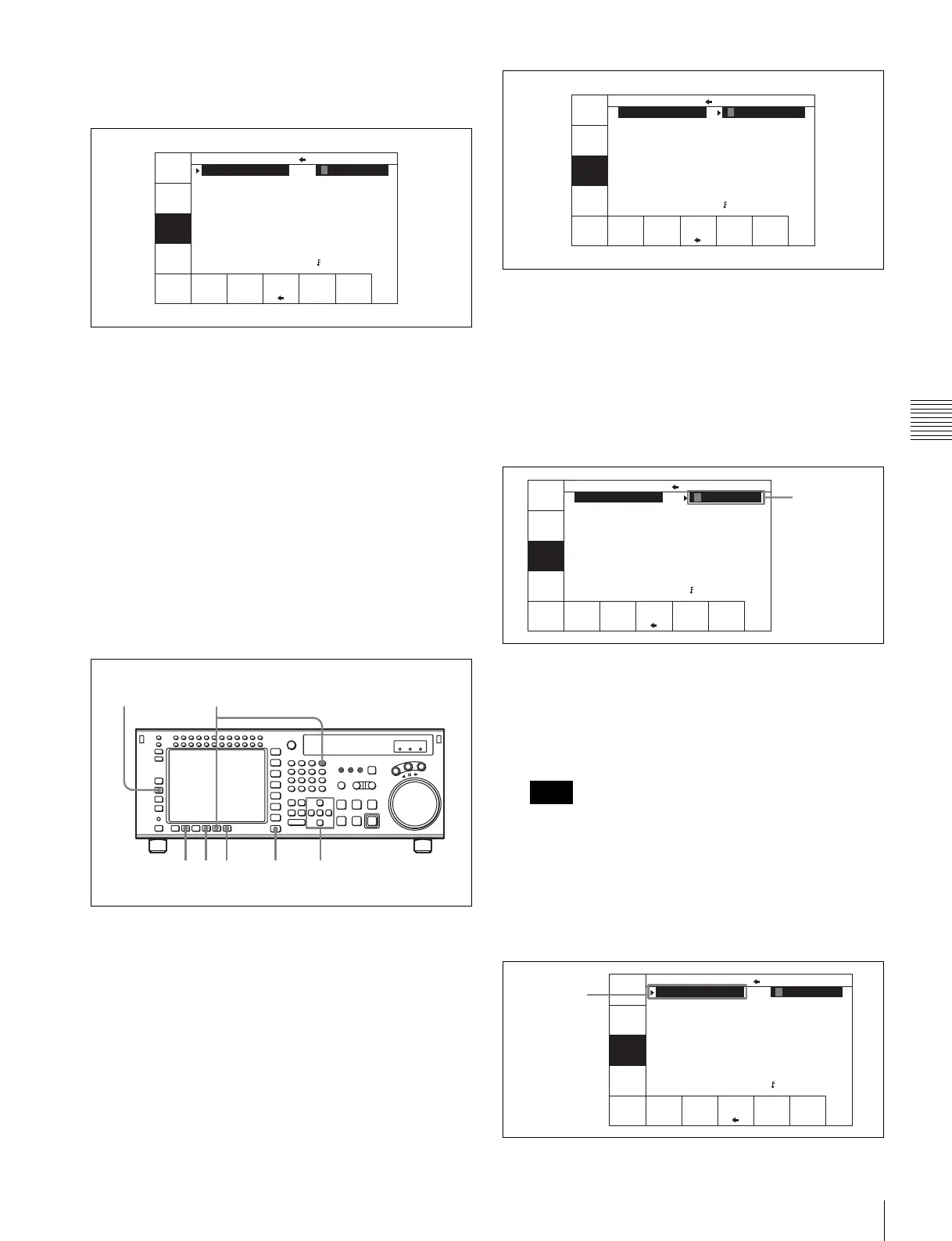
Press the SET UP button.
The SET UP menu appears in the display.
2
Press the [F2] (MEMORY CARD) button.
The MEMCARD menu appears in the display.
3
Press the [F8] (DIRECTION) button to select the <
direction.
The left cursor bar flashes.
4
Move the cursor B to the VTR side using the cursor t
button and use the cursor R or r button to move the
cursor bar to the memory bank where the data is to be
saved.
To store the current VTR menu settings
Move the cursor (B) to the [C] (CURRENT SETUP)
position.
To store all VTR memory banks
Press the [F7] (SELECT ALL) button.
If there are protected items at the destination end, it is
not possible to select the [F7] (SELECT ALL) button.
5
Move the cursor (B) to the “Memory Stick” side using
the cursor T button, and use the cursor R or r button
to move the cursor to the bank number (“Memory
Stick” side) where the data is to be saved.
FORMAT
CARD
UNDO
SHOW
SETUP
SHOW
CUESET
SELECT
ALL
DIREC-
TION
COPY EXITEDIT
TITLE
CARD BANK 0
(BASEBALL) 0
(Preset) 1
(Preset) 2
(Preset) 3
(Preset) 4
(Preset) 5
(Preset) 6
(Preset) 7
(Preset) 8
CURRENT SETUP
C FOOTBALL
1 (Preset)
2 (Preset)
3 (Preset)
4 (Preset)
5 (Preset)
6 (Preset)
7 (Preset)
8 (Preset)
F (Preset)
36 9
1
7,82
4,5
Note
FORMAT
CARD
UNDO
SHOW
SETUP
SHOW
CUESET
SELECT
ALL
DIREC-
TION
COPY EXITEDIT
TITLE
CURRENT SETUP
C FOOTBALL
1 (Preset)
2 (Preset)
3 (Preset)
4 (Preset)
5 (Preset)
6 (Preset)
7 (Preset)
8 (Preset)
F (Preset)
CARD BANK 0
(BASEBALL) 0
(Preset) 1
(Preset) 2
(Preset) 3
(Preset) 4
(Preset) 5
(Preset) 6
(Preset) 7
(Preset) 8
FORMAT
CARD
UNDO
SHOW
SETUP
SHOW
CUESET
SELECT
ALL
DIREC-
TION
COPY EXITEDIT
TITLE
CARD BANK 0
(BASEBALL) 0
(Preset) 1
(Preset) 2
(Preset) 3
(Preset) 4
(Preset) 5
(Preset) 6
(Preset) 7
(Preset) 8
CURRENT SETUP
C FOOTBALL
1 (Preset)
2 (Preset)
3 (Preset)
4 (Preset)
5 (Preset)
6 (Preset)
7 (Preset)
8 (Preset)
F (Preset)
Saved data
FORMAT
CARD
UNDO
SHOW
SETUP
SHOW
CUESET
SELECT
ALL
DIREC-
TION
COPY EXITEDIT
TITLE
CARD BANK 0
(BASEBALL) 0
(Preset) 1
(Preset) 2
(Preset) 3
(Preset) 4
(Preset) 5
(Preset) 6
(Preset) 7
(Preset) 8
CURRENT SETUP
C FOOTBALL
1 (Preset)
2 (Preset)
3 (Preset)
4 (Preset)
5 (Preset)
6 (Preset)
7 (Preset)
8 (Preset)
F (Preset)
Destination
(flashing)



 To Next Page